






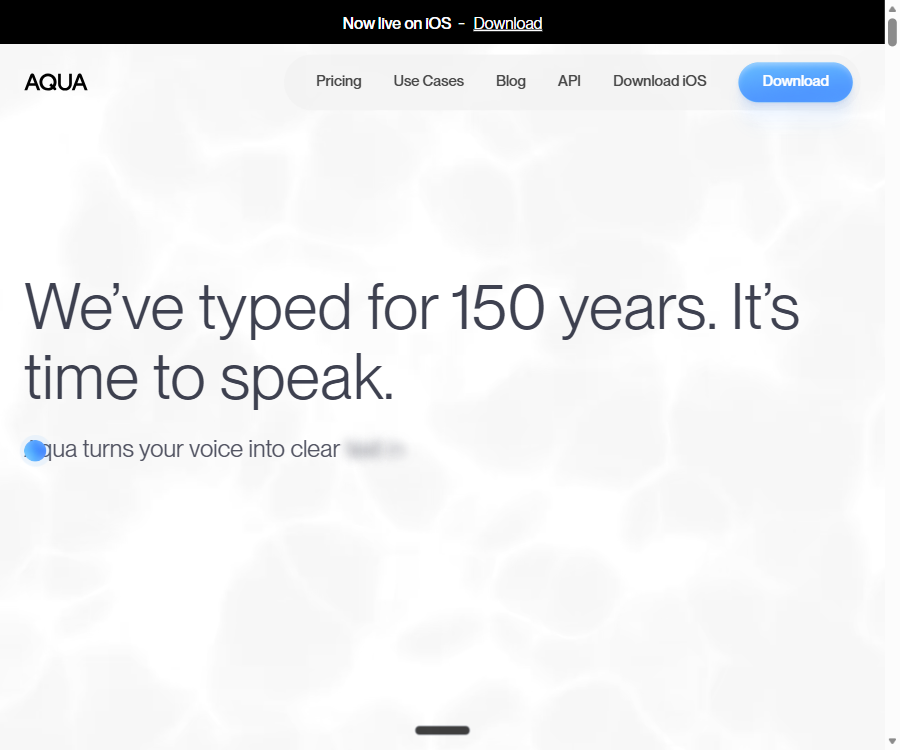
Aqua Voice
Convert natural speech into clear and accurate text in real time for any application.
Tags:AI audio toolsWhat is Aqua Voice?
Aqua Voice is a system-level AI voice input tool designed for users who need to write emails, messages, documents, and AI prompts quickly. It converts spoken language into text that has been formatted with punctuation and adjusted in terms of context, which can then be entered into the text fields of various applications.
The product makes use of its own Avalon speech recognition model, with a focus on optimizing code, product names, abbreviations, and technical terms. It is currently available for macOS, Windows, and iPhone; on desktop versions, an internet connection is required for cloud-based recognition.
The main functions of Aqua Voice
- Cross-application dictation: Type in the text fields of chats, emails, documents, browsers, and AI tools.
- Contextual formatting: Adjusts the tone, punctuation, paragraph structure, and list format according to the current application.
- Technical terminology recognition: Optimization for code terms, model names, product names, and abbreviations.
- Personal dictionary: Add names, brands, and industry-specific terms to improve the recognition rate of fixed expressions.
- Custom commands: Allow users to set their own writing preferences, so that the transcription results match their preferred style.
- Multilingual dictation: Supports multiple languages such as Chinese, English, Japanese, Korean, French, German, and more.
- Voice editing: Allow users to request changes to the previously transcribed text or to the currently selected text by speaking.
- Realtime mode: On the desktop version, text is displayed as you speak, reducing the waiting time associated with transcribing long passages.
- Voice commands: Send messages or control input results using voice commands in the supported modes.
- Cross-device synchronization: The same account can be used on both the desktop version and iPhone, with dictionary and settings synchronized across them.
How to use Aqua Voice
Complete voice input on a computer.
- Install the Aqua Voice client suitable for your current computer system and log in with your account.
- Grant microphone permissions and any necessary accessibility features, and check to ensure that the input devices are working properly.
- Open the application in which you want to write the content, and place the cursor in the target text box.
- Start the dictation and speak naturally; when stopping, clearly state the requirements regarding paragraphs and structure.
- Check proper nouns and numbers, and make corrections using voice editing or the keyboard if necessary.
Improve the accuracy of identifying specialized vocabulary.
- Add commonly used names, product names, abbreviations, and technical terms to the personal dictionary.
- Specify preferred languages, case usage, numbers, and punctuation in the custom instructions.
- Use a stable microphone and reduce ambient noise, avoiding multiple people speaking at the same time.
- Start with short paragraphs for testing, and gradually increase the length of the consecutive dictation.
- When dealing with contracts, medical, or financial matters, check each sentence carefully before sending it.
Aqua Voice prices and packages
The official website offers both monthly and annual payment options; the prices for Pro, Max, and Team plans in the table are the equivalent amounts for annual payment. App stores may display different amounts due to channel fees.
| Package | Reference price | Dosage and functions | Suitable for |
|---|---|---|---|
| Starter | Free | A total of 1,000 free words, Aqua Engine, and 5 dictionary entries | First experience |
| Pro | $ | Unlimited dictation, Avalon, 800 dictionary entries, custom commands | Individual high-frequency dictation |
| Max | $ | Includes Pro, with added features such as Realtime functionality, voice commands, and priority support. | Power users of AI and voice technology |
| Team | $ | Includes Pro, centralized billing, team settings, and organization privacy mode. | Small team |
| Enterprise | Customization | SSO/SAML, SCIM, zero data retention, reporting, and team dictionaries | Large organizations |
Students who use the school-approved email addresses can enjoy a 30% discount on Pro and Max plans. The prices for in-app purchases on iPhone may be higher than those for subscriptions through the official website; it is therefore advisable to compare the different options and renewal periods before making a purchase.
Supported platforms and usage conditions
- macOS: Supports Apple Silicon and Intel devices.
- Windows: Supports Windows 10 and Windows 11.
- iPhone: Uses the system keyboard for voice input in mobile apps.
- Network: It identifies dependencies on cloud services and is not suitable for scenarios that require complete offline operation.
- Account: A Pro account can be used on both the desktop version and the iPhone, with settings synchronized across them.
GitHub and the open-source status
The Aqua Voice application and the Avalon model are not open-source products. While their GitHub repositories contain information related to training research and voice-related projects, this does not mean that the commercial client versions or the current models come with their complete source code made available.
Which users are it suitable for
- Knowledge workers who need to write a large number of emails, instant messages, and documents.
- For users who wish to enter long prompts quickly into AI tools such as ChatGPT and Claude via voice.
- Developers who frequently explain concepts related to code, product names, and technical terms orally.
- Users with a slow typing speed, hand fatigue, or needs for accessible input methods.
- Small teams that need a unified dictionary, billing, and privacy settings.
Product advantages
- It is able to understand technical terminology and automatically handle punctuation, capitalization, and formatting.
- The system-level input method can cover most common text applications.
- Personal dictionaries and custom commands can continuously improve the user experience.
- The same account is used for both the desktop version and the iPhone, reducing the need for repeated configurations.
- Max and the enterprise solutions cover real-time input, voice commands, and organization management.
Usage restrictions and precautions
- Identification relies on network and cloud processing; it cannot function properly in an offline environment.
- The 1,000 words available in the Starter version represent a limited amount of usage; it is not an unlimited free service.
- Realtime and voice command functions are primarily designed for desktop use; the functionality on iPhone is different.
- Speech recognition may still miswrite numbers, names, and rare terms; it is necessary to check them before sending.
- When dealing with sensitive information, it is necessary to verify the privacy settings, data retention policies, and organizational policies.
Frequently Asked Questions
Does Aqua Voice support Chinese?
Supported. It offers multilingual dictation; Chinese users are still advised to add proper names, brand names, and technical terms to their personal dictionary.
Can Aqua Voice be used offline?
It cannot be used entirely offline. Speech recognition relies on cloud services, which requires a stable internet connection.
Is the free version sufficient for long-term use?
Starter is more suitable for testing microphone performance, accent recognition, and the ability to identify common words. Users who need to do continuous transcription usually require Pro or a higher-tier plan.
Tools similar to Aqua Voice




 Guigong Network Security Registration No. 45132202000164