






Noiz AI
An AI audio platform that offers emotional voice synthesis, voice cloning, and video dubbing services.
Tags:AI audio toolsWhat is Noiz AI?
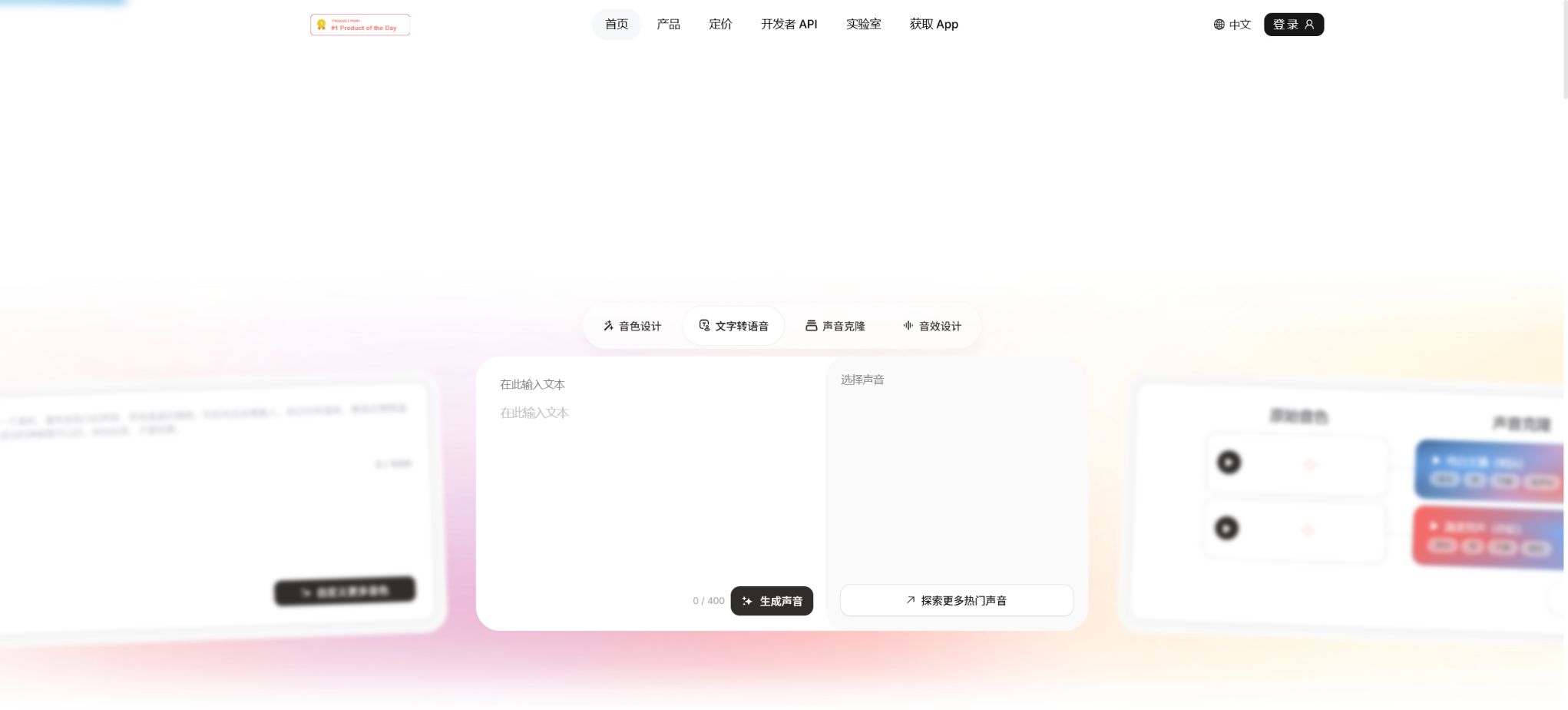
Noiz AI is an AI-powered platform for voice and audio creation, designed for content creators, brands, and developers. Its key features include text-to-speech with emotional expression, voice cloning, sound design, multilingual dubbing, sound effects, as well as audio synchronization for videos.
It not only provides a web-based workspace for creating pages, but also offers developer dashboards, APIs, as well as various capabilities related to agent skills. The technical foundation of this platform is related to the Chinese open-source voice cloning project MockingBird; however, the commercial Noiz service itself is not an open-source platform.
Main functions of Noiz AI
- Text-to-speech for emotions:Convert the script into a more natural narration, and control the emotion, speech pace, pauses, emphasis, and intensity of expression.
- Voice Library:Filter voices based on different languages, genders, ages, accents, and usage scenarios.
- Voice cloning:Digital sounds are created using clear recordings lasting about 3 to 10 seconds, and multilingual content is continued to be generated.
- Voice Design:Describe new sounds that are not available in the sound library using text or character images.
- Multi-character dialogue:Assign different voice roles to podcasts, audiobooks, animations, and game scripts.
- Video narration:Translate the video and create a track in the target language, striving to preserve the original voice tone, emotion, and rhythm.
- Sound Design:Generate ambient sounds, sound effects, impact noises, and cinematic audio effects based on the textual description.
- Smart Video Sound:Analyze video actions and emotions to generate sound effects or background music that match the rhythm of the visuals.
- AI music:Generate musical and track-oriented materials based on style, mood, tempo, key, instruments, and structural cues.
- API and Agent Skills:Integrate text-to-speech, voice cloning, and sound design into applications, automated processes, or AI Agents.
Comparison of Noiz package prices
The figures below show the prices in dollars as displayed on the official pricing page; the annual payment section indicates the average monthly cost after annual settlement. Promotions, taxes, currency rates, and renewal prices may change, so it is necessary to refer to the final settlement page before making a purchase.
| Package | Monthly price | Average monthly amount for annual payment | Monthly credits | Approximately equal to |
|---|---|---|---|---|
| Free | Free | Free | Limited free quota | Try voice, cloning, and sound creation |
| Lite | $ | $ | 100,000 | Approximately 100 minutes of audio or 33 minutes of video narration |
| Pro | $ | $ | 300,000 | Approximately 300 minutes of audio or 100 minutes of video narration |
| Ultra | $ | $ | 1,000,000 | Approximately 1,000 minutes of audio or 333 minutes of video narration |
The number of minutes is an estimate provided on the official pricing page; it is not a fixed conversion rate for all features. Services such as voice cloning, Voice Design, Sound Design, multi-result generation, and various video-related tasks may require separate quotas or different conversion rates.
How to choose between Lite, Pro, and Ultra?
| Usage requirements | Recommended package | Reason for selection |
|---|---|---|
| Occasionally create voiceovers for short videos. | Free or Lite | First, verify the sound quality, language, and export process. |
| Continue to create podcasts, courses, or audiobooks. | Pro | The monthly quota is higher, making it suitable for medium-frequency long texts. |
| Batch video dubbing and multi-character projects | Pro or Ultra | Video dubbing consumes credits quickly, so a larger pool of credits is required. |
| Workshops, agents, and high-frequency production | Ultra or Enterprise plan | Higher throughput, and assistance is available regarding team capabilities and services. |
| Products, Agents, and Automated Calls | Developer API | Integration through keys and interfaces in accordance with the actual workflow. |
Rules for using Credits
- Deduction by task:The length of the text, the duration of the audio, the duration of the video, and the features used all affect the consumption level.
- Multiple result generation:Generating multiple candidates at once usually results in increased costs as the number of outputs rises.
- Regenerate:Submitting again after modifying the emotion, voice, or script may result in additional credits being deducted.
- Monthly limit:The package details are displayed in terms of Credits/Month; the renewal date and rollover rules can be found in the account settings.
- Number of function uses:Voice cloning, sound design, and audio effect design may have separate monthly limits.
- Technical failure:The terms guarantee that the minutes used will be refunded in case video creation fails due to technical errors on the platform.
- Upgrade supplement:If the quota is insufficient, you can upgrade or purchase additional benefits available; details are provided on the purchase page.
Text-to-speech tutorial
- Script organization:Remove website addresses, special symbols, and notes that do not need to be read aloud, and split the text into sections based on characters and paragraphs.
- Select sound:Listen to multiple candidates based on language, accent, age, style, and purpose.
- Set emotion:Select expressions such as calm, happy, tense, sad, or others based on the scenario, and control their intensity.
- Adjust the pace:Handle numbers, names, and technical terms using punctuation, pauses, speech pace, and emphasis.
- Short segment test:Generate a short segment first to check the pronunciation, timbre, and credits consumption.
- Generate in segments:Long texts are created in sections or scenes, so that a single change does not require rewriting the entire text.
- Export mix:After downloading the audio, adjust its volume uniformly, remove noise, and handle the music and subtitles, before proceeding with the release and verification.
Voice cloning tutorial
- Confirm authorization:Only the individual’s own voice can be cloned, or explicit written consent from the owner of the voice rights is required.
- Prepare for recording:Record a 3 to 10 second audio clip of a single person’s voice, ensuring the environment is quiet, the volume is stable, and there is no music present.
- Upload sample:Go to Voice Clone, submit the recording, and complete the verification required by the platform.
- Generate preview:Use neutral sentences to check timbre, accent, noise, and pronunciation accuracy.
- Testing emotions:Listen to expressions such as calm, excited, and serious separately, to avoid distortion caused by excessive intensity.
- Save sound:Use clear names for roles or brands, and restrict team access permissions.
- Publication identifier:For external content, AI-generated status is indicated in accordance with the applicable rules, and the authorization and generation records are retained.
Video translation and dubbing tutorial
- Upload the video for which you have the rights to edit, and ensure that the original audio track, the voices of the people in the video, and the background music are authorized for use.
- Select the source language and target language; first perform automatic transcription, and then manually correct names, brands, and numbers.
- Select sounds from the sound library or authorized cloned sounds, and set up the corresponding relationships for the characters.
- Check whether the translation uses expressions appropriate for the region; avoid a word-for-word translation of puns and cultural references.
- After generating the voiceover, check the lip movements, pauses, emotion, speech pace, and video cut points.
- Adjust the volumes of the voice, original audio, and music, and watch the complete video once before exporting it.
Smart Video Sound User Guide
- Prepare the video:The official guidelines recommend using MP4, MOV, or AVI files that are no longer than 1 minute in length and no larger than 10 MB.
- Selection mode:Choose Smart Audio for actions, movements, and product demonstrations; choose Music for emotional and cinematic content.
- Additional description:Specify the environment, style, instruments, or key sounds that should be included.
- Set volume:For videos with dialogue, start with a lower volume level of the generated audio to prevent it from masking the human voices.
- Generate a preview:Check whether the footwork, collisions, transitions, and music changes are in sync with the visuals.
- Export track separation:For professional projects, it is preferable to download stems first and then continue mixing them in the editing software.
The official guidelines state that a maximum of 5 videos can be uploaded at once, with each video being analyzed and processed separately. Before submitting multiple videos, it is advisable to use a short video to compare Smart Audio and Music first, in order to determine the best approach before using up more quota.
Noiz API and developer capabilities
- Developer Dashboard:Create and manage API credentials, and view the developer credits that have been granted or purchased.
- Speech synthesis:Integrate emotional TTS into applications, games, courses, customer service, and content pipelines.
- Voice cloning:After completing the authorization and identity verification, create a voice for the authorized brand or role.
- Agent voice:Enable chat agents, customer service robots, and interactive characters to generate natural responses.
- Batch automation:Generate audio based on scripts, roles, and languages, and monitor tasks, timeouts, and credits.
The prices, usage rates, models, and free quotas related to the developer API are displayed in real time on the Dashboard; they cannot assume that they are identical to those of an individual subscription. Keys must be stored on the server, with limits set on their usage, as well as mechanisms for rotation and anomaly alerts.
Who is Noiz suitable for?
- Short-video creators:Quickly generate emotional voiceovers, narrations, sound effects, and background music.
- Podcast and audiobook team:Create multi-character content while maintaining consistent timbre across chapters.
- Game and animation developers:Test character voices, batch dialogue, and scene sound effects.
- Course and Training Team:Convert teaching materials into multilingual audio and update the content quickly.
- Marketing and Branding:Establish an authorized brand voice and localize advertisements.
- Application developer:Add voice to Agents, IVR, and the product experience through APIs.
Product advantages
- Emphasize emotions, breathing, pauses, and tone, rather than focusing solely on standard pronunciation;
- Sound libraries, cloning, Voice Design, voice acting, sound effects and music are all available on one platform;
- Short recordings can be used to create sound prototypes, making them suitable for quickly testing the voice style of characters and brands.
- It supports multiple languages and accent directions, facilitating content localization;
- It provides APIs and Agent Skills, making it suitable for automated and interactive products;
- The official terms permit the use of generated content in commercial contexts, provided that compliance is maintained.
Compliance requirements for voice cloning
- It is not allowed to upload recordings of colleagues, clients, actors, influencers, or public figures without permission.
- The voices of minors require the consent of their guardians, and the risks associated with their publication must be carefully assessed.
- It must not be used for fraud, impersonation, false endorsements, political manipulation, or to bypass identity verification.
- The authorization should specify the language, content type, channel, region, duration, and whether retraining is permitted;
- When releasing content to the public, it is necessary to clearly indicate that it is synthetic; this prevents listeners from mistaking it for an actual speech.
- Accounts, cloned voices, and API keys should have access restricted, and they must cease to be used once authorization is revoked.
Copyright, Commercial Use, and Refund Policies
According to the Noiz terms, users retain ownership of the content they create through the service, and may use it outside of the service as well as in commercial contexts, provided that it complies with applicable laws and terms. Users must still ensure that scripts, recordings, audio elements, music, and the final content do not infringe upon third-party intellectual property rights or privacy rights.
A refund for a renewed subscription can be requested within 24 hours after the renewal, provided that no minutes have been used in the new billing period. Any changes to the subscription price will be notified in advance; cancellation and refunds may also be affected by the payment method and the laws of the region where the subscription is located.
Explanation of the MockingBird open-source project
The technical path pursued by the founder of Noiz began with the Chinese voice cloning project MockingBird; the official blog also refers to this project as the starting point for the open-source community. This repository now indicates that it will no longer be actively updated, with the focus on optimizing cloud hosting being shifted to Noiz.
The MockingBird code is not the same product as the Noiz commercial platform; their functions, architectures, quality standards, maintenance practices, and licensing terms all differ. The repository’s README file provides information regarding the MIT license, but the licenses for the training data, pre-trained models, and dependencies still need to be checked separately.
Frequently Asked Questions
Is Noiz AI free?
A limited amount of free usage is provided for testing voice generation, sound creation, and downloading. For continuous generation, commercial production, or tasks that require a larger volume of processing, it is better to purchase the Lite, Pro, or Ultra versions.
How long of a recording is needed for Noiz sound cloning?
The official guidelines recommend using a single-person recording that is clear and free of background music, lasting around 3 to 10 seconds. More importantly, it is necessary to have the permission to clone and use that sound.
Can content generated by Noiz be used for commercial purposes?
The official terms permit use in commercial contexts as long as compliance is maintained, and it is stated that users retain the rights to the content they create. The user is still responsible for any third-party rights related to voices, scripts, music, and other materials.
Does Noiz have an API?
There is a dedicated dashboard for independent developers, which provides credentials and credits for the integration of APIs and Agents. The actual interfaces, models, prices, and rates are as specified on the developer’s page.
Is Noiz open source?
The Noiz commercial platform is not an open-source product. The related MockingBird project has its code made available, but it is no longer actively maintained, and it does not represent the full Noiz service.
Tools similar to Noiz AI




 Guigong Network Security Registration No. 45132202000164