






WellSaid Labs
A high-quality AI voice platform for enterprise content creation
Tags:AI audio toolsWhat is WellSaid Labs?
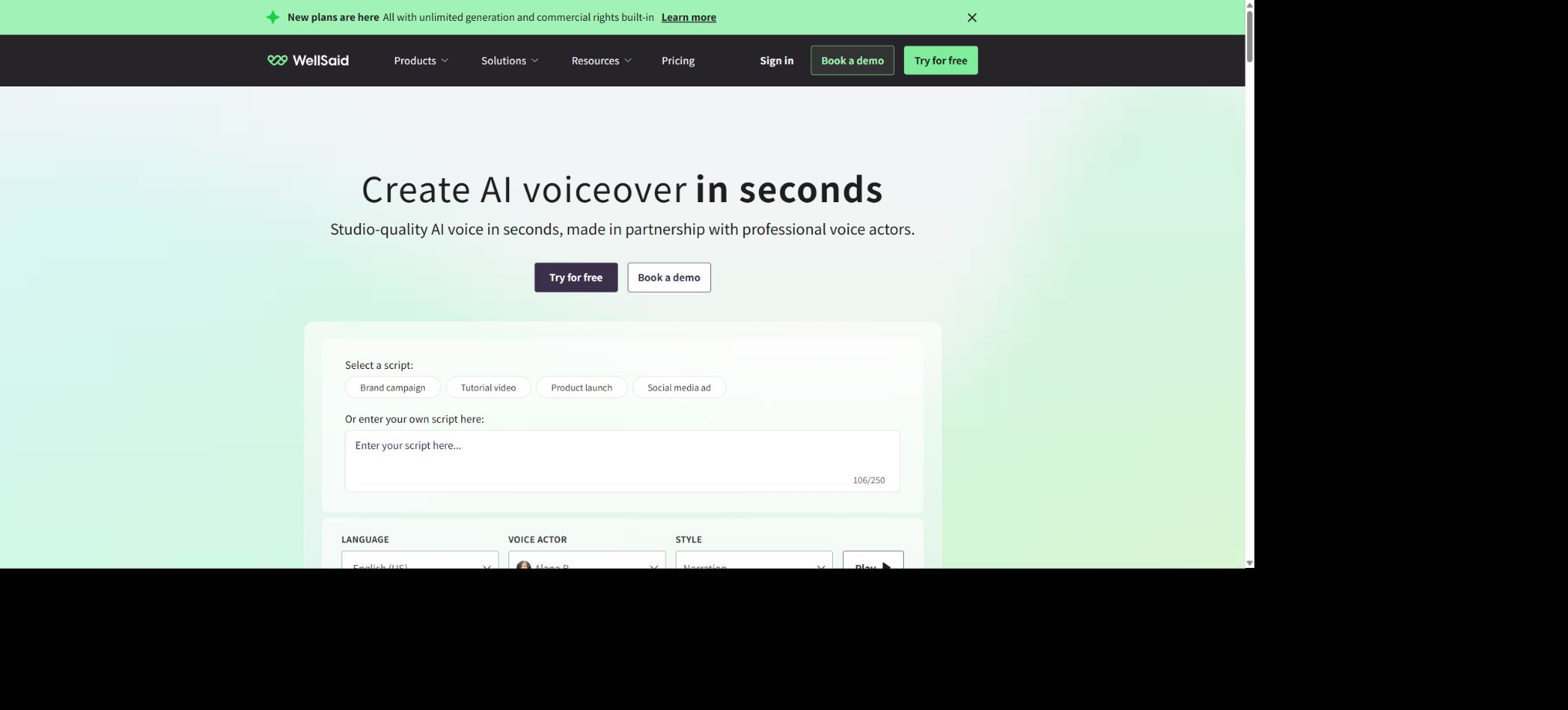
WellSaid Labs is an AI text-to-speech platform designed for corporate training, product demonstrations, advertising, as well as video and audio content; its core product is WellSaid Studio. Users can enter the text they want to be voiced, select a Voice Avatar, and then adjust parameters such as tone, pitch, emotion, pauses, and pronunciation to generate and download professional voiceovers.
It emphasizes brand security, corporate collaboration, and a stable library of English voices, rather than using voices of public figures uploaded arbitrarily by the community. The paid plan offers commercial usage rights, unlimited generation, and billing based on the number of minutes of downloaded content.
Business and Enterprise versions offer additional team spaces, a shared pronunciation database, commenting features, permission controls, integration with Adobe Premiere Pro, and enterprise-level security capabilities.
Core functions of WellSaid Labs
Voice Avatar sound library
WellSaid refers to the pre-set AI speakers as Voice Avatars. The Starter, Pro, Business, and Enterprise versions have access to a full set of English voices, while the free trial version only provides a selected set of voices.
Users can listen to samples by content type, tone, age appropriateness, and style; the specific voices and styles will change as the platform is updated.
Tone, pitch, and emotion control
Studio offers controls for tone, pitch, and emotion, allowing the same text to be adapted better for teaching, advertising, customer service, or storytelling. Excessive adjustments can make the voice sound unnatural; it is recommended to generate multiple versions using short sentences first, and then combine the satisfactory segments into a final version – rather than rendering the entire text at once before checking it.
Custom pronunciation and Smart Suggestions
For brand names, names of people, abbreviations, numbers, and foreign words, users can make corrections by altering the pronunciation, spelling them differently, or adding pauses. Smart Suggestions, integrated with dictionaries, helps to find more appropriate ways of pronouncing these terms; team solutions also allow for the sharing of a pronunciation library, ensuring consistency in the use of brand-related terms across different projects and among team members.
Projects, segments, and unlimited redoing
The paid plan allows for unlimited generation of content; the actual quota is determined by the number of minutes of finished audio that are downloaded. Users can create multiple versions of a particular segment, and by deleting the unwanted downloaded clips, they can free up corresponding amounts of storage space in accordance with the rules provided.
Starter allows up to 10 projects, while there is no limit on the number of projects for Pro and higher tiers.
Subtitles and export in multiple formats
The paid plan allows the download of subtitle files, with the specific audio format and sample rate varying depending on the plan chosen. The Starter plan uses MP3 format at 24 kHz.
Pro supports TXT and up to 48 kHz; Business and Enterprise support MP3, WAV, OGG, and TXT, with Enterprise allowing frequencies of up to 96 kHz.
For SRT and VTT subtitles, the timeline and punctuation still need to be checked.
Team collaboration
Business and Enterprise versions support team collaboration, enabling teams to work together on large-scale projects; they offer shared pronunciation libraries, comments, the ability to save sounds, and permission controls. Business version allows for the purchase of up to 5 licenses, while the number of licenses available in the Enterprise version is determined based on the contract terms.
Adobe integration with APIs
The Pro version includes Adobe Express, while the Business and Enterprise versions offer integration with Adobe Premiere Pro. If dynamic voice synthesis is required within a product or automated process, the WellSaid API can be used separately.
The API package, concurrency limits, models, and usage amounts are determined based on the current developer page or business agreement; the minutes available for Studio downloads should not be considered as part of the API balance.
Comparison of prices for WellSaid individual packages
The following are the prices in US dollars that are displayed on the official website for new customers. The prices for Creative, Team, and other options mentioned in the older help articles may correspond to historical packages; existing benefits for current customers may remain unchanged.
At the time of purchase, the options visible on the current settlement page and in the account should be taken as the standard.
| Package | Monthly price | Annual price | Download minutes | Projects and key interests |
|---|---|---|---|---|
| Trial | $ | No credit card required | 3 minutes per month; no commercial rights | 3 projects, selected sounds, 10-minute generation time, MP3 format, 24 kHz |
| Starter | $ | $ | 20 minutes per month, or 240 minutes per year with an annual payment | 10 items, all in English with audio, commercial rights, subtitles; additional minutes available for purchase |
| Pro | $ | $ | 180 minutes per month, or 2,160 minutes per year with an annual payment | Unlimited projects, 48 kHz, Adobe Express, advanced features and additional minutes |
Comparison of WellSaid team prices and enterprise package prices
| Package | Price | Download minutes | Seats | Main differences |
|---|---|---|---|---|
| Business | $ | 2,880 minutes per user per year | 1 to 5 paid seats, with the possibility of having collaborators. | Team space, comments, shared pronunciations, WAV/OGG, Premiere Pro, real-time chat, and invoices |
| Enterprise | Custom quote, annual payment | Customized per user | Customize | More languages, translation, SSO, security controls, 96 kHz, custom workspaces, analytics, and dedicated support |
| API | By developer or business plan | Based on API usage | In accordance with the contract | Automated synthesis in applications and workflows; no need to use Studio for downloads. |
The annual personal plan provides a set number of download minutes for the whole year, while the monthly plan updates the amount of minutes available on a monthly basis. The official website indicates that additional minutes can be purchased within Studio; however, the specific price and whether unused minutes carry over need to be checked on the account summary page.
All paid plans allow for unlimited creation; the fee is based on the final download of the audio, not on each trial or revision.
Differences in package features
| Functions | Trial | Starter | Pro | Business / Enterprise |
|---|---|---|---|---|
| Commercial use rights | None | Yes | Yes | Yes, in accordance with the contract. |
| Complete English audio library | Selected | Yes | Yes | Yes |
| Subtitles SRT/VTT | Not included | Includes | Includes | Includes |
| Team workspace | None | None | None | Available from Business. |
| Adobe integration | None | None | Express | Premiere Pro and Express |
| More languages and translations | None | None | None | Enterprise |
| Customer data training | Not used for training | Not used for training | Not used for training | Not used for training |
WellSaid Studio User Guide
- Organize the manuscript:Convert written text into short sentences suitable for reading aloud, and standardize numbers, abbreviations, units, and brand names.
- New project:Projects can be created based on courses, videos, or chapters; Starter users should note that there is a limit of 10 projects.
- Listen to the audio:Use the same sample text to test multiple Voice Avatars; don’t rely only on the official demonstration sentences.
- Generate in segments:Create clips from sentences or short passages to facilitate partial replacement, combination of dialogues, and control of rhythm.
- Correct pronunciation:Use spell correction, replacement, pauses, and Smart Suggestions to handle proper nouns.
- Adjust the expression:Make slight adjustments to the tone, pitch, and emotion, and use headphones to check for naturalness and consistency.
- Combined finished products:Select the satisfactory takes and merge them; remove unnecessary segments to organize the items and potentially free up usage.
- Download and export:Confirm the number of minutes of the finished product that will be deducted, and select the format, sampling rate, and subtitles supported by the package.
How to reduce wasted time on downloads
- Complete all trials and proofreading of the text before downloading, as there is usually no limit on the number of times it can be generated under the paid plan;
- Break long texts into reusable paragraphs and redo only the incorrect sections;
- After finalizing the Voice Avatar and its pronunciation, export the version with a high sampling rate;
- A unified pronunciation guide for brand terms is created, shared by the team, and updated regularly;
- Save the final script, sound names, and settings to ensure that subsequent versions can reproduce them.
Dialogue and multiple voiceovers
When creating dialogues, it is possible to use different Voice Avatars to render each character’s lines, and then combine them in order using the Combine tool. The volume, pauses, and sense of space should be uniform, so as to prevent each character from sounding as if it were recorded in a different environment.
Complex theatrical performances may still require live voiceovers or post-production audio work.
Key points for using the WellSaid API
The API can generate speech from programs based on models and Voice Avatars, and it supports XML-based control via AI Director for parameters such as tempo, pause, loudness, pitch, and respelling. Developers should use server-side keys to limit the length of requests, the number of concurrent requests, and the budget allocated; they should also cache fixed phrases and keep track of each version of the model, sound, and text that is generated.
Studio subscriptions and APIs are distinct products, and their quota limits cannot be shared by default. External services also require handling of timeouts, retries, content filtering, audio storage, user authorization, as well as sensitive text in logs.
The API example code is only used to connect to commercial services; it cannot run the core models offline.
Commercial use and data security
The audio generated by Trial does not have commercial usage rights; the Starter and higher-tier subscription plans do include options for commercial use, but the terms of service and content restrictions must still be followed. Users must have the rights to use the text, music, images, and brand materials provided, and they are not allowed to use synthetic audio to mislead listeners or violate the rights of third parties.
The pricing comparison page on the official website clearly states that customer data will not be used to train models. Enterprise versions offer SSO, security controls, SOC 2 reporting, custom terms, and content moderation.
To determine whether specific industry regulations are met, it is necessary to evaluate based on the actual data flow and the contracts signed; one cannot rely solely on claims regarding \"enterprise security\".
Is it open source?
WellSaid Labs employs proprietary, closed-source AI models; Studio, Voice Avatars, and the core voice system are not open-source products. The official GitHub repository provides simple API examples and other public materials, but they only show how to invoke cloud services and do not include the model weights or the complete source code of the platform.
WellSaid Labs usage guide
Create reusable professional workflows
- A test set is created using real noise, accents, and multi-person segments;
- Compare the differences in voice libraries, tone, pitch, and emotion control, as well as in pronunciation customization, between Voice Avatar and Smart Suggestions.
- Retain the original recordings and the unmodified transcripts;
- Arrange for a manual hearing before releasing it to the public;
- Statistically analyze processing time, error rate, and quota consumption;
- Regularly update the glossary, sound licensing, and deletion policies;
Which users are it suitable for
- Educational and corporate teams that create English training materials, micro-lectures, and product demonstrations;
- Marketing, advertising, and video production professionals who need to maintain a consistent brand voice;
- Creators who wish to make rapid and repeated edits to their scripts without having to schedule new recordings with real people;
- Content teams that need to share pronunciation databases, comments, and permissions;
- Developers who generate batch audio experiences for products via APIs.
Advantages and usage limitations
- WellSaidLabs’ advantages include professional English voices, precise control over pronunciation, unlimited generation through paid plans with billing based on the number of minutes of download, as well as strong team and corporate governance structures.
- It is particularly suitable for workflows that require stable, reusable corporate voiceovers;
- The limitation is that the individual plans are primarily aimed at English, while multilingual support and translation services are available in the Enterprise version.
- The cost per minute for the finished product and the price of seats may be high for small users;
- AI voices may also mispronounce terms or lack the depth of performance provided by human speakers; commercial content still requires editing, fact-checking, and authorization reviews.
Frequently Asked Questions
Is WellSaid Labs free?
A trial version is available without the need for a credit card; 3 minutes of content can be downloaded each month, but no commercial use is permitted – it is suitable only for testing purposes.
How to choose between Starter and Pro?
Starter is suitable for individual creators who work about 20 minutes per month and have up to 10 projects; Pro is a better choice if one needs 180 minutes of usage per month, an unlimited number of projects, 48 kHz quality, and access to Adobe Express.
How does WellSaid calculate the credit limit?
There are no limits on the number of times a payment plan can be generated or recreated; the cost is determined mainly by the number of minutes of audio that are downloaded. Additional minutes can be purchased in the Studio, with details available on the account page.
Does WellSaid support Chinese?
The current individual plan features only English voices; additional languages and translation services are included in the Enterprise package. For Chinese language support, it is necessary to first consult with sales to determine the available voices, quality levels, and scope of the service under the contract.
Is WellSaid Labs open source?
It is not open source. The API examples provided by the developers do not include proprietary models or the Voice Avatar system.
Tools similar to WellSaid Labs




 Guigong Network Security Registration No. 45132202000164