






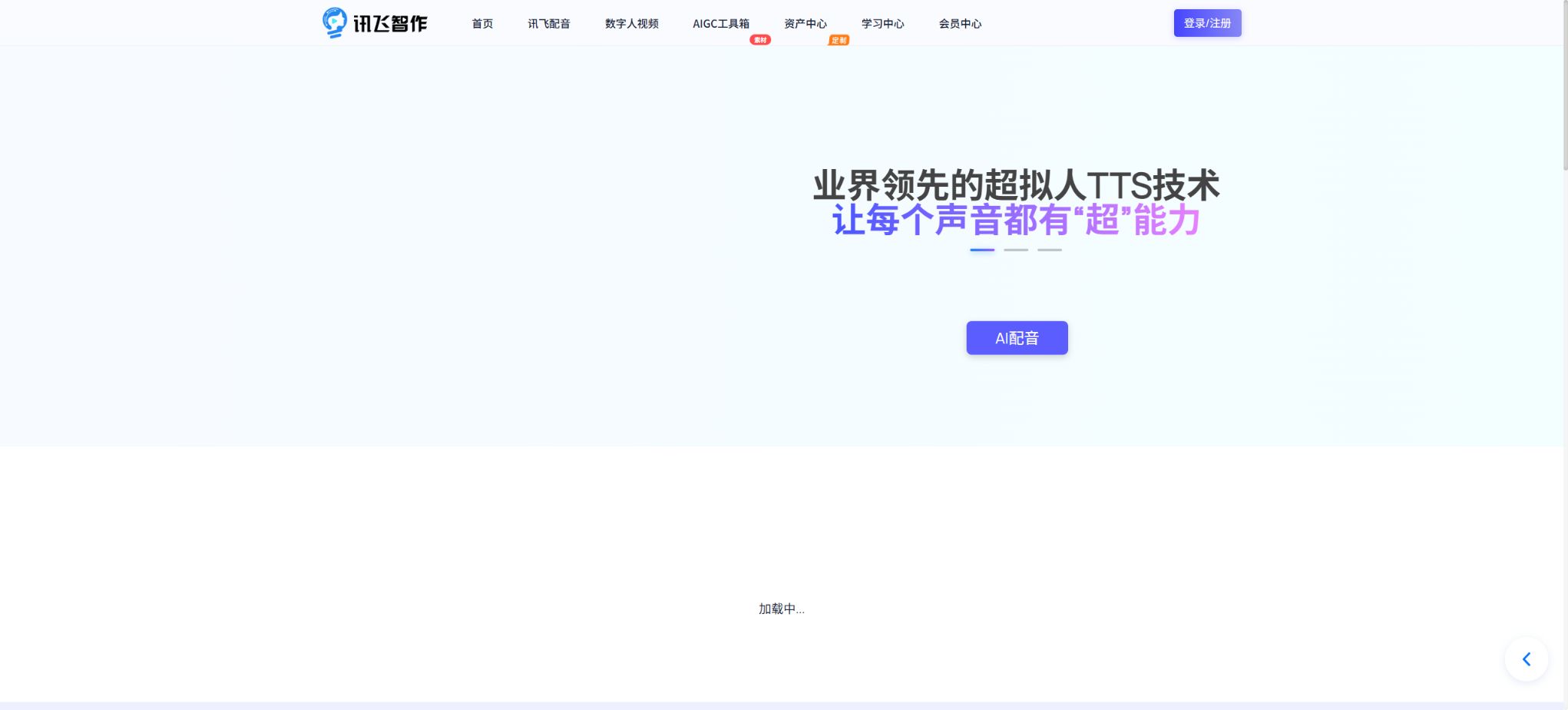
iFlytek Smart Creation
A creation platform that offers AI voiceovers with multiple roles, multiple languages, and expressive capabilities.
Tags:AI audio toolsWhat is iFlytek SmartWork?
iFlytek Smart Creation is an AI-based audio and video creation platform offered by iFlytek to content creators, educational institutions, media outlets, and corporate users. Its key features include text-to-speech conversion, multi-person voice dubbing, voice cloning, virtual presenter services, and video generation. Users can enter text in a browser, select voice tones and delivery parameters to convert text into audio, or have virtual avatars read out the text to create video content.
It is more suitable for the standardized, bulk production of Chinese-language content, such as course narrations, video commentary, news broadcasts, corporate training materials, advertisement introductions, and audio content. The iFlytek Smart Creation web version is a tool for creating finished products.
Developers who need to automatically integrate speech synthesis capabilities into their applications, websites, or business systems should use iFlytek’s open platform speech API for that purpose.
The account privileges, limits, and billing methods for the two may differ.
Core functions of iFlytek Smart Creation
AI text-to-speech
After pasting the text, the user can choose voices of different genders, ages, language styles, and usage scenarios, and adjust the speech speed, volume, pauses, and background music. For titles, proper nouns, numbers, English abbreviations, and words with multiple pronunciations, it is recommended to listen to a preview first, and then make corrections sentence by sentence using settings for pauses or pronunciation.
Long documents can have their content divided into paragraphs, thereby reducing the cost of having to redo the entire document after it has been generated once.
Multiple voiceovers and emotional expression
The platform allows different speakers to be assigned to various paragraphs, making it suitable for use in conversations, interviews, stories, and educational content. Some voice tones can convey styles or emotions such as news-like, customer service-oriented, friendly, or serious; however, the available options depend on the specific voice tone and the privileges associated with the account.
Emotion synthesis cannot fully understand the context; human listening is still required when there is irony, rhetorical questions, specialized terminology, or strong dramatic elements involved.
Voice replication
Voice replication involves creating an individual voice profile by recording or uploading appropriate audio samples, after which similar voices can be generated from text. The quieter the recording environment and the more stable the pronunciation, the more natural the resulting replication will be.
Different replication options may vary in terms of sample duration, training quality, availability period, generation volume, and commercial licensing; it is advisable to read the instructions on the current page before making a purchase.
Voice is considered a sensitive biometric identifier. It is only permissible to use one’s own voice or a voice for which explicit authorization has been obtained; it is not allowed to impersonate others or fake the statements of public figures, nor can it be used for fraud, harassment, or to bypass identity verification.
When companies create custom voice tones for employees, instructors, or endorsers, they should keep track of the scope of authorization, the duration of use, and the procedures for withdrawing such authorization.
Videos of virtual and digital humans
Users can choose the virtual hosts provided by the platform, enter the dialogue, and set the background, aspect ratio, subtitles, and voiceover to create digital video presentations. This method is suitable for providing knowledge explanations, product introductions, store promotions, training announcements, and news segments.
The clarity, posture, duration, and export permissions of different avatars may be subject to restrictions imposed by the package; custom avatars usually require separate collection of data and a separate quote.
Video dubbing and subtitles
In audio-video workflows, it is possible to create narration based on existing text or visuals and match subtitles accordingly, thereby reducing the need for live recording and repeated editing. There may be inaccuracies in automatic sentence segmentation, subtitle timing, and lip-syncing; therefore, it is essential to check sensitive elements such as names, amounts, dates, units, drug names, and legal terms before publishing.
Project and asset management
The online workspace allows for saving documents, audio, and video files, making it easy to make modifications and export them again. The retention period for these files, the available cloud storage space, the number of times they can be exported, as well as the permissions for team collaboration are determined by the settings on the current account page.
It is recommended to download important finished products to a local device or corporate storage system in a timely manner; do not rely on online versions as the only backup.
Comparison between iFlytek Smart Creation packages and billing versions
The purchase options for iFlytek SmartWork vary depending on the promotions, account type, product modules, and customization requirements; some prices are available only after logging in. The early member prices that circulate on the internet should not be used as references for current prices. The comparisons below are based on the actual methods of purchase, and amounts that cannot be verified accurately through the official website are not included.
| Version or service | Main content | Suitable for users | Billing and purchase methods |
|---|---|---|---|
| Free trial | Experience some of the functions for generating sound effects, voiceovers, or videos; the amount available, the duration, and the options for exporting may be limited. | First trial and performance testing | The free quota may change; the amount is subject to what is displayed in the dashboard after logging in. |
| Dubbing membership or resource pack | Increase the amount of text that can be converted to speech, the available voice tones, as well as the features related to export. | Users of self-media, audio content, and daily dubbing services | Purchase based on the membership period or resource quota, as indicated on the current settlement page. |
| Virtual avatar video solution | Digital avatar appearance, broadcast duration, video generation and high-definition export | Courses, information, marketing, and corporate training | It may be billed based on duration, number of times, membership status, or project. |
| Customization of sound or visuals | Exclusive sound color replication, digital avatars of real people, as well as collection and technical services | Lecturers, brands, media, and companies | Quotations are provided separately based on quality, scope of authorization, and service details. |
| Enterprise services | Team permissions, mass production, brand assets, security, and technical support | Institutions and large-scale content teams | Contact the business department to obtain a quote based on concurrency levels, usage volume, and deployment requirements. |
| iFlytek Open Platform API | Call online text-to-speech or related functions within your own applications | Developers and product teams | It is activated independently and billed according to the interface rules; it is not equivalent to a website membership. |
When selecting a package, it is important to compare the available sound colors, the number of synthesized words, the duration of the video in minutes, the quality of the exported file, the number of concurrent tasks, the number of custom sound colors available, as well as the commercial usage rights and expiration date – rather than focusing only on the name of the membership plan. It is also necessary to confirm before making a payment whether the resource package has expired, whether any unused credits can be carried over, the conditions for refunds, and the rules regarding tax invoices.
Comparison of different creative methods
| Demand | Recommended method | Prepare materials | It needs to be checked carefully. |
|---|---|---|---|
| Narration for short videos | Text to speech | The spoken script after the clause | Pronunciation, pauses, speech pace, and copyright for background music |
| Multi-person conversations or stories | Multiple voiceovers | Lines labeled by role | Consistency in character voices and smooth transitions between paragraphs |
| Maintain a consistent brand voice | Voice replication or custom timbres | A clean audio recording of myself or the authorized person | Authorization, sample quality, validity period, and scope of use |
| Digital voice broadcasting | Virtual human videos | Documents, background materials, brand assets | Lip movements, subtitles, actions, clarity, and image licensing |
| Systematic batch synthesis | iFlytek Open Platform API | Develop accounts, interface keys, and programs | Call volume, concurrency, latency, audio format, and data security |
iFLYTEK SmartVoice AI Voiceover Usage Tutorial
- Organize the manuscript:Remove web navigation elements and irrelevant symbols, convert long sentences into shorter ones that are suitable for reading aloud, and verify the facts and copyright information.
- Create a new dubbing project:Log in to the dashboard, select the voice-over or text-to-speech option, and paste the text.
- Select tone:Listen to multiple speakers based on the content and its audience; do not rely solely on the name of the voice tone.
- Set the announcement:Adjust the speech rate, volume, pauses, and words with multiple pronunciations; for multi-person content, assign a role to each paragraph.
- Segmented preview:Pay special attention to checking for errors caused by names, place names, foreign languages, numbers, units, and punctuation that lead to inappropriate pauses.
- Add music:Control the volume of the background music, and ensure that the music, sound effects, and audio materials have the appropriate rights for use in publications or commercial purposes.
- Generate and export:After confirming the estimated amount to be used, it is generated; the desired audio format is downloaded, and the final document is saved.
Tutorial on creating virtual human videos
- First, determine whether to use a landscape or portrait format, the desired duration, and the platform for publication, and then write the text in an informal style.
- Select an appropriate virtual avatar and voice tone, and verify whether that avatar is included in the current plan.
- Configure the background, title, subtitles, images, or brand elements to ensure that important information remains within the safe area.
- Generate short preview clips to check lip movements, pronunciation, actions, and subtitles; do not create a full-length video right from the start.
- After modifying the problematic sections, the final version is generated; when price, policy, health, or financial information is involved, manual review is conducted once again.
- After exporting, preview the image quality and subtitles on the target platform, and indicate whether the content was generated by AI or features a digital avatar in accordance with the applicable rules.
Differences between iFlytek Smart Creation and iFlytek Open Platform API
iFlytek Smart Creation is a platform for creating visual content, suitable for users to log in and create as well as export works; the iFlytek Open Platform is designed for software development, enabling the automatic generation of audio within business systems through keys and interfaces.
The names of the sound colors, the membership limits, and the API resources that are visible on the web page may not be identical; therefore, internal browser requests cannot be used as public interfaces.
Developers should create separate applications on the open platform, select a speech synthesis service, check the current amount of free usage, concurrency limits, audio formats, and any extra charges that may apply, and then carry out server-side integration. Keys must be stored within the secure configuration of the server; they should not be included in website front-ends, client installation packages, or public code repositories.
Is it open source?
iFlytek SmartWorks is a commercial online service; its product platform, core speech models, and digital avatar generation systems are not open-source projects. The publicly available example codes or SDKs are intended solely for connecting to the official services, and they do not imply that the model weights, training data, or the entire platform are open-source, nor do they mean that the service can be used freely offline.
Which users are it suitable for
- Content creators who produce audio content such as narrations, voiceovers, stories, and educational material;
- Teachers and institutions that need course narrations, micro-lectures, and training videos;
- Companies that produce news broadcasts, store promotions, and product descriptions in bulk;
- Teams that need a brand-specific voice, virtual employees, or digital human hosts;
- Developers who wish to integrate speech synthesis into their products via API.
Advantages and usage limitations
- The advantage of iFlytek SmartWork lies in its strong expertise in Chinese speech technology, as well as its ability to integrate voice-over, voice replication, and digital avatar videos into an online workflow. Non-professional users can produce content quickly without the need for a recording studio or complex editing software.
- For regular, repetitive, and bulk content, it can significantly reduce the recording time;
- AI voices may still mispronounce words with multiple pronunciations, specialized terms, and foreign languages, and when reproducing voices, the tone might be unnatural or the degree of similarity may vary.
- The lip movements, gestures, and emotional expressions of digital humans cannot fully replace those of real people.
- The free quota, range of timbres, and package rules may change; commercial projects must verify the current authorization.
- When dealing with personal voices, portraits, and sensitive data, authorization must be obtained and security measures must be implemented;
Frequently Asked Questions
Is iFlytek SmartWrite free?
Generally, some functions can be used, but the number of characters allowed, the duration of videos, the available sound qualities, and the options for exporting content may be limited. For full creative capabilities, it is possible to purchase memberships, resource packs, or customized services; the actual prices are indicated on the purchase page after logging in.
Can iFlytek SmartVoice clone one’s own voice?
The platform offers a service for reproducing one’s voice. It is necessary to use one’s own voice or a recording for which clear permission has been obtained, and the recording must be done and verified in accordance with the requirements specified on the page.
It is not allowed to reproduce someone else’s voice without permission.
Can the generated voiceovers and videos be used for commercial purposes?
It is necessary to meet the requirements related to the account package, permission for use of certain sound effects or avatars, as well as copyright regulations regarding the materials provided. Paying for a service does not automatically resolve the issues concerning the rights to texts, images, music, fonts, portraits, and brand-related materials; it is essential to verify each of these aspects before using them in commercial purposes.
Does the iFlytek Smart Creator membership include APIs?
It is not included by default. iFlytek Smart Creation web membership and the iFlytek Open Platform API belong to different product categories; developers must activate them separately on the open platform and check the current prices as well as the rules for making calls.
Why can’t a fixed membership price be set?
The package prices are affected by promotions, accounts, functional modules, and customization requirements; some prices are only displayed after logging in. The amounts mentioned in earlier articles may no longer be valid, so it is necessary to refer to the current pricing on the purchase page or the official commercial quotes.
Tools similar to iFlytek SmartWrite




 Guigong Network Security Registration No. 45132202000164