






Auphonic
AI tools that automatically handle loudness adjustment, noise reduction, equalization, and podcast publishing.
Tags:AI audio toolsWhat is Auphonic?
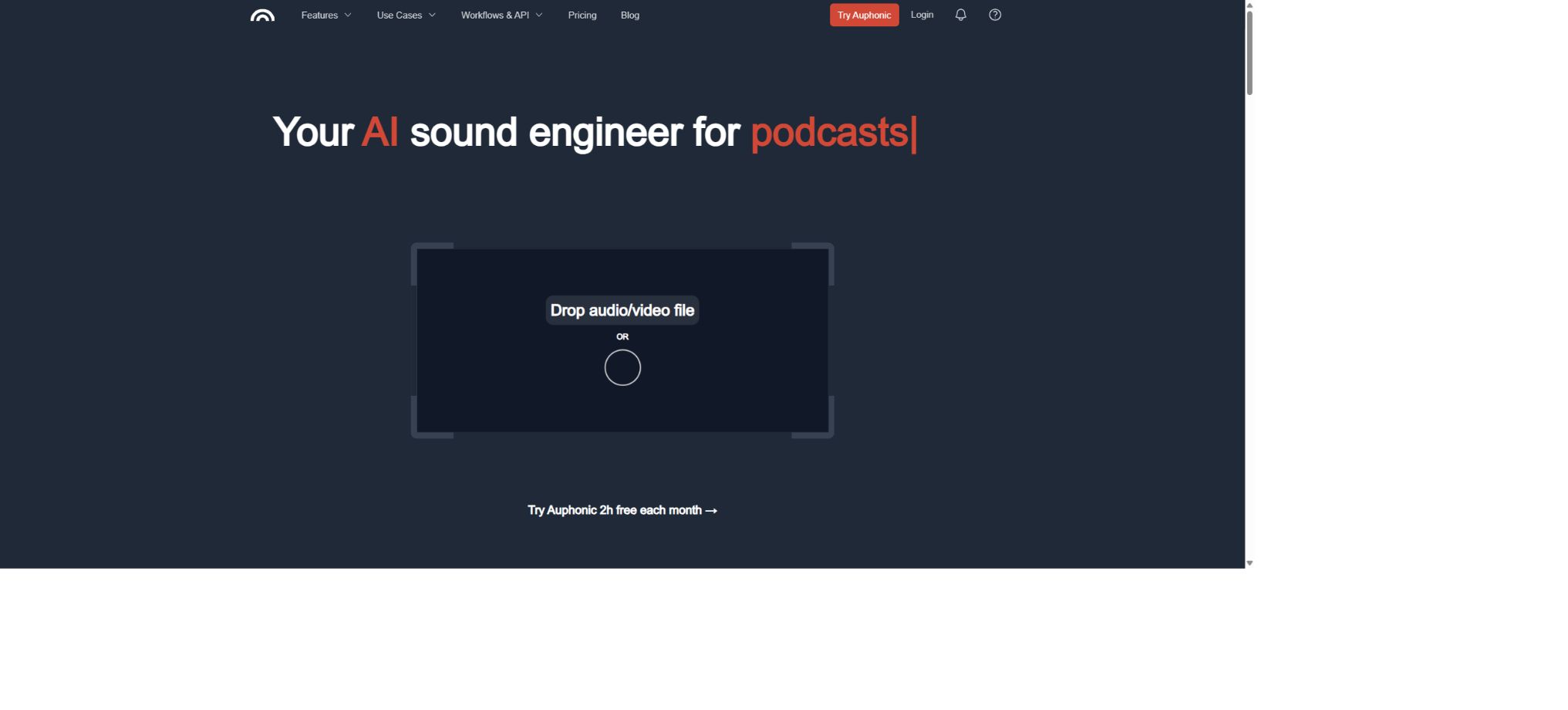
Auphonic is a platform for automated audio post-processing and podcast mastering. Users upload the already recorded audio or video files, and the system analyzes the voice, music, and background sounds; it then automatically adjusts the volume levels, reduces noise and reverb, applies filtering, uses AutoEQ, standardizes loudness, and limits peak levels, resulting in files that meet the requirements for podcasts, broadcasting, streaming, or audiobooks.
It is neither a remote recording platform nor a digital audio workstation that relies on complex manual editing. Auphonic is better suited to serve as the \"final automated post-processing step\" in the production process: first, the content and structure are created using recording or editing software, and then Auphonic is used to standardize the sound quality, volume, metadata, and the process of releasing the final product.
Auphonic’s core functions
Intelligent Leveler – intelligent level balancing system
Adaptive Leveler identifies different speakers, music tracks, and background sounds, boosts the volume of softer voices and controls those sections that are too loud, while preventing breathing sounds, wind noise, and silence from being amplified unnecessarily. It is suitable for audio-based content such as interviews, podcasts, courses, meetings, and narrations, and it reduces the need for manual compression and individual volume adjustments.
Noise reduction, reverb removal, and speech restoration
Noise & Reverb Reduction can deal with continuous background noise as well as ambient sounds that change over time; users can also choose to keep or reduce elements such as music and breathing sounds. Filtering, AutoEQ, and Bandwidth Extension are used to improve frequency balance, reduce harmonics and plosives, and address issues related to insufficient bandwidth.
Severe clipping, extremely strong echoes, or multiple people speaking at the same time make it difficult to achieve perfect restoration; the quality of the recording remains limited.
Loudness normalization and True Peak limitation
Auphonic enables the adjustment of the average loudness of different files based on targets such as LUFS, RMS, and true peak, and it supports common standards including EBU R128, ATSC A/85, as well as those used for podcasts and mobile audio, YouTube, Spotify, Netflix, Audible/ACX, etc. The True Peak Limiter makes use of oversampling to prevent peaks between samples, which is useful for ensuring consistency across various programs and platforms before they are released.
Automatically removes pauses, filler words, and coughs.
The platform can identify and remove overly long periods of silence, pauses, coughs, as well as filler words such as “ah” and “um” in multilingual content. It may accidentally cut out pauses that are used to maintain rhythm; therefore, for formal recordings it is necessary to preview the edited version first and restore any missing segments if needed.
Multi-track automatic mixing
Multitrack Production analyzes the various tracks such as the host, guests, and music separately, and then generates the final mix automatically. It supports features like automatic ducking, noise gate, and handling of microphone bleed. Each track should be stored in a separate file and start at the same time point.
It is best for one speaker to correspond to one track, and the music should also be separated from the voice.
It is designed for audio programs and is not suitable for the creative mixing of purely musical works.
Transcription, Shownotes, and Chapters
Users can enable Auphonic Whisper or connect to external speech recognition services to generate transcripts with timestamps. The system can also automatically organize summaries, tags, shownotes, and chapters, and add metadata to the output files.
Multi-track systems can identify each speaker separately, thereby reducing the impact of cross-talk on accuracy. The automatically generated text still requires manual verification of names, numbers, and technical terms.
Encoding, video, publishing, and automation
A single processing session can generate files in multiple formats such as MP3, AAC, WAV, and FLAC; it is also possible to add covers, metadata, and chapters. The platform supports integration with cloud storage and podcast publishing services, and together with presets, watch folders, batch processing, Zapier, CLI, and REST APIs, it enables the automation of the process from uploading to processing to publishing.
API and GitHub
Auphonic offers a Simple API as well as a full JSON API. It is possible to create single or multi-track tasks, upload files, apply preset settings, check progress, and retrieve results using API keys, Basic Auth, or OAuth 2.0. The official GitHub repository provides example code for these APIs in Python, JavaScript, PHP, and Shell.
The fact that examples are open source does not mean that Auphonic’s cloud-based audio algorithms and models are also open source.
Auphonic: Price and package comparison
Auphonic deducts credits based on the length of the audio output after successful processing; the minimum billing period is 3 minutes. The monthly subscription includes a fixed amount of Recurring Credits, and paying annually saves around 20%.
The figure below represents the price in US dollars at the time of verification; taxes and fees, as well as settlement methods, may vary.
| Plan | Processing time | Monthly / Annual average per month | Suitable scenarios |
|---|---|---|---|
| Auphonic Free | 2 hours/month | 0 dollars | Test the core algorithm; free output with an Auphonic jingle, no cumulative quota. |
| Auphonic S | 9 hours/month | 13.75 / 11 dollars | Personal podcasts and infrequent updates |
| Auphonic M | 21 hours/month | 31.25 / 25 dollars | Stable weekly updates or multiple programs |
| Auphonic L | 45 hours/month | 65 / 52 dollars | High-frequency content and small production teams |
| Auphonic XL | 100 hours/month | 141.25 / 113 US dollars | Workshops, courses, and bulk programs |
| Auphonic XXL | 250 hours/month | 306.25 / 245 US dollars | Large-scale audio production |
| Business | 1000 hours/month or more | Contact sales | Team accounts, custom contracts, manual invoices, and bulk processing |
Recurring Credits are reset on a monthly basis, and any unused amount is not carried over. If usage is inconsistent, it is possible to purchase One-Time Credits in amounts of 5, 10, 25, 50, 100, 250, 500, 1000, 2000, or 3000 hours.
Such one-time limits never expire; the specific pricing is indicated on the purchase page, and it is also possible to enable automatic top-up when the remaining balance falls below a certain threshold.
Differences between the free version and the paid version
| Ability | Free | Monthly/one-time payment | Annual/Business |
|---|---|---|---|
| Core equalization, noise reduction, AutoEQ, loudness | Support | Support | Support |
| Multi-track production | Less than 20 minutes per session | Support | Support |
| Multilingual transcription, automatic shownotes, and chapters | Not included | Support | Support |
| Watch Folder and batch creation | Not included | Support | Support |
| Output jingle | Includes | None | None |
| Team accounts and priority handling | Not included | Not included | Support direction |
How are credits calculated?
- Charging is based on the duration of the final output audio, rather than the total duration of the input tracks.
- For multi-track production with 1 hour duration and 4 tracks, if a 1-hour long video is produced, it typically requires 1 hour of credits.
- A 1-minute intro is added to a 20-minute program, resulting in a total duration of 21 minutes; the calculation is based on 21 minutes.
- Failure does not result in the deduction of credits; for unsatisfactory results, you can describe the issue on the task page and request a refund.
- The official editor allows free reprocessing when only the edited results, metadata, and settings are modified and reapplied, without changing the input file.
- Recurring is given priority, followed by One-Time, and then the free quota.
Auphonic usage guide
- Complete content editing:First, use a common editor to remove large sections of erroneous content, ensuring that the structure of the opening, main body, and closing parts is correct.
- Create Production:Upload a single final mixed track, or upload separate tracks with synchronized start points for each speaker and piece of music.
- Set algorithm:Enable Leveler, Noise/Reverb Reduction, AutoEQ, and pause/cliché trimming for recording issues.
- Select loudness:Podcast stereo audio usually starts at -16 LUFS; for mono audio, broadcast audio, or audiobooks, the appropriate standards should be applied.
- Configuration output:Select the file format, bitrate, cover image, chapters, and target platform for distribution, then save it as a preset for reuse in future programs.
- Process and check:Pay special attention to listening to the beginning, the loudest sections, and the quietest sections, and check the cutting, volume, transcription, and metadata.
Auphonic usage guide
Create reusable professional workflows
- A test set is created using real noise, accents, and multi-person segments;
- Compare the differences in performance between Intelligent Leveler for smart level balancing, noise reduction, reverberation removal, speech restoration, loudness normalization, and True Peak limitation.
- Retain the original recordings and the unmodified transcripts;
- Arrange for a manual hearing before releasing it to the public;
- Statistically analyze processing time, error rate, and quota consumption;
- Regularly update the glossary, sound licensing, and deletion policies;
Which users are it suitable for
- Podcast creators who wish to quickly complete the process of balancing, noise reduction, and adjusting the volume of their master files;
- An educational team that handles the recording of lectures, courses, meetings, and interviews;
- Producers of audio content who need to meet the loudness standards for ACX, broadcasting, or streaming.
- Teams that wish to build batch pipelines through APIs, Watch Folders, and automatic deployment;
- There are already video editing software available, but for users of audio and video content who need a stable, automated process for the final stages of processing.
Frequently Asked Questions
Is Auphonic free?
2 hours of audio processing are provided free of charge each month; this free quota does not accumulate. Products created by free users come with an Auphonic jingle. It is suitable for testing, while paid credits are generally used for official releases.
Can Auphonic replace Audition or other video editing software?
It cannot completely replace other tools. It is good at automated post-processing, adjusting volume, and publishing content, but it is not suitable for editing complex materials, mixing instrumental music, or creating intricate creative effects.
Is multiple tracks charged based on the total duration of the tracks?
No. Generally, the fee is calculated based on the total duration of the final output; 4 synchronized tracks, each lasting 1 hour, are combined into one hour-long video, and this requires approximately 1 hour’s worth of credits.
Do one-time credits expire?
No. One-Time Credits never expire;
The monthly Recurring Credits are reset to zero at the start of each month and cannot be carried over.
Does Auphonic have an API?
Yes, both free and paid users can use the REST API; in addition, the official team provides a CLI, Zapier, Watch Folder, as well as example code. For large-scale or white-label integrations, please contact the business department.
Is Auphonic open source?
The core cloud processing platform and algorithms are not open source. The official GitHub site provides example scripts for the APIs, and some community clients are also open source; however, this does not mean that it is possible to deploy a complete Auphonic service locally.
Tools similar to Auphonic




 Guigong Network Security Registration No. 45132202000164