






Soundraw
AI tool for creating editable music based on mood, style, and duration
Tags:AI audio toolsWhat is SOUNDRAW?
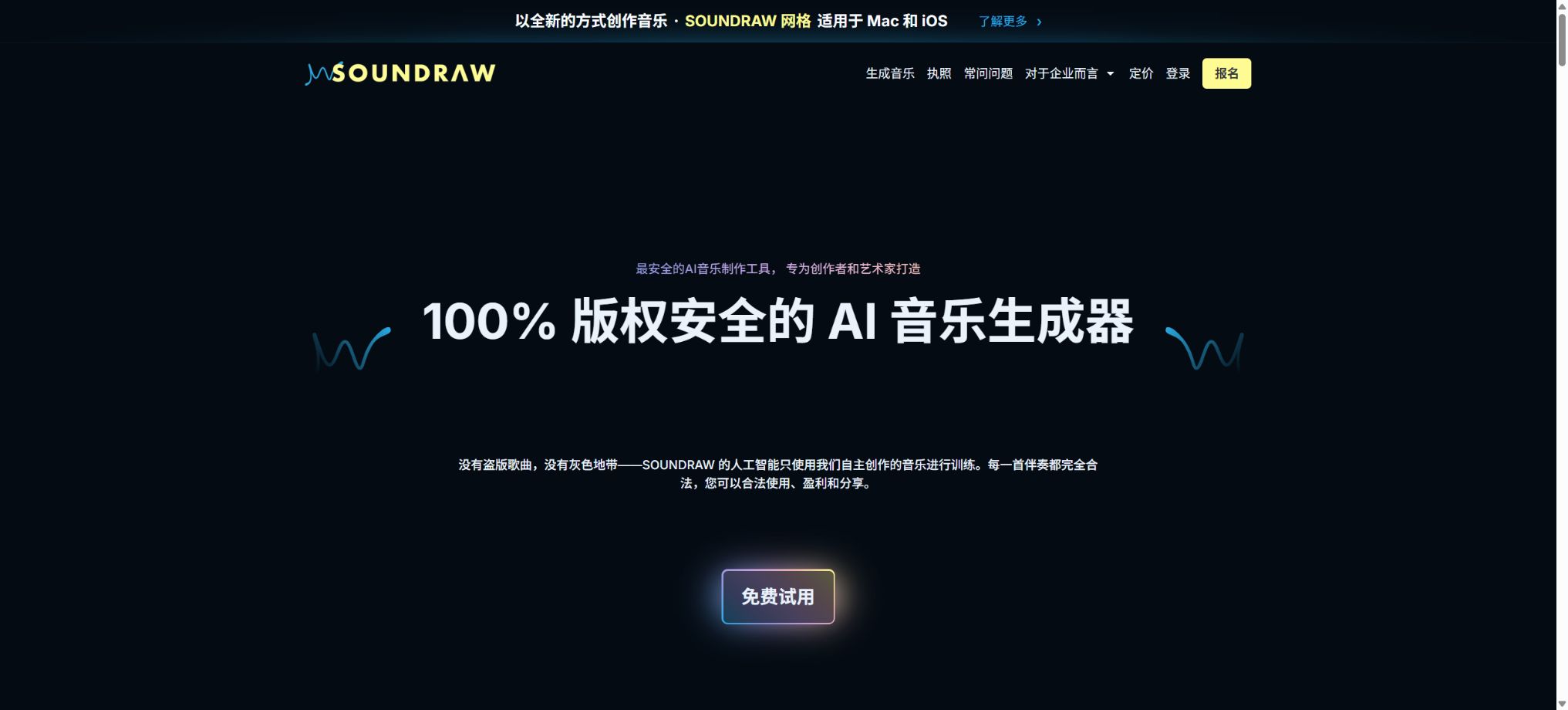
SOUNDRAW is an AI-based music generation platform designed for video creators, podcasters, game developers, and musicians. Users do not need to write complex instructions; they simply need to select the genre, mood, theme, speed, and duration, and the system will generate several candidate tracks. These tracks can then be edited using a browser editor to adjust elements such as energy levels, instruments, and structure.
The platform divides use cases into two categories: Creator and Artist. Creator is intended for using music as background music in videos, podcasts, applications, and games; Artist is used to incorporate AI-generated beats into one’s own singing, playing, or remixes in order to release songs.
The two types of licenses cannot be used together.
Generated by genre, mood, and theme
SOUNDRAW supports over 30 music genres, allowing for combinations of styles such as Hip-Hop, Trap, Lo-Fi, Orchestra, and EDM. It also offers different moods like Happy, Dark, and Epic, as well as themes such as Vlog, Workout, and Gaming; in addition, there are options for low, medium, and high speeds.
The more selection criteria there are, it doesn’t necessarily mean higher accuracy. A better approach is to first determine the rhythm of the visuals and the role of the music, then create several versions and select the candidate with the most suitable structure by listening to them.
Genre Blend – Mixed genres
Genre Blend allows two or more music styles to be combined, creating beats and soundtracks that are not commonly found in traditional music libraries. It is ideal for use in brand videos, games, and by musicians who are looking for more unique rhythms and instrumental arrangements.
The resulting mixture may lean towards one of the styles, or it might exhibit a lack of coherence between the different segments. Before using it formally, it is necessary to check the transitions, low-frequency elements, harmonies, and overall volume.
Section-by-section editor
The Mixer browser allows users to adjust the volume per section, enable or disable drums, bass, melody, and other instruments, as well as modify the length of the track, its structure, and the loop points. The system reconstructs the song based on these changes, so no need for users to have expertise in a full-fledged DAW.
This editor is suitable for quick adjustments to the audio track, but it cannot replace complex mixing, mastering, or recording processes. When precise handling is required, it is necessary to download WAV or Stem files and use them in software such as Ableton Live, Logic Pro, or FL Studio.
MP3, WAV, and Stems
Creator and Artist Starter are primarily used for downloading MP3 files. Artist Pro, Artist Unlimited, and Enterprise support MP3, WAV, and Stem formats; the individual tracks in these formats usually include separate audio elements such as drums, bass, melody, and effects.
Stems are suitable for remixing, adding plugins, recording vocals, and creating a fundamentally different final song. The types of tracks available for different works vary depending on the arrangement.
SOUNDRAW Usage Tutorial
Complete a basic task.
- Verify recordings, audio, music, and participant authorization;
- Upload or enter clear audio into SOUNDRAW;
- Select the language, speaker, as well as settings for generation based on genre, mood, and theme;
- Use Genre Blend to mix genres in order to generate transcripts, voiceovers, or cleaned-up versions.
- Check each segment for names, numbers, pauses, volume, and mood;
- Before exporting, verify the format, loudness, copyright, and privacy requirements;
Create reusable professional workflows
- A test set is created using real noise, accents, and multi-person segments;
- Compare the differences in processing among generation by genre, mood, and theme, Genre Blend for mixing genres, and the section-by-section editor.
- Retain the original recordings and the unmodified transcripts;
- Arrange for a manual hearing before releasing it to the public;
- Statistically analyze processing time, error rate, and quota consumption;
- Regularly update the glossary, sound licensing, and deletion policies;
What is the Creator solution suitable for?
- Creator is used for background music and is suitable for videos that users own or have been commissioned to create, as well as for YouTube content, UGC, product demonstrations, tutorials, live broadcasts, social media posts, podcasts, games, phone hold music, radio, and television programs.
- Enterprise size restrictions and specific synchronization uses still require verification in accordance with the license;
- Creator does not allow the downloaded music to be released as songs on platforms such as Spotify and Apple Music, nor can it be resold as stock music or as individual music products.
Who is the Artist plan suitable for?
- Artist includes the capabilities of Creator, allowing musicians to modify SOUNDRAWBeats in order to create songs, which can then be released on platforms such as Spotify, Apple Music, TikTok, or used for broadcasting and live performances.
- Ultimately, the song must be significantly different from the originally downloaded beat – for example, by including one’s own vocals, original instruments, a remix, or edited stems.
- Distributing it as is, or making only minor name changes or simple volume adjustments, does not meet the requirements;
Artist song credits and copyrights
The Artist scheme requires that the contribution from SOUNDRAW be indicated in accordance with specific rules on the cover, labels, metadata, or promotional materials. SOUNDRAW retains the copyright to the original beats, while users own the rights to the original singing, playing, and the final recording they create; they can also keep the royalties from streaming these recordings.
\"Retaining 100% of the royalties\" does not mean owning the original copyright to the beat; it also does not exempt the publisher from its fees, nor does it waive the rights owed to songwriters and co-creators. Before uploading, the authorship and recording rights information should be filled in according to the actual creative relationships.
Content ID restrictions
- SOUNDRAW explicitly prohibits registering content created using its beats in YouTube Content ID or similar identification systems.
- The reason is that exclusive fingerprints might inadvertently harm other creators who legitimately use the same licensing system.
- Even if original vocals are added to a song, ContentID should not be registered without special permission.
- For projects that require exclusive identification or synchronized authorization for television advertising, it is necessary to contact the platform first.
Meditation, Lo-Fi, and relaxation content
Artists can create content of a meditative, Lo-Fi, or relaxing nature, but if unmodified SOUNDRAW tracks are used, the page’s guidelines state that such content can only be published as long as the subscription is valid. Songs that have been significantly modified and ordinary background sounds should be evaluated separately.
Such channels focus primarily on music itself, and the Creator approach of using background music to support video narratives cannot be applied here. Before canceling the subscription, it is necessary to check the license details based on the date of download, the extent of modifications made, and the type of project.
Price and version comparison
| Package or version | Prices, quotas, and core benefits |
|---|---|
| Creator price | The Creator plan costs 16.99 dollars per month; when paid annually, the cost is 11.04 dollars per month. It is suitable for individuals and small companies with fewer than 10 employees, and it offers commercial background music, unlimited monthly downloads, and files in MP3 format. The official website states that the projects created using this service remain licensed throughout the subscription period, but there are specific conditions applicable to musical content and certain types of uses. Users should keep records of their downloads as well as the licenses obtained, rather than relying solely on marketing materials. |
| Artist Starter price | Artist Starter costs $29.99 per month; when paid annually, the cost comes to $19.49 per month. Ten fully mixed songs in MP3 format can be downloaded each month, and these songs can be streamed after being significantly modified and supplemented with original content. It is suitable for singers and producers who create only a few tracks per month, but it does not provide WAV or Stem files, which makes detailed mixing more difficult. |
| Price of Artist Pro | Artist Pro costs 35.99 dollars per month; when paid annually, the cost comes to 23.39 dollars per month. 20 songs can be downloaded each month, and the format options include MP3, WAV, and Stems – making it suitable for musicians who want to release singles or EPs on a regular basis. The number of downloads is calculated based on the number of songs; whether repeated downloads or different formats are counted as separate downloads is indicated in the account details. Conducting filtering first before exporting helps to avoid unnecessary usage. |
| Artist Unlimited prices | Artist Unlimited costs $50 per month; the annual rate equates to $32.50 per month. It allows unlimited downloads on a monthly basis and supports MP3, WAV, and Stem formats. The “Unlimited” plan is still subject to rules regarding fair use, prohibition of automated scraping, prohibition of bulk distribution in its original form, as well as the limitations set by the license terms; it does not permit the creation of competitive material libraries. |
| API Starter price | API Starter costs 29.99 dollars per month; new users can activate it immediately. Up to 100 tracks can be generated each month, and it is intended for individual developers as well as companies with up to 3 members. A license for commercial use of the API is provided. The API operates on an asynchronous basis: after a task is created, a request_id is assigned, and then the status of the task is checked periodically. Developers should store the API Key on the server side and handle tasks related to queuing, failures, retries, and saving result links. |
| API Pro price | API Pro costs $300 per month, with a limit of 1,000 tracks per month; it is intended for startups and small companies, and a minimum commitment of 6 months is required. For higher usage levels, as well as in scenarios involving music generated by end-users or customized content, it is necessary to contact sales. The public FAQ also states that corporate APIs may be structured based on the number of generations, minutes of use, or volume of data processed; the final price and the rights associated with the output will be determined according to the API license agreement signed. |
| License after cancellation of subscription | The FAQ on the official website states that the works exported during the valid subscription period are granted a permanent commercial license; even if the subscription is canceled later, the exported Creator and Artist content remains protected under the relevant terms. The original beats created by the Artists still belong to SOUNDRAW, while the users retain the royalties related to the recordings of their own songs. The license terms specify that for unmodified meditation, Lo-Fi, and relaxation content, publication is allowed only during the period of valid subscription. In case of any conflicts, the complete terms, specific plans, and written documentation shall prevail. |
Creator price
Creator costs $16.99 per month; the annual subscription amounts to $11.04 per month. It is suitable for individuals and small companies with fewer than 10 employees, and it offers commercial background music, unlimited monthly downloads, and files in MP3 format.
The official website currently emphasizes that the Creator projects exported during the subscription period remain licensed indefinitely, but there are different conditions applicable to music-based content and specific use cases. Users should keep records of their downloads as well as the licenses obtained at that time, rather than relying solely on marketing summaries.
Artist Starter price
The Artist Starter plan costs $29.99 per month; when paid annually, the cost is $19.49 per month. Ten fully mixed songs in MP3 format can be downloaded each month, and these songs can be streamed after being significantly modified and supplemented with original content.
It is suitable for singers and producers who create only a small number of singles per month, but it does not provide WAV and Stem files, which makes detailed mixing difficult.
Price of Artist Pro
Artist Pro costs 35.99 dollars per month; when paid annually, the cost comes to 23.39 dollars per month. It allows for downloading 20 tracks per month, and it supports MP3, WAV, and Stem formats – making it suitable for musicians who want to release singles or EPs on a regular basis.
The download quota is calculated per song; whether repeated downloads or downloads in different formats are counted as separate instances depends on what the account shows. Completing the filtering process first before exporting can help avoid unnecessary consumption.
Artist Unlimited prices
Artist Unlimited costs $50 per month; the annual rate equates to $32.50 per month. It allows unlimited downloads on a monthly basis and supports MP3, WAV, and Stem formats.
“Unlimited” is still subject to reasonable use rules, restrictions on automated scraping, prohibitions on bulk distribution in its original form, and the limitations set by the license; it does not mean that it is possible to create a competitive database of materials.
Enterprise plan
Companies with 10 or more employees should use the Enterprise customized solution, which includes API or enterprise-level access, commercial background music, rights to release songs, unlimited downloads, WAV and Stem formats, as well as dedicated support.
Advertising agencies, synchronized video content for films and TV shows, operations in multiple stores, use of videos that the customer does not own, and distribution on large-scale platforms may require additional permissions. The contract should specify the number of users, end customers, geographic areas, duration, and the procedures for handling Content ID.
API Starter price
API Starter costs 29.99 dollars per month; new users can activate it immediately. Up to 100 tracks can be generated per month, and it is intended for individual developers as well as companies with up to 3 members, offering a commercially usable API license.
The API uses an asynchronous process: after a task is created, a request_id is obtained, and then the status of the result is checked periodically. Developers should store the API Key on the server and handle tasks related to queuing, failures, backoff, and the saving of result links.
API Pro price
API Pro costs $300 per month and allows up to 1,000 tracks per month; it is intended for startups and small companies, with a minimum commitment of 6 months. For higher usage levels, as well as for scenarios involving music created by end-users or customized music, it is necessary to contact sales.
The public FAQ also states that corporate APIs may be structured based on the number of times they are used, per minute, or according to capacity; the final price and the rights associated with their use shall be determined in accordance with the API license agreement signed.
API input and output
APIs can be generated based on length, mood, genre, theme, and speed; m4a is generally recommended as the default format as it offers an excellent balance between quality, file size, and speed. The results include BPM, length, the download link, and a share button to open the SOUNDRAW editor.
The front end must not expose keys directly. For SaaS and multi-user products, it is also necessary to establish user quotas, implement content filtering, provide caching and protection against duplicate requests, and determine the duration for which generated files are retained.
Training data and “ethical AI”
SOUNDRAW states that its models are trained using material created and recorded by the company’s in-house music production team, rather than songs from third-party artists; therefore, it emphasizes a clear chain of authorization for training purposes as well as proper commercial licensing.
This reduces the uncertainty associated with the sources of training data, but it does not guarantee that any generated melodies will not be similar to existing music, nor does it ensure that all platforms will never produce false positives. Important releases should still undergo listening reviews and copyright checks.
License after cancellation of subscription
The FAQ on the official website states that the works exported during a valid subscription are granted a permanent commercial license; even if the subscription is canceled later, the exported Creator and Artist content remains protected under the relevant terms. The original beats created by the Artists still belong to SOUNDRAW, while the users retain the royalties from the recordings of their own songs.
The license page imposes a restriction on unmodified meditation, Lo-Fi, and relaxation content, stipulating that such content can only remain available during the subscription period. In case of any conflicts, the full terms, specific plans, and written support provided shall prevail.
What can’t be done?
It is prohibited to distribute beats in their original form, to register them with Content ID, to sell modified beats on audio inventory platforms, to resell or share download accounts, and to use music without permission in videos that do not belong to the user, in special video synchronizations, or in competitive music services.
“Royalty-free” means that no royalties need to be paid for each use, but it does not imply that the content is in the public domain, has no copyright, or can be used without any restrictions.
GitHub and the open-source status
SOUNDRAW’s generation models, editor, and official API services are not open-source projects, and the complete model weights are not made available publicly. The unofficial SoundRaw scripts and download tools found on GitHub do not constitute an authorization from the platform.
Using third-party automation scripts can also expose account keys or violate the terms of service; developers should use official APIs and legitimate licenses.
Which users is it suitable for?
- Creators who need background music for YouTube videos, podcasts, short videos, and courses;
- A team dedicated to creating reusable background music for game, app, and product demonstrations quickly;
- Musicians who wish to download Beat and include vocals in their released songs;
- Producers who need to continue mixing WAV and stems;
- Developers who integrate AI-generated music into video platforms, games, or SaaS applications.
Product advantages
- The material used for model training is created and recorded by the in-house music team.
- It can generate content based on genre, mood, and theme without the need for complex prompts;
- Supports genre mixing, as well as adjustment of energy and instruments per measure;
- Artist Pro and higher versions offer WAV and Stems;
- The Creator and Artist licenses are designed separately for the release of background music and songs.
- Official APIs are available in 100-song and 1,000-song packages.
Restrictions and Precautions
- A Creator can only use music as a background, while an Artist must make significant changes to the beat when releasing their work.
- It is not allowed to distribute the content in its original form, to register ContentIDs, or to resell existing music tracks.
- Companies with 10 or more employees, as well as those with special synchronization requirements, need Enterprise;
- Different pages have subtle differences regarding licenses after cancellation and unmodified relaxation music; it is necessary to save the licenses and confirm them on a per-project basis.
- SOUNDRAW retains the copyright to the original beats; users do not acquire ownership of them on a unconditional basis.
Frequently Asked Questions
Can SOUNDRAW be used for free?
Access to the creation and preview processes is available for free, but downloading the files and obtaining commercial licenses require a subscription. The monthly cost for the Creator plan starts at $11.04 per month.
How much is SOUNDRAW?
Creator costs $16.99 per month; Artist Starter is $29.99, Pro is $35.99, and Unlimited is $50.
The annual rates correspond to $11.04, $19.49, $23.39, and $32.50 per month, respectively.
Can Spotify be uploaded?
The Artist option is acceptable, but it is necessary to include vocals, original instruments, or a significant remix so that the final song differs greatly from the downloaded beat; the Creator cannot release the background music directly.
Can I register for YouTube Content ID?
No. The SOUNDRAW license explicitly prohibits registering such content under Content ID.
Can I still use the previous music after cancellation?
The website’s FAQ states that the content exported during the subscription period remains covered by the corresponding commercial license; however, the unmodified meditation, Lo-Fi, and relaxation content is subject to special restrictions, allowing it to be published only during the subscription period.
Is SOUNDRAW open source?
No. The core generation models, editors, and APIs are closed-source services; it is necessary to use the official website or the official APIs.
Tools similar to Soundraw




 Guigong Network Security Registration No. 45132202000164