






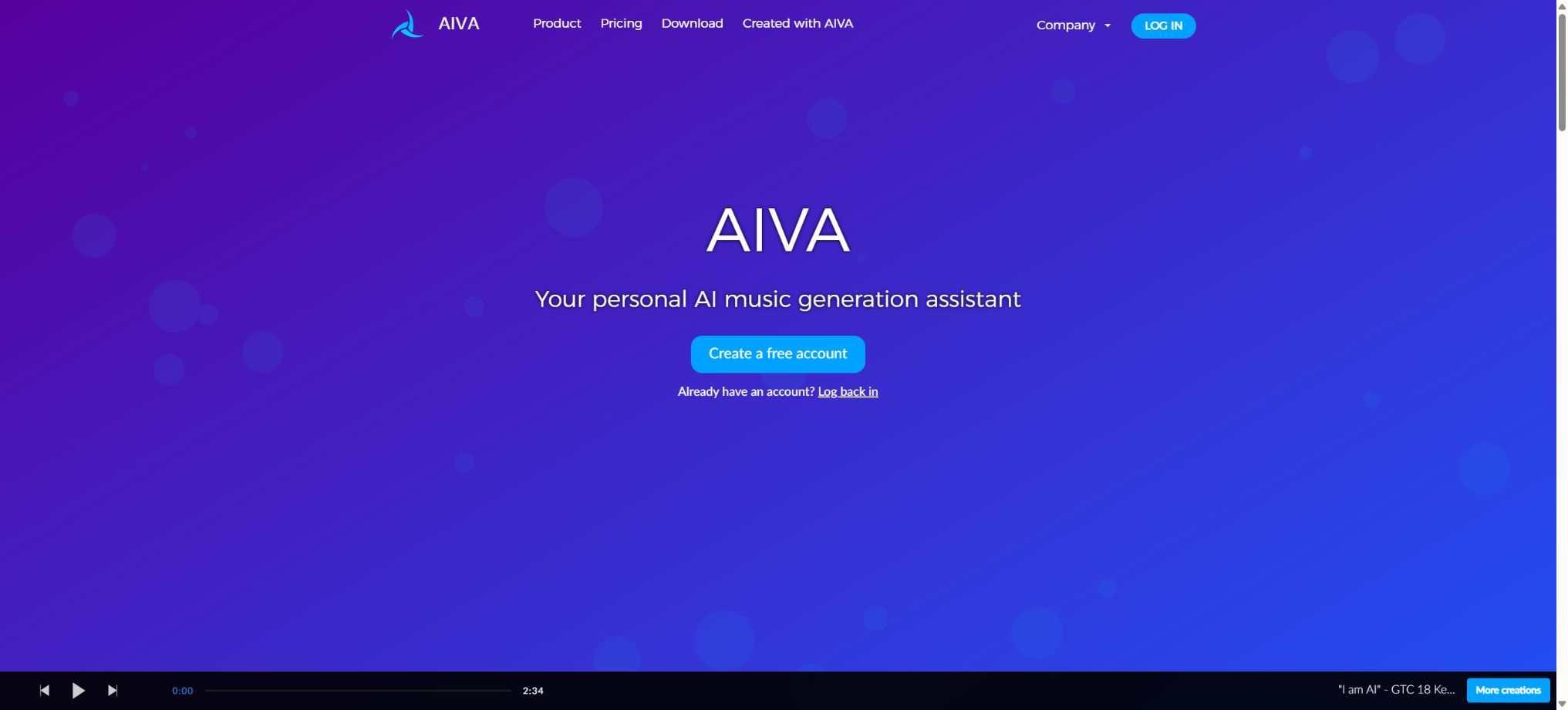
AIVA
An AI music generation platform designed for the film, game, and creative industries
Tags:AI audio toolsWhat is AIVA?
AIVA is an AI composition assistant designed for use in creating music scores, videos, games, and personal music. Users can start generating instrumental pieces by choosing a style, chord progression, or existing music as a reference; they can then modify various elements such as sections, tempo, key, instruments, and notes using the built-in editor. Finally, they can download the audio file, MIDI data, or individual tracks to continue working on them in a DAW.
Unlike simple tools that allow you to enter a sentence and have a complete song generated, AIVA is designed for an editable composition workflow. The platform offers over 250 different styles, the possibility to create custom styles, a composition workflow, the ability to upload external audio files, MIDI import, as well as a desktop application – making it suitable for users who need to continue working on the music composition rather than just downloading a finished version.
Generate music based on style.
When creating a project, it is possible to choose from preset styles such as film, orchestral, electronic, pop, fantasy, jazz, or community styles, and then to set the key, tempo, time signature, duration, and instrument preferences. The system will generate a piece that includes elements of melody, harmony, bass, rhythm, and instrumentation.
Even within the same style, differences in structure and timbre can exist. For formal projects, it is advisable to generate multiple candidates at once; first assess the melody and the context, and then use an editor to make adjustments, thereby avoiding excessive changes to unsuitable initial drafts.
Composition Workflow
The Composition Workflow saves styles, chords, keys, time signatures, and tempo as reusable processes. Users can start with existing chords or let the system generate new chord progressions, and then continue to create works within the same musical framework.
The textual indications affect the harmony primarily, and they do not automatically determine all the instruments and the arrangement. It is recommended to use English for clear descriptions, and to denote chords using Roman numerals.
Music traditions that are not based on functional or modal harmony may have limited expression.
Upload reference music for Influence
Upload Influence enables the uploading of MP3, WAV, or MIDI files, allowing AIVA to create new compositions that share certain emotional and musical characteristics with the original files. It is useful for directors who need temporary background music, for composers who want to explore similar moods, or for those who wish to develop different arrangements based on their own drafts.
It is recommended that audio clips last between 1 and 20 minutes and contain sufficient musical information. MIDI files should consist of at least 8 measures; it is best to separate the elements such as melody, chords, bass, and percussion into individual tracks, apply quantization, and use channel 10 for the percussion elements.
Parts exceeding 100 measures may be trimmed.
Copyright requirements for reference materials
Uploading to Influence does not grant the user rights to use the reference music. The user must possess the copyright, license, or some other legal basis for using the audio or MIDI file, and is responsible for any claims made by third parties.
Commercial projects should not use popular songs to request the creation of similar music. The reference function is more suitable for using one’s own drafts, authorized Temp Tracks, and internal examples; even after creation, a check for similarity and copyright issues is still necessary.
Import MIDI and custom Styles
Users can import their own MIDI files to continue creating music, or they can create, customize, and publish styles in Style Designer. Custom styles allow users to save instrument settings and musical characteristics, which helps to maintain consistency across a series of videos, game levels, and brand content.
In MIDI, the organization of tracks, Program Change commands, key signatures, and quantization can affect recognition. After importing, it is necessary to check the instrument mappings and rhythm; one should not assume that AIVA will retain all elements of the original file as they were.
Built-in music editor
The editor allows users to view multiple instrument layers, adjust the BPM, key, and sections; add effects, edit instruments and notes, and make changes to percussion instruments. Users can go into the details from the section structure, or directly modify the melody within the piano roll.
It is suitable for making quick revisions to the generated results, but it is not equivalent to a full-fledged DAW. Advanced mixing, plugins, mastering, automation, and vocal recording are still best carried out using software such as Logic Pro, Cubase, and Ableton Live.
Downloadable formats
AIVA provides files in formats such as MP3, Orchestrated MIDI, Reduced MIDI, 16-bit 48kHz WAV, Stems, as well as text-based chord information, in accordance with the specified scheme. MIDI is convenient for re-arranging and modifying music; Stems are suitable for mixing, while WAV is appropriate for use in final recordings and post-production tasks.
Not all formats are available for different packages. Before downloading, it is necessary to determine whether what is needed is an MP3 preview, an editable MIDI file, a high-quality WAV file, or multi-track audio, so as to avoid discovering after the file has been created that the chosen format is not supported.
Free trial version
Free is permanently priced at 0 euros and is intended for non-commercial use. Three tracks can be downloaded per month, with each track having a maximum duration of 3 minutes; MP3 and MIDI formats are supported.
The copyright to this work belongs to AIVA, and AIVA must be credited when it is published.
Non-commercial use refers to applications that are not aimed at generating profits and do not involve promoting commercial activities. The free version is not suitable for videos that generate revenue, customer projects, commercial games, advertisements, or brand accounts.
Price and version comparison
| Package or version | Prices, quotas, and core benefits |
|---|---|
| Standard price | The Standard plan costs 15 euros per month; when paid annually, the cost is 11 euros per month. 15 tracks can be downloaded each month, with each track having a maximum duration of 5 minutes. MP3 and MIDI formats are supported, and there is no requirement to include an AIVA credit. The Standard plan offers a limited commercial license, allowing the use of the related content for monetization on YouTube, Twitch, TikTok, and Instagram only. The copyright remains with AIVA, and the license is non-exclusive and non-transferable; it cannot be interpreted as granting the right to freely commercialize the content on all movies, games, advertisements, music platforms, or material markets. |
| Pro price | The Pro plan costs 49 euros per month; when paid annually, the cost comes to 33 euros per month. Users can download 300 tracks per month, with each track having a maximum length of 5 minutes and 30 seconds. All download formats are available, including high-quality WAV files and multi-track versions, and no attribution is required. The key advantage of the Pro plan is that AIVA transfers the copyright of the generated MIDI and audio works to the user, allowing them to monetize those works fully. The company also states that by upgrading to Pro, users gain ownership of the copyrights for the works they already had before subscribing; even after canceling the Pro plan, the users retain ownership of those works. |
Standard price
The Standard plan costs 15 euros per month; when paid annually, the cost is 11 euros per month. 15 tracks can be downloaded each month, with each track having a maximum length of 5 minutes. MP3 and MIDI formats are supported, and there is no requirement to include an AIVA attribution.
Standard offers a limited commercial license that permits the monetization of related content on YouTube, Twitch, TikTok, and Instagram only. The copyright remains with AIVA; the authorization is non-exclusive and non-transferable, and it should not be construed as allowing free commercial use on all movie, game, advertising, music platforms, or material markets.
Pro price
The Pro plan costs 49 euros per month; when paid annually, the cost is 33 euros per month. 300 tracks can be downloaded each month, with each track having a maximum duration of 5 minutes and 30 seconds. All download formats are available, including high-quality WAV files and multi-track versions, and no attribution is required.
The key difference with Pro is that AIVA transfers the copyright of the generated MIDI and audio works to the user, allowing the user to monetize them fully. The company also states that by upgrading to Pro, one can obtain the copyright to the works that already existed prior to subscribing.
After canceling Pro, the user retains ownership of the copyrights for the works already created.
Students, schools, and Enterprise
Students and schools are currently entitled to a 30% discount on annual plans and a 15% discount on monthly plans, provided that they meet certain educational criteria. Custom quotes are available for enterprises that need large-scale commercial solutions, automated processes, and more flexible terms.
For services such as high-volume licensing, automatic generation, APIs, team distribution, and asset libraries, it is not appropriate to use regular subscriptions in order to avoid the corporate terms; instead, one should contact AIVA to clarify the usage limits, copyright aspects, and technical integration requirements.
Difference between copyright and licenses
Free is copyrighted by AIVA and is licensed for non-commercial use; Standard remains copyrighted by AIVA, with limited commercial licensing granted only to four specified social media platforms.
Pro transfers the copyright to the works it creates to its subscribed users. The legal rights associated with the three different options differ not only in terms of the number of downloads.
The fact that a work is labeled as “royalty-free” does not mean that there are no copyrights or that no complaints can be filed against it. Users need to keep the subscription credentials, the license information displayed on the download page, the work’s ID, and the date of creation, and they must also verify the specific terms applicable to each piece of music.
YouTube Content ID appeal
Even with a license or copyright, YouTube Content ID can still generate false alerts. Standard users should submit their appeals by stating that they are the holders of the license, while Pro users can claim to be the copyright owners and provide the AIVA EULA along with proof of payment.
Do not rush to register a large number of AIVA tracks that have not been properly modified in Content ID in order to avoid false positives; this could negatively affect other legitimate users. The registration of music for use with Content ID must comply with AIVA’s terms and the policies of the music publishers.
Cancellation, downgrading, and refunds
Users can downgrade on the Billing page, including returning to the Free plan. Any monthly or annual fees that have already been paid will not be refunded as a result of this early downgrade; the paid subscription remains in effect until the end of the current cycle before it is changed.
After the Pro version is discontinued, the works for which licenses have already been obtained remain the property of the users; new works created under the Free or Standard versions will be subject to the new license terms.
Before each download, check the license status displayed on the work’s page.
Upload Influence and training license
According to AIVA’s end-user agreement, the Influence material uploaded by users must be granted the necessary permissions for the platform to process and train it; users also must ensure that such material does not violate the rights of third parties. For music that has not yet been released, as well as client confidential information or material subject to confidentiality agreements, it is necessary to first assess whether its upload is allowed.
If the project requires that the data be not used for training, if there are restrictions on data retention, or if isolated deployment is needed, this must be specified in writing within the corporate contract; it cannot be relied upon solely on standard account settings.
Batch usage and APIs
The AIVA terms prohibit the use of robots or automated software to simulate human actions, and they also restrict large-scale uploading or the bulk licensing of unmodified, unstructured works to third parties. When a large number of works or an automated workflow is needed, it is required to contact the API or the corporate team.
The ownership of works created using private APIs may differ from that under the Web Pro plan; it cannot be assumed that the output generated by the API automatically belongs to the client. Before making a purchase, it is necessary to clarify the ownership rights, usage limits, and terms regarding re-licensing for each method of integration.
Lyra and the next-generation models
Lyra, as presented by AIVA, represents its new generation of research and product developments in music generation; the Influence version focuses on extracting the key musical features from reference audio in order to create original compositions. The models and functions available to actual users may be made available in stages.
The similarity and quality metrics used in model promotion cannot replace actual listening tests. Music for films and games still needs to be evaluated in relation to the visuals, recurring elements, emotional shifts, and the final mixing.
Desktop applications and platforms
AIVA can be used on web pages, and there are also desktop applications available for Windows, macOS, and Linux. The desktop clients facilitate access to projects and the editing process, but the actual generation of content and account authentication still rely on the AIVA service.
Downloading a desktop application does not mean that the model can be run offline or deployed in a private environment; organizations that need to generate content entirely offline should consult corporate solutions.
GitHub and the open-source status
AIVA’s composition model, Lyra, as well as its web editor and generation services have not been released as complete open-source projects. The repository for the virtual assistant named “AIVA” that can be found through searches is unrelated to this music platform, and therefore cannot be considered open source.
The availability of public papers, blogs, or examples does not mean that the model weights and production code are made available to the public. AIVA should be considered a closed-source cloud service, accessible primarily through web pages, desktop clients, and custom APIs.
AIVA usage guide
Complete a basic task.
- Identify the audience, platform, format, duration, and the information that needs to be conveyed;
- Prepare scripts, shots, or reference materials that can be used in AIVA;
- Select to generate music based on a style and create a low-cost preview;
- Use the Composition Workflow to adjust the visuals, rhythm, subtitles, and audio;
- Check each frame for characters, text, logos, lip movements, and factual accuracy;
- Export in the desired format after confirming the licensing for music, portraits, and materials;
Create reusable professional workflows
- Create scripts, shot lists, brand assets, and a list of elements that are prohibited from use;
- To generate music in accordance with a specific style, unified parameters are saved for the Composition Workflow and for uploading reference music.
- First, use representative shots to test the model and the quota;
- Transfer the failed shots to manual editing or regenerate them;
- Uniformize subtitles, volume, colors, and end credits;
- Record the version and reviewer before publishing in batches;
Which users is it suitable for?
- Creators who produce background music for short videos, YouTube content, and social media posts;
- Independent developers who need music for game scenes, characters, and levels;
- Film composers who use the Temp Track to explore musical directions together with the director;
- Musicians who wish to continue arranging music using MIDI, chords, and tracks;
- There is a need for teams that can create serialized brand soundtracks and handle corporate licensing.
Product advantages
- Offers over 250 styles and reusable Composition Workflows;
- It can be generated from style, chords, audio, or MIDI references;
- Built-in editing for notes, instruments, phrases, and percussion;
- It supports professional post-production formats such as MIDI, WAV, and Stems;
- Pro explicitly transfers the copyright of the works to the user;
- It covers Web, Windows, macOS, and Linux.
Restrictions and Precautions
- Free cannot be used for commercial purposes; the Standard version is only available for use on four specific social media platforms, while only the Pro version offers full copyright protection.
- The number of downloads, the duration of each song, and the format are also subject to restrictions as specified in the plan.
- Influence must have the necessary authorization; AI-generated music can still trigger ContentID alerts or show similarities to existing works.
- Large-scale bulk licensing, automation, and API output require separate enterprise agreements;
Frequently Asked Questions
Is AIVA free?
There is a permanent free option that allows 3 downloads per month; each track can be up to 3 minutes long. MP3 and MIDI formats are supported, but use is limited to non-commercial purposes only, with the requirement to include AIVA as an attribution – the copyright belongs to AIVA.
How much is AIVA?
The Standard plan costs 15 euros per month, or 11 euros per month if paid annually; the Pro plan costs 49 euros per month, or 33 euros per month when paid annually.
Students get discounts at the school, and custom solutions are available from Enterprise.
Can music generated by AIVA be used for commercial purposes?
Standard allows for limited monetization on YouTube, Twitch, TikTok, and Instagram; Pro enables full commercialization as well as ownership of the creative works.
Free cannot be used for commercial purposes.
Can MIDI and track files be downloaded?
All plans allow MIDI to be downloaded using the current license; high-quality WAV, Stems, and other complete formats are available mainly with the Pro plan.
Does the copyright still exist after canceling Pro?
It’s still there. The copyright to the works created under Pro remains with the user, but for new works created after cancellation, they are licensed under the reduced-tier terms.
Is AIVA open source?
No. Neither the core model, nor the editor, nor the generation service are fully open source; GitHub projects with the same name are usually not the AIVA music platform.
Tools similar to AIVA




 Guigong Network Security Registration No. 45132202000164