






Murf
AI voice studio for narration, training, and advertising production
Tags:AI audio toolsWhat is Murf AI?
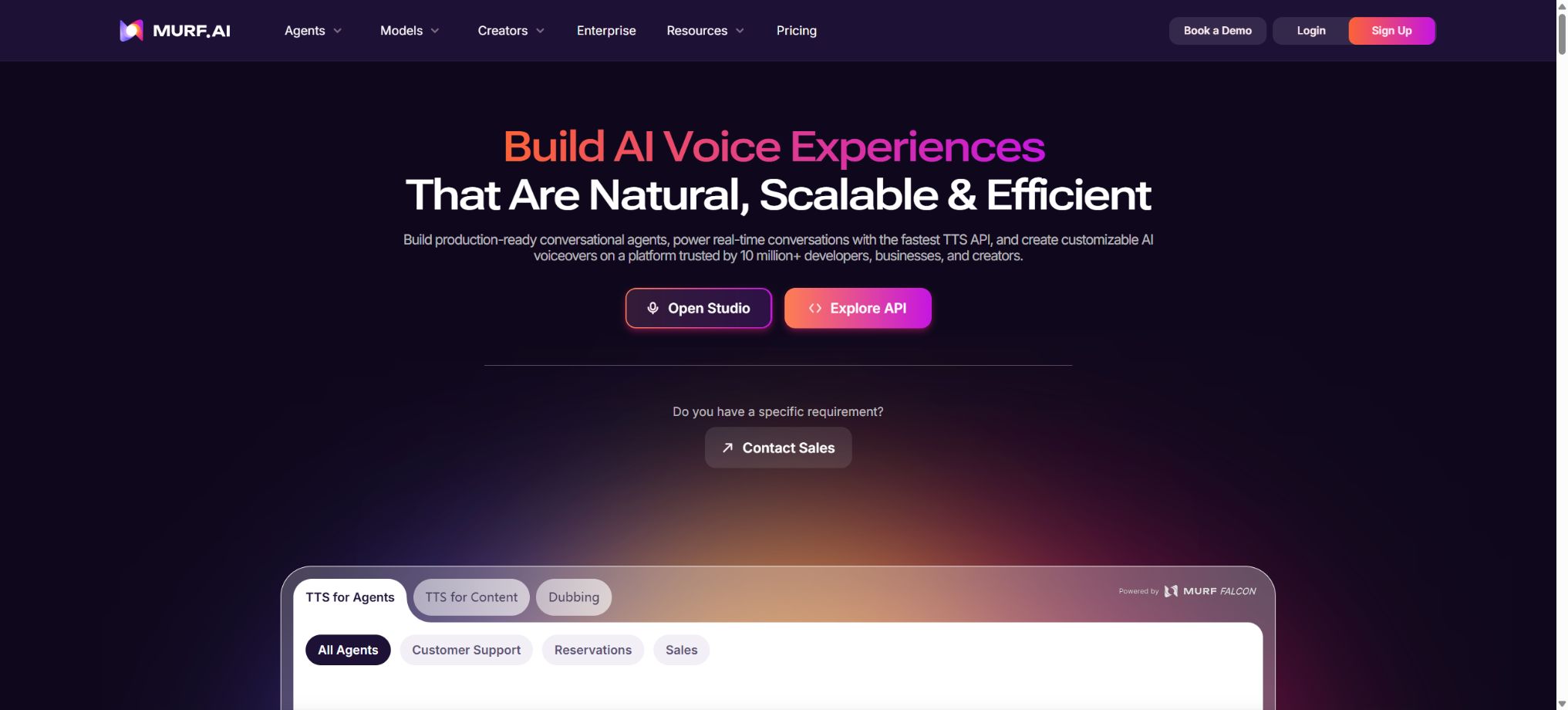
Murf AI is a platform that covers AI-powered voiceovers, video narration, localization, voice cloning, and developer voice interfaces. Ordinary creators mainly use Murf Studio to generate narration from scripts, and combine it with images, videos, and music to create their works.
Teams that need to translate existing audio and video content should use Murf Dub; developers, on the other hand, can integrate voice capabilities into their applications using TTS, Voice Changer, Dubbing, Translation, Streaming, and WebSocket APIs.
These products have different billing mechanisms: Studio is subscribed based on Voice Generation Time, Dub is billed using Credits, and API is charged per character, per minute, or through enterprise contracts. The 24-hour voiceover quota available for Studio cannot be used to access the API or to create multilingual voiceovers of the same duration.
Text to Speech: conversion of text into speech
Murf Studio offers over 300 different sounds as well as more than 30 languages and accents, which can be used in courses, advertisements, podcasts, product demonstrations, audio content, corporate training, and YouTube captions. The sound menu allows for filtering by language, accent, gender, age, style, and purpose.
Different pronunciations of the same language vary when it comes to numbers, abbreviations, brand names, and technical terms. Formal projects should be listened to segment by segment, and a Pronunciation Library should be used to maintain consistent pronunciations.
Gen2 voice model
Gen2 is designed for high-quality media narration, offering greater control over nuances such as tone, style, pauses, speed, and pitch. Compared to real-time dialogue models, it places more emphasis on expressiveness and editing capabilities, making it suitable for the creation of non-real-time videos and courses.
The model’s output may still suffer from unnatural stress patterns, inconsistent emotions, and issues with the rhythm of long paragraphs. Breaking the script into smaller semantic units usually makes it easier to make corrections compared to generating long sections of audio at once.
Emphasis, Variability & Say It My Way
Plans Business and above offer Emphasis, Variability, and Say It My Way. Emphasis is used to highlight words, Variability adds variation to the tone of speech, while Say It My Way allows users to record a sample sentence so that the AI voice can mimic its rhythm, tone, and way of expression.
A sample recording influences the way something is expressed, but it does not mean that it clones the identity of the speaker. Different voices and styles may not be able to replicate complex expressions perfectly; it is necessary to compare each sentence carefully and avoid exaggeration.
Voice Changer
Voice Changer converts existing recordings into a specified AI voice, while striving to preserve the original speaker’s rhythm, tone, accent, and pauses. It is suitable for replacing home recordings, screen recordings, and temporary narrations with a consistent brand voice.
A single input via the API can last up to about 3 minutes; it supports WAV, MP3, ALAW, ULAW, and FLAC formats, and allows output in various audio formats. To convert audio, legitimate permission from both the recorder and the person whose voice is to be used is required.
Audio to Text
Business offers Audio to Text functionality: users can upload recordings and have them converted into editable scripts, which can then be replaced with AI-generated voices while maintaining the original duration, thus facilitating synchronization with the original video. The annual plan for Business includes 48 hours of transcription time, whereas Enterprise plans allow for customized options or unlimited transcription time.
Transcription may misidentify names, numbers, and technical terms. After modifying the text, it is also necessary to check whether the audio still matches the visuals, slides, and subtitles.
Voice Over Video
Murf Studio allows AI narration to be combined with images, videos, music, and subtitles within the same project, and the duration of each element can be adjusted using scenes or a timeline. Users can export the audio, subtitles, or Full HD video.
Studio is suitable for explanatory videos and training purposes; it is not a professional multi-camera editing software. Complex color grading, special effects, and multi-track mixing should still be carried out using tools such as Premiere Pro and DaVinci Resolve.
Integration with Canva, Google Slides, and PowerPoint
Creator supports Canva, while Business adds integration with Google Slides and PowerPoint. Users can write scripts in the speaker notes for slides, select a voice to generate synchronized narration, and then save the project to Murf Studio for further editing.
Automatic synchronization checks for animations, page transitions, and pauses. The imported fonts, media, and embedded objects are not necessarily all converted into part of the video.
AI Translation
Enterprise offers AI Translation, which allows Studio projects to be converted into other languages; it is also possible to continue editing scripts, audio, and scenes in the new project. The platform supports over 30 languages, and Multi-Native Voices enables seamless switching between multiple languages within the same voice.
Automatic translation cannot replace proofreading by a native speaker. For legal, policy, health, safety, and brand-related terminology, it is necessary to create a glossary and to check the length of the subtitles as well as their cultural appropriateness.
Voiceover for Murf Dub video
Murf Dub is used to upload existing videos or audios and create multilingual versions of them. The system identifies the speaker, translates the dialogue, generates new voices, and tries to preserve the original timestamps, background music, and sound effects.
Currently, more than 25 source and target languages are supported; the Dubbing API page lists around 28 languages.
Automatic dubbing may suffer from issues such as separated speakers, problems with emotion expression, volume levels, translation errors, and synchronization problems. Enterprise versions offer Quality-Assured Dubbing, reviewed by internal experts, for applications that require a higher standard of localization.
Free trial of Murf Dub
The Dub Free Trial comes with 200 Credits by default, which allow for the creation of 1 project and the export of results with a watermark. This amount is different from the 10 minutes of voice generation provided in Studio Free.
Price and version comparison
| Package or version | Prices, quotas, and core benefits |
|---|---|
| Murf Dub Pay-as-you-go prices | Dub is priced at 1 dollar per credit; the minimum purchase amount is 5 dollars. Up to 10,000 credits can be purchased in a single order, and auto-pay options are available. With the regular PAYG option, approximately 5 projects can be created; the actual consumption depends on the number of files, the length of the original video, the number of target languages, and the preferences regarding voiceovers. Each additional target language increases the cost. For large-scale content, it is advisable to first test the translation and audio using short samples before deciding whether to opt for the Enterprise discount. |
| Creator price | The annual subscription for Creator costs $19 per month, amounting to $228 for the whole year; it includes 1 editor, 100 projects, 24 hours of voice generation per year, over 200 different voices and styles, Multi-Native Voices, unlimited downloads, integration with Canva, commercial rights, Full HD export options, as well as access to stock media and HTML embedding. Creator is suitable for individual creators and freelancers, but it does not include the features Emphasis, Variability, Say It My Way, Audio to Text, PowerPoint, nor a Business License. |
| Business price | The annual Business plan costs $66 per month, or $792 for the whole year; it includes 1 editor, 500 projects, 96 hours of voice generation per year, 48 hours of transcription, unlimited downloads, as well as commercial rights and a business license. In addition, it offers features such as Emphasis, Variability, Say It My Way, PowerPoint, Google Slides, Windows voices, and Audio to Text. The Business plan does not support multi-user collaboration: the current self-service version allows only 1 editor and no viewer seats. If you need to share projects, manage permissions, and work with multiple editors, then the Enterprise plan is the appropriate choice. |
| Enterprise price | Enterprise custom quotes start with at least 5 editors; they include the option to specify the number of custom projects, unlimited voice generation, unlimited transcription and translation services, tools for sharing and collaboration, a viewer function, access control, private folders, SSO, access logs, data restoration within 60 days, fast rendering, the ability to use the service without training on specific data, MSA, purchase orders, and a customer success manager. Custom voice clones, custom models, integration options, and full broadcasting rights may be additional services available. When placing an order, it is necessary to include in the contract provisions regarding data retention, model training, concurrency levels, service levels, and licensing terms. |
| API prices and restrictions | The API Free Trial offers 100,000 characters, 1 API Key, 5 concurrent requests, and 1,000 requests per minute. The regular PAYG plan costs $0.03 per 1,000 characters; the minimum purchase amount is $2, and it allows for the creation of 3 keys, 15 concurrent requests, and 10,000 requests per minute. The Custom plan provides batch discounts and higher limits. The official website for the Falcon real-time model indicates a cost of around $0.01 per minute, making it suitable for Voice Agents. Different models and capabilities have varying pricing structures, and the final cost is determined based on the API Dashboard. |
Murf Dub Pay-as-you-go prices
Dub is priced at 1 dollar per credit, with a minimum purchase amount of 5 dollars. Up to 10,000 credits can be purchased in a single transaction, and auto-payment can be set up. With the regular PAYG option, approximately 5 projects can be created.
The specific consumption is determined by the number of files, the duration of the original video, the number of target languages, and the preferences regarding dubbing.
Each additional target language increases the cost. For large volumes of content, it is advisable to first test the translation and audio using short samples before deciding whether to opt for the Enterprise discount.
Voice cloning
Murf’s Custom Voice Cloning is not a feature available to ordinary users on their own; it is an additional service offered for enterprise clients. Account managers assist with the recording, training, quality checking, and deployment of cloned voices, which can then be used in Studio, Dub, or corporate workflows.
Companies must obtain explicit permission from the voice actors or employees, and agree on the purpose, language, duration, as well as the conditions for accessing and deleting the audio files. Voice cloning cannot be used for impersonation, fraud, or unauthorized advertisements and statements.
Free trial version
Studio Free costs $0; no credit card is required. It includes 10 projects, 10 minutes of voice generation time, and 1 editor. Users can try out the Business-level features, but there is no possibility of downloading content or using it for commercial purposes.
The free quota is suitable for listening to samples and testing controls, but not for official releases. The ability to preview a project does not mean that one has obtained the audio files or a commercial license.
Creator price
The annual subscription for Creator costs $19 per month, which amounts to $228 for the whole year; it includes 1 editor, 100 projects, 24 hours of voice generation per year, over 200 different voices and styles, Multi-Native Voices, unlimited downloads, integration with Canva, commercial rights, Full HD export options, as well as access to stock media and HTML embedding.
Creator is suitable for individual creators and freelancers, but it does not include Emphasis, Variability, Say It My Way, Audio to Text, PowerPoint, and Business License.
Business price
The annual Business plan costs 66 dollars per month, which amounts to 792 dollars for the whole year; it includes 1 editor, 500 projects, 96 hours of voice generation per year, 48 hours of transcription service, unlimited downloads, as well as commercial rights and a business license. In addition, it offers features such as Emphasis, Variability, Say It My Way, and PowerPoint.
Google Slides, Windows Sound, and Audio to Text.
The Business version does not imply multi-person collaboration: the current self-service option still allows only 1 Editor, and there are no Viewer Seats available. For sharing projects, managing permissions, and enabling multiple editors, the Enterprise version should be chosen.
Enterprise price
Enterprise custom quotes start with at least 5 editors; they include the option to specify the number of custom projects, unlimited voice generation, unlimited transcription and translation services, features for sharing and collaboration, a viewer tool, access control, private folders, SSO, access logs, the possibility of restoring data after 60 days, fast rendering, no need for training on the user’s data, MSA, purchase orders, and a customer success manager.
Custom Voice Clone, customized models, integration, and full broadcasting rights may be additional options. When making a purchase, data retention, model training, concurrency, service levels, and licensing terms should be included in the contract.
How is the Voice Generation Time calculated?
The VGT amount is deducted based on the actual length of the generated audio. A script of around 1,000 English words typically results in an audio file of about 6 minutes in length, though this can vary depending on the volume and speaking pace.
If a 500-word script results in a duration of 4 minutes and 34 seconds, that time will be deducted.
Modifying the text and regenerating it will once again consume a corresponding amount. The current help documentation states that the remaining VGT for active or Paused subscriptions can be carried over to the next period; the actual validity depends on the account status, as specified on the subscription page.
Commercial rights and Business License
All paid Studio plans include the commercial rights to generate voiceovers, which can be used for original YouTube content, streaming services, and commercial material; the Business version adds a Business License as well.
The official help documentation states that the commercial and Business License rights associated with the content created remain valid even after the subscription expires.
Commercial rights do not cover scripts, characters, music, and uploaded materials for which the user does not have rights; nor do they guarantee that third-party platforms will always allow the use of AI-generated voices. The policies of YouTube and advertising platforms need to be checked in real time.
Background music and YouTube codes
Murf offers over 8,000 tracks in its inventory. Uploading some of these Murf tracks to YouTube may trigger Content ID; the system provides a one-time YouTube Code in the export package, which the user must insert into the video description as instructed in order to have the licensing notice removed automatically.
Murf TTS API
The developer API offers Gen2 TTS with high expressiveness and Falcon TTS with low latency for real-time use; it supports control over speed, pitch, pauses, pronunciation, target duration, variation options, Multi-Native format, as well as output in MP3, WAV, FLAC, ALAW, ULAW, Base64 formats, at a maximum frequency of 48kHz.
The API voice library currently includes over 150 different voices, covering around 35 languages; these voices are not exactly the same as the more than 300 voices available in Studio.
Before making a selection, check the target model and language using the API Voice Library.
Murf AI Usage Guide
Complete a basic task.
- Verify recordings, audio, music, and participant authorization;
- Upload or enter clear audio into Murf AI;
- Select settings such as language, speaker, and Text to Speech for text-to-speech conversion;
- Use the Gen2 voice model to generate transcripts, voiceovers, or cleaned-up results;
- Check each segment for names, numbers, pauses, volume, and mood;
- Before exporting, verify the format, loudness, copyright, and privacy requirements;
Create reusable professional workflows
- A test set is created using real noise, accents, and multi-person segments;
- Compare the differences in performance between Text to Speech, the Gen2 voice model, and Voice Changer.
- Retain the original recordings and the unmodified transcripts;
- Arrange for a manual hearing before releasing it to the public;
- Statistically analyze processing time, error rate, and quota consumption;
- Regularly update the glossary, sound licensing, and deletion policies;
API prices and restrictions
- APIFreeTrial offers 100,000 characters, 1 API key, 5 concurrent requests, and 1,000 requests per minute;
- For the standard PAYG plan, the cost is $0.03 per 1,000 characters; the minimum order amount is $2. It allows for the creation of 3 keys, with 15 concurrent requests and 10,000 requests per minute.
- The Custom plan offers bulk discounts and higher limits;
- The official website of the Falcon real-time model indicates a cost of around 0.01 dollar per minute, making it suitable for VoiceAgent;
- Different models and capabilities use different units, and the final cost is determined according to APIDashboard.
Dubbing, Translation, and Streaming APIs
Murf offers the Dub Automation API, Translation API, as well as low-latency streaming and WebSocket capabilities. For dubbing, Transient tasks can be used, and the output links expire after 72 hours;
It is also possible to create Persistent projects, allowing for further editing and collaboration within the Murf Dub interface.
The TTS Key is different from the Murf Dub API Key. Production systems should verify the Webhook Secret, handle duplicate notifications, and save temporary outputs promptly.
Official SDK, MCP, and integration
GitHub offers official examples of Python SDKs, Cookbooks, Pipecat, LiveKit, MCP Server, and Voice Agents. MCP enables compatible agents to call Murf TTS, while Pipecat and LiveKit are used together for real-time voice applications.
These open-source connectors do not include the Murf speech model. Running them still requires an API Key, which incurs cloud service costs; such keys cannot be stored in the client or in public repositories.
Is it open source?
Murf Studio, Dub, sound models, and cloud APIs are not open-source projects, nor do they offer a fully self-hosted version. The official SDK, MCP, and integration examples are available under an open-source license, but this does not mean that the core services are made available openly.
Companies with strict requirements regarding data residency and on-premises deployment can consult Falcon On-Prem or custom solutions; availability is subject to confirmation via contract.
Which users is it suitable for?
- Creators who produce courses, advertisements, product demonstrations, and YouTube narrations;
- Teams that create training videos using PPT, Slides, and Canva;
- Companies that need multilingual video translation and dubbing;
- Organizing a brand’s voice through voice cloning;
- Developers who create Voice Agents, IVRs, games, and accessibility applications;
- Platforms that require real-time, low-latency TTS and batch Dubbing APIs.
Product advantages
- Studio, Dub, and API cover creation, localization, and product integration;
- Over 300 Studio sounds and more than 30 languages;
- Gen2 offers precise control over performance, while Falcon is designed for real-time conversations.
- Say It My Way allows for imitation of the way it is expressed;
- It supports Canva, Slides, PowerPoint, and Windows applications;
- The official SDK, MCP, Pipecat, and LiveKit offer a complete ecosystem.
Restrictions and Precautions
- Free is not downloadable and has no commercial rights;
- Both the Creator and Business self-service plans have only 1 Editor;
- Voice cloning is not a self-service feature; translation and collaboration are primarily available in the Enterprise version.
- Studio, Dub, and API quotas cannot be exchanged with one another;
- Regenerating audio consumes VGT, while multi-language dubs increase Credits depending on the language and the file size; the API charges based on characters or minutes used.
- AI voice, transcription, and translation can all make mistakes.
- For cloning, VoiceChanger, and Dubbing, it is necessary to obtain licenses for the sounds and materials used, as well as to carry out manual quality checks on the important content.
Frequently Asked Questions
Is Murf free?
Studio offers a free plan that includes 10 minutes of Voice Generation time and 10 projects, but no downloading is allowed and no commercial rights are granted. Dub and API come with their own trial quotas.
How much is Murf?
For Studio, the monthly cost is $19 for Creator plans and $66 for Business plans; Enterprise plans are customized. For Dub, the cost is $1 per credit on a PAYG basis.
The TTS API PAYG charges $0.03 per 1,000 characters.
Does Murf support Chinese?
Chinese and various accents are supported, but Studio, API, and Dub offer different numbers of languages and voices; it is advisable to listen to the desired voice in the respective product before making a purchase.
Is it possible to clone one’s own voice?
It is possible, but currently Custom Voice Cloning is not a standard self-service feature; it requires the assistance of an Enterprise team and must be enabled as an additional service.
Does Murf have a commercial license?
All paid Studio plans come with commercial rights; the Business plan also includes a Business License. The rights related to the content that has been created remain valid even after cancellation, but the user must possess the rights to the scripts and materials used.
Does Murf have an API?
It offers TTS, Voice Changer, Streaming, WebSocket, Translation, and Dubbing APIs, as well as a Python SDK, MCP, and various Voice Agent integrations.
Is Murf open source?
The core platform and models are not open source. The official SDK, MCP, and integration examples are available under an open source license, but they still rely on Murf’s cloud APIs and paid service quotas.
Tools similar to Murf




 Guigong Network Security Registration No. 45132202000164