






Descript
Edit videos, podcasts, and recordings just like editing text.
Tags:AI audio toolsWhat is Descript?
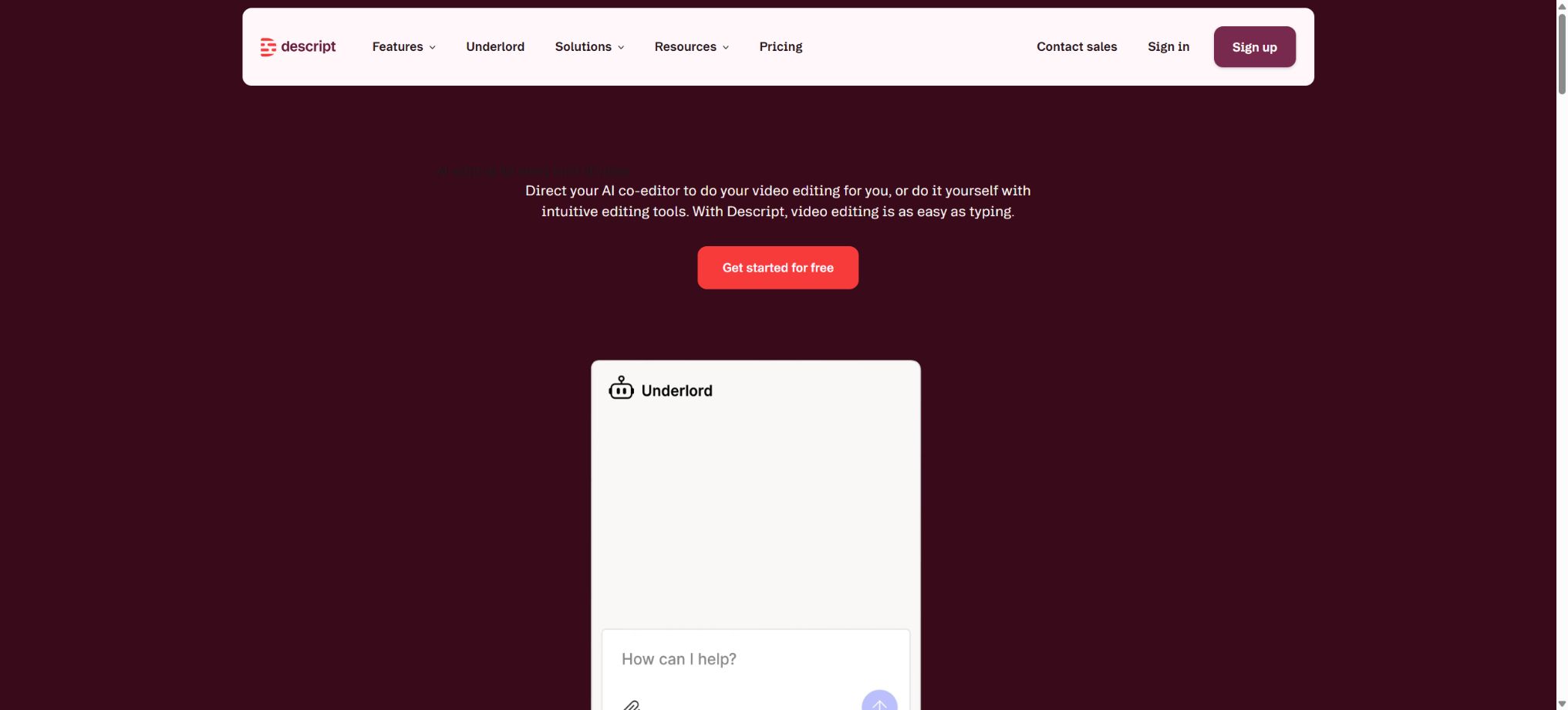
Descript is an AI-powered platform for creating audio, video, and podcasts, whose editing interface is based on automatic transcription. After importing or recording material, the system converts the speech into text along with a timeline.
When text is deleted, moved, or copied, the corresponding audio and video also change accordingly; as a result, even users who are not familiar with traditional timelines can easily edit interviews, courses, product demonstrations, and social videos.
It retains functions such as scenes, layers, multi-tracks, waveforms, and keyframes; it can be used as a standalone editor for recording, editing, adding subtitles, repairing audio, and exporting.
Core functions
- Based on text clipping:It supports transcription in 25 languages, multi-speaker recognition, and simultaneous transcription of multiple tracks; it also allows for the direct removal of incorrect sentences, pauses, and repeated content from the text.
- Underlord AI collaborative editing:Generate scripts based on conversation instructions, rewrite paragraphs, remove unnecessary text, organize the structure, create short videos, and perform multiple editing tasks; both chatting functions and execution tools consume AI credits.
- Audio cleanup:Studio Sound can reduce noise and echoes and enhance the quality of vocals; it also offers tools for removing filler words, shortening gaps between words, eliminating repeated recordings, and handling multiple recording sources automatically.
- AI Speech and Regenerate:After creating a voice clone authorized by the individual, it is possible to add text or make minor adjustments to the lines spoken, without the need to record again.
- Video tools:It supports dynamic subtitles, Green Screen, Eye Contact, layout and animation, generative images and videos, digital avatars based on photos, and 4K output.
- Recording and remote interviews:It features a built-in screen, camera, microphone, and Descript Rooms recording capability, making it suitable for podcast interviews, teaching, and product demonstrations.
- Content reuse:It is possible to extract short clips from long videos, create titles, summaries, show notes and social media posts, and translate subtitles or voiceovers into more than 30 languages.
Price, media duration, and AI points
| Package or version | Prices, quotas, and core benefits |
|---|---|
| Free | $ |
| Creator | The annual fee is 24 dollars per person per month, while the monthly fee is 35 dollars; it provides 30 hours of media usage per month and 800 AI credits, and it supports 4K resolution, the full Underlord feature set, various generation models, a material library, as well as the option to purchase additional credits. |
| Business | The cost is $50 per person per month for an annual payment, or $65 per month; it includes 40 hours of media processing time and 1,500 AI credits per month, as well as access to Brand Studio, translation and dubbing in over 30 languages, digital photo avatars, and priority support. |
| Enterprise | Customized quotes, quotas, and retention strategies are provided, along with SSO, SCIM, audit logs, exit training, dedicated customer success support, and enterprise contracts. |
Media duration is deducted when uploading or recording audio and video, during Rooms sessions, and for screen recordings; each static image counts as 1 second. For a one-hour Rooms session with multiple participants, the time is calculated as one hour rather than being multiplied by the number of participants.
AI points can be used for Underlord, Studio Sound, Green Screen, Eye Contact, video generation, digital avatars, and AI voices.
The unused media duration and monthly AI credits are not carried over. Creators and Businesses can purchase additional quotas; the actual charge depends on the features used, the duration of content generation, and the model selected.
Platform and open-source status
Descript offers desktop applications for Windows and macOS, and some of its functions can also be accessed via a web page; remote recording and sharing links enable participation across different platforms.
It is not a fully open-source software; the core transcription tools, editor, AI models, and cloud collaboration services are all commercial products.
The SDKs, examples, or open-source components available on the official GitHub do not imply that the platform can be deployed in a private environment.
Descript usage guide
Complete a basic task.
- Identify the audience, platform, format, duration, and the information that needs to be conveyed;
- Prepare scripts, shots, or reference materials that can be used in Descript;
- Select text-based clipping to generate a low-cost preview;
- Use Underlord AI for collaborative editing to adjust the visuals, rhythm, subtitles, and audio;
- Check each frame for characters, text, logos, lip movements, and factual accuracy;
- Export in the desired format after confirming the licensing for music, portraits, and materials;
Create reusable professional workflows
- Create scripts, shot lists, brand assets, and a list of elements that are prohibited from use;
- Save unified parameters for text-based editing, Underlord AI collaborative editing, and audio cleanup;
- First, use representative shots to test the model and the quota;
- Transfer the failed shots to manual editing or regenerate them;
- Uniformize subtitles, volume, colors, and end credits;
- Record the version and reviewer before publishing in batches;
Which users are it suitable for
- Creators who edit podcasts, interviews, online courses, and voice-over videos
- Marketing teams that need to quickly break down long content into short videos and copy.
- Users who are not familiar with complex timelines and wish to edit content in a way similar to editing documents
- An integrated team solution that includes screen recording, subtitles, remote recording, and team review capabilities.
Usage restrictions and security
- Transcription errors can directly affect the boundaries of text segments, and strong accents, overlapping voices, music, and low-quality recordings require manual editing.
- Automated removal of pauses or filler words may also result in the deletion of word beginnings; it is necessary to listen to the audio in its entirety before exporting it.
- StudioSound is unable to restore frequency information that has been severely clipped or is no longer present; excessive intensity can result in a synthetic sound.
- AI-generated videos, scripts, and visuals still require verification regarding facts, copyright, and brand consistency.
- To customize AISpeaker, it is required to record a statement of authorization using one’s own voice; it is not allowed to clone someone else’s voice without their consent.
- When handling customer interviews, meetings, and internal materials, the team should establish Drive roles, define sharing permissions, and implement controls over corporate data; moreover, it is necessary to obtain consent for recording audio in accordance with the laws of the relevant jurisdiction.
Frequently Asked Questions
Does the free version of Descript have watermarks?
The current free plan allows for watermark-free exports in 720p resolution, but there are limitations regarding the length of the media content, AI credits, generation capabilities, and audio functions.
Will deleting the transcribed text also delete the original material?
The corresponding segment will be removed from the current editing sequence, but it can usually be restored using versions and editing operations; for official projects, it is still recommended to keep the original files.
Does Descript support Chinese transcription?
The 25 languages listed officially for automatic transcription do not include Chinese; therefore, Chinese-related projects should not use this tool as the preferred option for transcription. The list of supported languages may change, so it is necessary to check the options available in one’s account before using it.
Tools similar to Descript




 Guigong Network Security Registration No. 45132202000164