






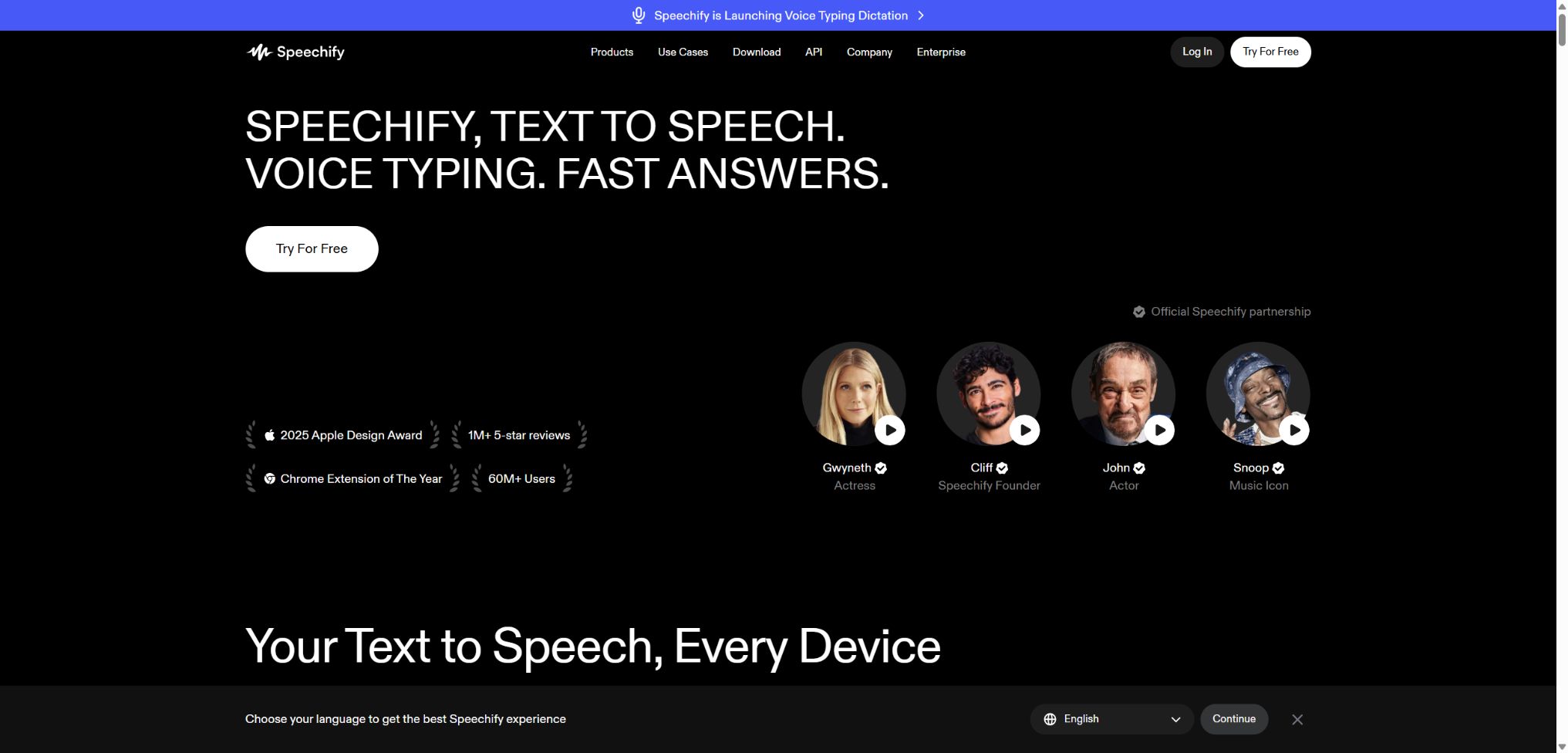
Speechify
Convert web pages, PDFs, and documents into natural speech and provide creation tools.
Tags:AI audio toolsWhat is Speechify?
Speechify is a platform for reading, creating, and developing content, centered around AI-powered voice technology. It was initially used to read web pages, PDFs, books, and scanned text; today it also offers features such as voice input, AI summarization, podcasts, voiceovers, video translation, voice cloning, and developer APIs.
Speechify Text to Speech Reader, Speechify Studio, and Speechify API are three distinct products; their subscriptions and usage quotas cannot be used as substitutes for one another. Readers, content creators, and development teams should consider the appropriate option for their own needs.
Main functions of Speechify
- Read web pages, PDFs, e-books, emails, and office documents aloud;
- Convert printed pages into speech by using OCR;
- It supports over 1,000 different sounds as well as more than 60 languages and accents;
- Text highlighting, playback speed, and progress are synchronized across devices;
- AI summaries, content Q&A, quizzes, and voice assistants;
- Voice input can convert spoken words into text in supported applications.
- Studio generates voiceovers, video dubbing, voice transformation, and voice cloning;
- A dubbing studio translates videos and redubs the voiceovers;
- Creators can add music, images, videos, and sound effects.
- The TTS API supports streaming audio, SSML, Speech Marks, and SDKs.
Text to Speech Reader
Reader can import PDF, Word, EPUB, web pages, and files from cloud storage, and it allows for audio playback on Web, iOS, Android, Windows, Mac, Chrome, and Edge. Users can adjust the voice and speed, and the text highlighting moves in sync with the audio.
The free version offers basic TTS functionality, 10 mechanical-sounding voices, and a speed increase of up to 1.5 times. The Premium version provides natural-sounding voices, more languages, a speed increase of up to 5 times, scanning-based reading, AI-generated summaries and chat features, as well as integration with cloud storage.
OCR scanning and file import
On mobile devices, it is possible to take photos of textbooks, lecture notes, or printed pages; OCR technology is then used to identify the text, which can be read aloud. The quality of text recognition depends on factors such as clarity, layout, language, and handwriting style. Formulas, tables, and multi-column documents require manual verification.
Integration with Google Drive, Dropbox, and Microsoft OneDrive facilitates the import of data, but the scope of permissions should not go beyond what is necessary. Before importing sensitive files, it is necessary to check the organization’s data handling policies.
AI summaries, Q&A, and voice assistants
Premium can generate summaries of the text read, provide answers to queries through chat, and create quizzes; it also enables voice conversations around web pages or books via the Voice AI Assistant. The AI may overlook certain constraints or treat the opinions expressed in the text as facts.
Voice input and AI podcasts
Voice Typing converts spoken words into text, which can be used for emails, documents, and everyday writing. AI Podcasts organize information into audio content that is suitable for review and use during commutes, but they cannot replace accurate citation of the original text.
Studio AI voiceovers
Speechify Studio is used to create downloadable and publishable audio content; it is a separate subscription from personal readers. Users can choose pre-set voices, enter scripts, adjust pauses, pronunciation, speech speed, and tone, and then export the dubbed version.
The paid Studio plan includes commercial usage rights, while the free plan does not. Specific sounds, celebrity voices, and materials may be subject to separate licensing terms; it is necessary to check the current license for a project before publishing it.
Dubbing, Voice Changer, and voice cloning
Dubbing Studio can translate videos and redub them, striving to preserve the speaker’s rhythm, tone, and vocal characteristics. Voice Changer, on the other hand, converts existing audio into other available voices, which is useful for characters, narrations, and localization.
Voice cloning requires the explicit consent of the speaker; it is not allowed to impersonate others or create deceptive content. The API terms also restrict the use of voices belonging to minors, deceased persons, and prominent political figures, and require proper disclosure of any synthesized output.
Speechify TTS API
The Speechify API relies on the Simba speech model to generate or stream audio, and it supports SSML, word-level timestamps, emotion control, and voice cloning. Authentication is carried out via API keys, and the platform provides SDKs in Python as well as JavaScript or TypeScript.
The streaming interface is suitable for voice agents and real-time text-to-speech generation, while the regular generation interface is used to create audio files that can be saved. This document states that a single request can handle up to about 20,000 characters; the specific models and limitations are subject to those specified in the control panel.
Comparison of Speechify’s three product categories
| Products | Primary uses | Output | Billing method |
|---|---|---|---|
| Text to Speech Reader | Read the existing content aloud to individual users. | In-app reading aloud, summaries, and Q&A | Free or Premium subscription |
| Speechify Studio | Create narration, video voiceovers, and audio content | Downloadable audio and video items | Studio Points Subscription |
| Speechify API | Integrate TTS into applications, agents, and services. | Programmed audio streams or files | Character usage or corporate contract |
| Corporate and educational programs | Organization deployment, accessibility, and team management | Centralized accounts and organizational services | Contact sales |
Price of Speechify Reader
The table below shows the current monthly price in US dollars as listed on the official website. The page also offers the option to pay annually as well as temporary discounts; the final amount, taxes, and renewal period will be indicated on the settlement page.
| Plan | Price | Primary interests | Suitable for users |
|---|---|---|---|
| Free | $ | Up to 1.5x speed boost, 10 basic sounds, basic text-to-speech | Occasional reading aloud and experience |
| Premium | $ | Over 1,000 natural sounds, more than 60 languages, up to 5x speed increase, scanning, summarization, and integration with cloud storage | High-frequency learning and reading |
| Enterprise or Education | Custom quote | Batch deployment, account management, and organizational support | Schools, enterprises, and accessibility projects |
Premium voice service comes with limits regarding reasonable use and the number of characters per month. The minimum amount guaranteed by the provider is 150,000 characters per month; any temporary increases or promotional offers should not be considered permanent rights.
Prices for Speechify Studio and API
| Products and solutions | Price | Limit or benefits | Important restrictions |
|---|---|---|---|
| Studio Free | $ | 600 Studio points, over 1,000 different sounds, voiceovers, dubbing, and voice changes | No audio cloning, no commercial usage rights |
| Studio Starter | $ | 7200 points, voice cloning, material library, and commercial usage rights | Points are consumed based on the content generated. |
| Studio Creator | $ | 28,800 points and all features of Starter | High-frequency creation still requires point management. |
| API Starter | Free | 50,000 characters, approximately 100 minutes, SSML, Speech Marks, and SDK | No sound cloning. |
| API Pay-As-You-Go | $ | Pay-as-you-go, around 2000 minutes, including voice cloning | The actual number of minutes depends on the text and speaking speed. |
| API Enterprise | Custom quote | Contracts, security, SLAs, custom voices, and priority support | The official website specifies a minimum commitment of $5,000 per year. |
How to spend Studio points
Voiceover consumes 1 point per second of generation time, Dubbing consumes 3 points per second, and Avatar consumes 30 points per second. Changing the volume or re-exporting unchanged content generally does not result in any point deduction, but altering the script, voice, speech pace, pitch, or tone requires re-generation and thus incurs point costs.
Speechify usage guide
Convert PDFs or web pages into audible content
- Register for Speechify and choose Web, mobile, or browser extension;
- Upload files, paste web pages, or import from cloud storage;
- Check the OCR text, title order, and language recognition;
- Choose the appropriate sound, language, and playback speed;
- Enable synchronized highlighting and set to skip headers and footers;
- Before using the summary or Q&A, first examine the structure of the original text;
- After completion, delete the sensitive information that does not need to be retained.
Create commercial voiceovers using Studio
- It has been confirmed that a Studio is required rather than a Reader for this use case;
- Choose a paid plan that includes commercial usage rights;
- Import the script and split the scenes and speakers by paragraph;
- Select an authorized voice and adjust the pronunciation, pauses, and tone.
- Test with short segments first, then create the complete project;
- Check the names, numbers, multilingual translations, and lip-sync rhythm;
- Save authorization records and disclose AI-generated content as required.
Access TTS through API
- Create and restrict API Keys in the development console;
- Store the key in the server environment or in Secrets;
- Install the official Python or TypeScript SDK;
- First, use short texts to test the sound, the model, and the audio formats;
- For real-time scenarios, the streaming interface is used, while for file-related scenarios, the speech interface is employed.
- Segment long texts and handle rate limiting, timeouts, and retries;
- Log character costs, rotate keys, and perform content auditing.
Who is Speechify suitable for?
- Users with dyslexia, vision or attention issues: convert text into audible content;
- Students and researchers: Reading textbooks, papers, and review materials aloud;
- Knowledge workers: Listening to documents while commuting or handling multiple tasks;
- Language learners: Practice that combines multilingual audio with simultaneous highlighting.
- Video and podcast creators: producing narration, character voices, and localization;
- Education and corporate teams: Deploying supplementary reading materials and training content;
- Developer: Integrates TTS for products, voice agents, and accessibility features.
The advantages of Speechify
- Readers support web pages, files, scanned text, and various devices;
- A wide range of natural sounds, languages, and accents are available;
- Synchronized highlighting, speed control, and cross-device synchronization are suitable for reading long texts;
- Reader, Studio, and API cover use cases ranging from individual users to developers;
- Studio integrates voice-over, dubbing, voice transformation, cloning, and audio materials;
- The API supports stream output, SSML, emotion detection, and word-level timestamps;
- Official Python and TypeScript SDKs along with sample projects are provided.
Usage restrictions and precautions
- Reader, Studio, and API are separate products, and it is necessary to distinguish between them before making a purchase.
- Premium Natural Speech comes with a reasonable monthly limit on the number of characters that can be used.
- The free Studio output does not include commercial usage rights;
- In Studio, modifying scripts, sounds, or emotions will result in points being deducted again.
- OCR may misread formulas, tables, handwritten text, and complex layouts;
- AI summaries, translations, Q&A, and pronunciations may still contain errors;
- Sound cloning requires verifiable authorization and appropriate consent;
- Prices, celebrity voices, promotions, and regional taxes may vary.
Privacy, security, and voice authorization
Speechify’s privacy policy states that it does not sell or rent personal data, but it does process account information, device details, usage records, and content submitted by users. Employees generally do not view users’ content, but they may have access to it in situations such as providing support, investigating violations, fulfilling legal obligations, or improving algorithms.
Before uploading work files, unpublished manuscripts, student information, or protected data, it is necessary to check the current contract and organizational permissions. Third-party cloud storage services, browser extensions, and external resources can introduce additional parties involved in data processing.
- Only text, audio, video, and images for which you have permission to process should be uploaded;
- Obtain clear, written consent from the speaker before cloning their voice;
- It is forbidden to use synthetic voices to deceive or mislead the public.
- Provide clear AI voice disclosures for APIs and commercial products;
- Restrict cloud storage authorization, project collaborators, and download permissions;
- Regularly clean up files, audio samples, API keys, and inactive accounts.
API, GitHub, and open-source information
Speechify offers a REST API, as well as official Python and TypeScript SDKs; example APIs are available on GitHub. The older SDK repositories have been discontinued, and developers should use the new packages and authentication methods listed in the current documentation.
The availability of SDKs and example code does not mean that the Speechify speech model, the Reader, or the Studio platform are open-source. The core models and hosting services cannot be deployed in a fully private manner using these repositories.
Frequently Asked Questions
Is Speechify free?
Both Reader and Studio offer free versions, and the API provides a testing quota of 50,000 characters. The features, audio quality, commercial rights, and generation limits in the free version are all restricted.
How much is Speechify Premium?
The current monthly fee on the official website is 29 dollars; annual billing and promotions for new users may offer discounts. Before making a payment, it is necessary to confirm the currency, taxes, renewal prices, and refund terms.
What is the difference between Speechify Reader and Studio?
Reader is used for listening to web pages and documents on a personal basis, while Studio is used for creating and exporting narrations, voiceovers, and videos. They are separate subscriptions.
Does Speechify support Chinese?
Chinese and various other languages and accents are supported, but the range of languages covered by different products, voices, and functions varies. It is necessary to test pronunciation and characters with multiple pronunciations before the official release.
Is Speechify open source?
No, the core products and models are not open source; the developers only make some SDKs, examples, and previous integration codes available to the public.
Tools similar to Speechify




 Guigong Network Security Registration No. 45132202000164