






AiCogni
AiCogni – makes AI-driven writing more efficient and simpler.
Tags:AI writing toolsWhat is AiCogni?
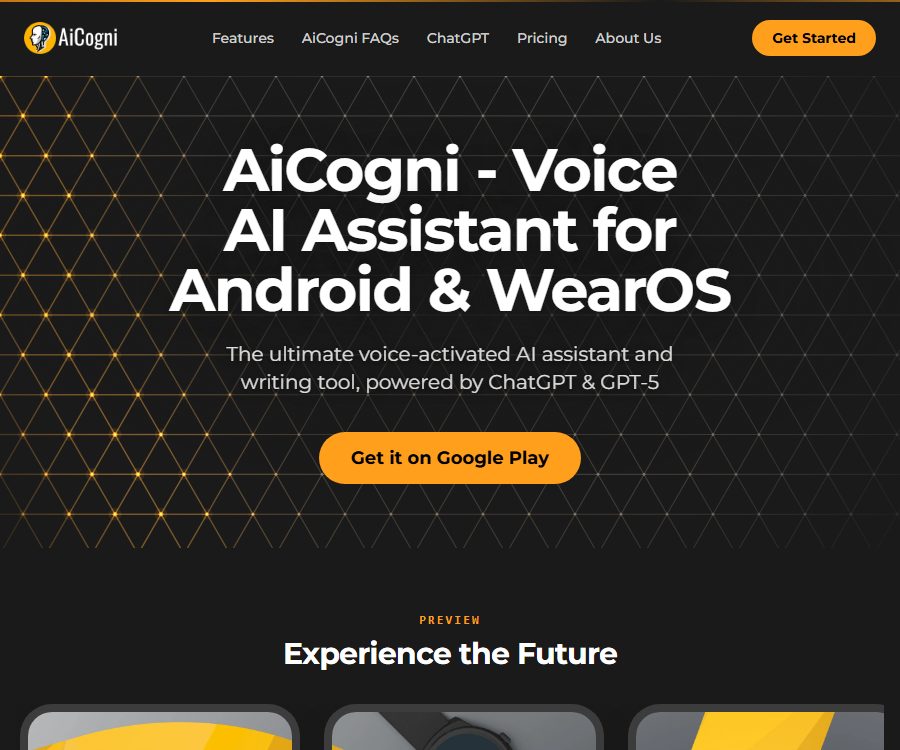
AiCogni is a voice-based AI assistant and writing tool that runs on Android smartphones and WearOS smartwatches. Users can pose questions in text or voice, and the app will generate responses, emails, code, lists, and translations.
The official website describes it as a mobile assistant powered by ChatGPT and GPT-5 technologies. AiCogni is a third-party application, not an official client of OpenAI; the version of the model and its actual capabilities should be as indicated within the application itself.
Main functions
Voice control
Users can simply state their questions or writing requests; the application will recognize the voice and generate a response. Options such as automatic sending, automatic reading aloud, and continuing to listen after the response allow for a nearly hands-free continuous dialogue.
Interactive chatting
The chat interface supports context-aware conversations, and it is possible to generate lists, tables, or code as required. Users can adjust the length of responses, the scope of memory retention, and the level of creativity; however, longer contexts require more points.
AI writing assistant
AiCogni can draft emails, social media posts, reports, study outlines, and code. The content it generates may contain errors or false information, so it must be checked manually before being sent or used.
Multilingualism and Translation
The application supports input, responses, and translation in multiple languages; the official website indicates that English generally performs best. Languages with limited resources, specialized terminology, and speech recognition results may be unstable.
WearOS smartwatch
Users can activate the assistant from their wrist, state their questions and view the results; it is suitable for use during sports, shopping, or when one’s hands are busy. The watch app does not operate independently – a smartphone is required to have AiCogni installed, as well as an active internet connection and background processing.
Custom robot
Users can create multiple robots for different tasks, assigning roles such as teacher, interviewer, or social media manager. Mood and Style also allow for changing the tone of expression, to be more sarcastic, poetic, or of another kind.
Accessible design
Voice control, a simplified interface, and access to wearable devices can help users with visual, mobility, or cognitive impairments avoid having to perform complex clicks. The actual level of assistance provided depends on the device’s capabilities, voice recognition accuracy, and network connectivity.
Which users are it suitable for
- Ordinary users who wish to use voice-based Q&A on Android phones
- People who need to quickly record and retrieve information from WearOS watches
- Accessible users who have difficulty typing or rely on voice interaction
- Professionals who need to draft emails, translate text, and create short content quickly
- Users who wish to save multiple AI characters for different tasks
AiCogni usage guide
- Install AiCogni from Google Play, and install the corresponding app on your WearOS watch as needed.
- Register for an email account or use the login methods provided by the app to receive initial free points.
- Allow the necessary microphone permissions and test whether speech recognition works correctly.
- Select settings such as response length, historical memory, voice, and robot role.
- State or enter a clear question; for important tasks, request that steps and any uncertain information be listed.
- Check the input and output usage for this session to avoid unnecessary, lengthy context.
- Check the answers before sending an email, adopting a suggestion, or running code.
WearOS setup recommendations
- Install applications on both the smartphone and the watch, and maintain a Bluetooth or network connection.
- Allows the app to run in the background on mobile devices, preventing the watch from indicating an offline status after the screen is locked.
- Disable the excessive power-saving restrictions for AiCogni.
- To hear the response, connect Bluetooth headphones or use the phone’s speakers.
- Do not look at the screen while driving, and a voice assistant cannot replace proper safety practices.
Integrated price
The one-time point packages listed below were verified on August 25, 2026, based on the prices available on the official website; the amounts are expressed in US dollars. One point corresponds approximately to a word consisting of 4 to 5 letters in a conversation, and both the user’s inputs and the AI’s responses are taken into account when calculating the volume of processing.
| Points package | Price | Number of points | Official positioning |
|---|---|---|---|
| Starter | 0.99 dollars | 100,000 | Experience the core features and voice control |
| Basic | 2.25 dollars | 250,000 | Light daily use |
| Silver | 3.99 dollars | 500,000 | For regular users, the most popular ones are listed on the official website. |
| Gold | 7.49 dollars | 1 million | High-frequency users and priority support |
| Diamond | 13.99 dollars | 2 million | Maximum limit and premium priority support |
The official website states that the points purchased never expire and can be used for various interactions with the assistant. Larger packs of points are available at batch discounts of 10% to 30%; the payment methods and any regional taxes are subject to the rules set by Google Play or within the app itself.
New registered users receive enough free credits to try out various features, and they can also earn more credits by watching advertisements. The exact amount of free credits is not fixed on the official pricing page; it may change depending on promotions or app updates.
Premium and built-in API keys
According to the official FAQ, Premium allows users to enter their own API keys in order to unlock advanced program functions. Using an existing key does not consume AiCogni points, but the cost of invoking the relevant models is charged separately by the API service provider.
The real-time price of Premium is not listed in the official website’s price table, so it is not considered part of the same package as the one-time credit packs. Before using your own key, it is necessary to be aware of the cost limits, the rules for data processing, and the security aspects related to that key.
How to save points
- Clear irrelevant historical data before starting a new task to reduce the repeated transmission of context.
- Set the answer length to the range required in practice.
- Explain the objectives, format, and restrictions once, to avoid repeated questions.
- For low-risk issues, free advertising credits are used; for frequent needs, credit packs must be purchased.
- Set provider budget and usage alerts when an API key is available.
Product advantages
- Voice input, text-to-speech, and continuous listening together create a complete hands-free experience.
- Supports simultaneous use with Android phones and WearOS watches.
- The price of the point packages is low, and the points purchased remain valid indefinitely.
- You can obtain additional quota by viewing ads, thereby reducing the costs for light users.
- Supports multiple languages, as well as common tasks such as writing, translation, and coding.
- Custom robots and style settings allow for easy switching between different scenarios.
Usage restrictions and precautions
- AI may generate incorrect, outdated, or fictional information, and it cannot replace professional advice.
- The official website indicates that the accuracy and fluency of texts in languages other than English may be low.
- There is a technical limitation of around 2,000 words per request at the moment.
- Longer replies and more historical memories will significantly increase the amount of points consumed.
- WearOS apps rely on the smartphone; they are not completely independent watch assistants.
- The application was developed by a third party and cannot be considered an official ChatGPT product from OpenAI.
Privacy and security recommendations
The official FAQ states that an email address is sufficient for registration, but the voice assistant will handle user questions and conversations. Information related to work secrets, health, finance, or personal identity should not be shared through regular chat.
- Only grant necessary permissions such as access to the microphone and background operation.
- Do not mention passwords, bank card details, or identification numbers in voice messages.
- When using the built-in API key, do not share screenshots or export the configuration.
- When using the reading aloud function in public places, be mindful of the privacy of conversations.
- Regularly check application permissions, chat history, and account devices.
Open-source status
As of the time of verification, no official statement was found indicating that the core Android or WearOS applications of AiCogni are licensed under an open-source license. Although it makes use of technologies related to ChatGPT, the use of third-party models does not mean that the AiCogni client or its backend services are open source.
Frequently Asked Questions
Which devices is AiCogni compatible with?
It primarily supports Android smartphones and WearOS smartwatches. The watch version requires use in conjunction with a smartphone app and an internet connection.
How to calculate the integral
One point corresponds to a word consisting of 4 to 5 letters; both the input and output are taken into account for scoring. The actual conversion for languages such as Chinese may vary, and the score reduction applied within the app should be followed.
Will the purchased points expire?
The price page on the official website clearly states that the purchased points never expire and can be used in future conversations.
Can it be used for free?
Registration earns experience points, and watching ads allows you to earn additional credits. For higher usage levels, you can purchase one-time credit packs or consider the Premium version with its built-in key system.
Is AiCogni the official website of ChatGPT?
No. AiCogni is a third-party mobile application that makes use of models based on OpenAI technology, but it is AiCogni itself that handles accounts, billing, features, and support.
Summary
AiCogni is suitable for users who wish to utilize AI via voice commands on Android smartphones and WearOS watches; it is particularly useful in situations where hands-free operation or accessibility is necessary. Casual users can take advantage of registration bonuses and advertising credits, while regular users can purchase package deals of credits, and they can decide whether to opt for the Premium version based on their own experience with APIs.
Tools similar to AiCogni




 Guigong Network Security Registration No. 45132202000164