






TextCortex
An AI writing assistant that allows for the customization of knowledge and brand tone across different applications
Tags:AI writing toolsWhat is TextCortex?
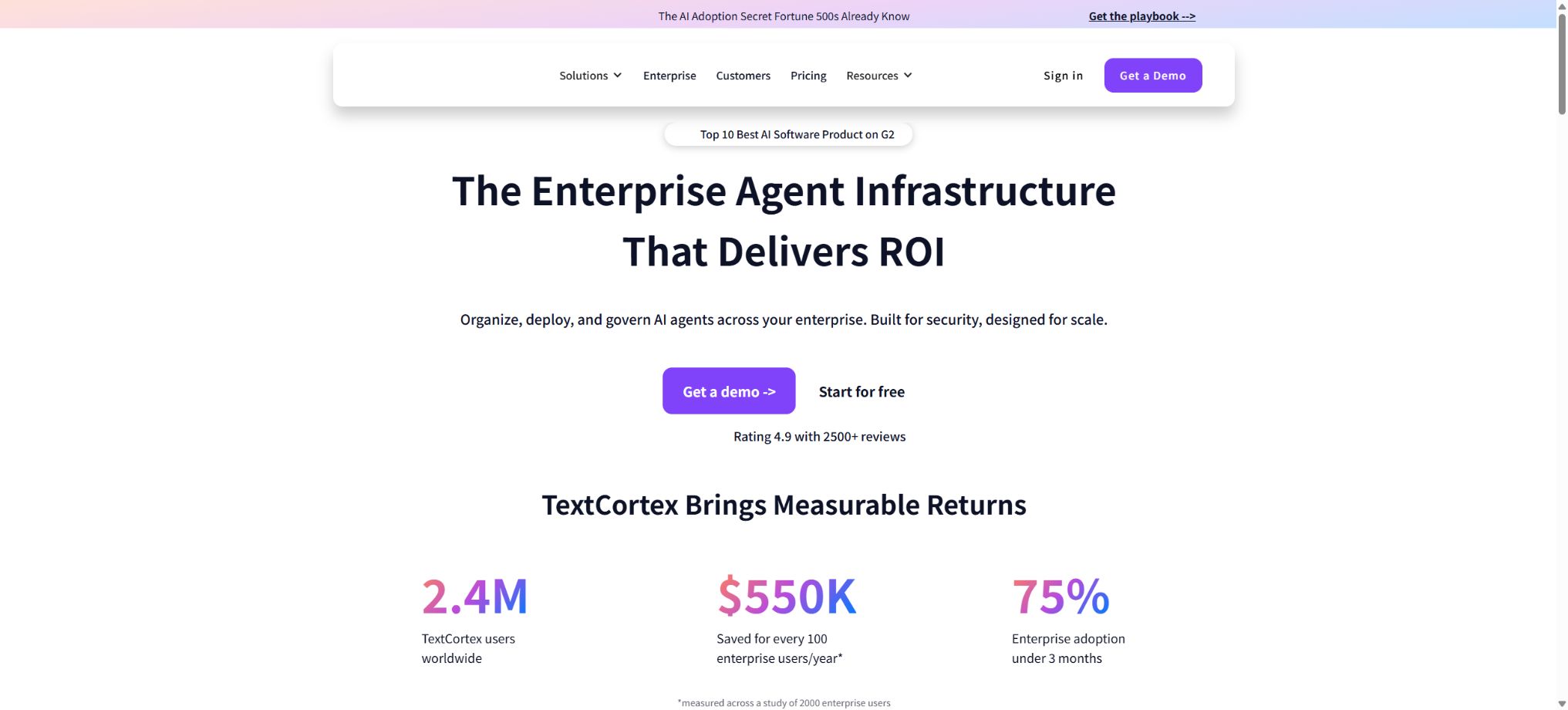
TextCortex is an AI agent, knowledge base, and cross-application writing platform that can be connected to corporate and personal profiles. Its core conversation tool, ZenoChat, supports various mainstream AI models, web research, question answering related to files, content generation, and data analysis.
Users can also create custom Agents with fixed roles, knowledge, and tools.
It is not just a copywriting generator. Companies can connect Google Drive, OneDrive, Dropbox, Notion, SharePoint, web pages, and local files to create a knowledge base, which can then be accessed through web applications and browser extensions as part of everyday tools.
The platform uses RAG to retrieve relevant snippets and provide answers based on those snippets.
ZenoChat multi-model assistant
ZenoChat is used for chatting, writing, research, summarizing, translating, and analyzing. The Premium version gives access to major models such as GPT, Claude, and Gemini; users can choose based on speed, reasoning capabilities, and the type of task, without having to switch between different applications.
Different models have varying levels of knowledge, context, privacy protections, and usage restrictions. The choice of model does not guarantee the accuracy of the information; to obtain accurate conclusions, it is necessary to consult the referenced materials or the original documents.
Manual and Auto Mode
In Manual Mode, the user is responsible for selecting the tools, sources, and knowledge bases as needed; Auto Mode is still in the experimental stage of Agent capabilities – it can break down complex requests into individual steps, automatically determine which tools and resources to use, and then produce a complete result.
Auto Mode is suitable for research and data organization, but allowing the agent to choose its own sources can expand the scope of the data. Companies should restrict the knowledge bases and tools to which the agent has access, and require approval for actions such as sending out or deleting records, as well as making updates to them.
Knowledge base and RAG Q&A
A knowledge base can contain multiple files and sources of information. When a user poses a question, the Agent does not feed all the files into the model at once; instead, it retrieves the segments that are most relevant to the intent in question, and then provides an answer along with the source of that information, taking the context into account.
Officials recommend organizing the knowledge base by department or purpose – such as HR policies, sales materials, and marketing assets – rather than creating one large database with no defined boundaries for access. Searches may still miss attachments, tables, or less common terms; to find important answers, it is necessary to consult the original documents.
Supported data sources
- Files such as PDF, DOCX, TXT, CSV, etc.;
- Google Drive, OneDrive, and Dropbox;
- Notion and SharePoint;
- Public web page URL;
- Organized shared knowledge bases and Agents.
When connecting to third-party services, only the necessary folders should be granted access; such access should be revoked upon departure or when a project is completed. Regular checks are also needed to monitor content updates, deletions, and any changes in permissions.
Custom Agents and Skills
Users can create Agents using a no-code interface, setting parameters such as identity, behavior, knowledge base, skills, and connectors for use in customer service, HR, research, sales, or for answering questions related to internal policies. Organizations can share Agents and knowledge bases, and manage members based on their access rights.
The agent’s responses should indicate the boundaries of the available information as well as the paths for upgrading. In cases related to customer service, employee policies, and compliance requirements, the model cannot create rules on its own; rather, it is necessary for business managers to review the knowledge sources and system prompts.
Browser extensions
TextCortex offers extended support for Chromium-based browsers such as Chrome, Edge, Opera, Vivaldi, and Brave; according to the developers, it can be used on over 40,000 websites and online tools. The sidebar allows access to chat functions, a knowledge base, agents, and web searches, while the toolbar is used to manipulate selected text.
It offers functions such as rewriting, adjusting tone, expanding text, correcting errors, creating paragraphs from key points, generating emails, translating into more than 25 languages, as well as converting text to speech or exporting it as an MP3 file. Shortcut keys allow the Agent to be invoked on the current page for processing long texts.
Expansion requires reading the current page and the selected text. Sensitive pages such as those related to passwords, payments, health information, contracts, and customer backends should be disabled or deployed using an enterprise allowlist.
Web page and video summaries
The browser sidebar provides a summary of the current webpage and YouTube video, and it allows further questions to be asked through online searches. Dynamic pages, missing subtitles, paywalls, and long videos can result in incomplete summaries; therefore, the original content should be checked before citing it.
Multilingual writing and translation
The platform supports more than 25 languages, including Chinese, English, German, French, Spanish, Portuguese, Japanese, Korean, Dutch, Polish, and Ukrainian. The range of languages available for interface localization, generation, and translation may vary slightly.
Translation is suitable for drafts and everyday communication; however, legal, medical, marketing compliance, and aspects related to local cultural expression still require review by professional translators.
Organization, Seats, and Sharing
Organizations provide a shared space for teams, allowing them to invite members, purchase and assign seats, as well as share knowledge bases and Agents. Different members can be assigned different packages, but they must purchase the corresponding seats separately.
Officials prohibit multiple people from sharing the same personal account.
Administrators should assign knowledge, agents, and connectors based on the principle of minimum permissions, and they must regularly review members, external collaborators, and API keys. Shared knowledge bases may contain sensitive data across different departments, so it is not sufficient to rely solely on file names for separation.
Free version
The free version costs $0 and does not require a credit card; it offers limited core functions, a knowledge base, the ability to create custom Agents, Agent skills and connectors, as well as Deep Research, and includes up to 50MB of storage space for files. The main limitations are the number of creations per day or per period, as well as the amount of data that can be used with the models.
Premium price and number of creations
| Package or version | Prices, quotas, and core benefits |
|---|---|
| Unlimited | On the current pricing page, Premium is displayed at $29.99 per user per month by default; this price does not include value-added tax. The cost can vary depending on the number of monthly requests, with options ranging from 150, 500, 1000, 1400, 2800 to Unlimited. The help center still shows the old pricing structure: 150 requests per year cost $5.59 per month if paid annually, or $6.99 per month if paid monthly; Unlimited plans cost $83.99 per month for annual payment or $119.99 per month for monthly payment. |
| Premium | On the current pricing page, Premium is displayed at $29.99 per user per month; this price does not include value-added tax. The cost can be adjusted according to different monthly usage levels: 150, 500, 1000, 1400, 2800, or Unlimited. Premium offers the main models, more AI processing capacity, image generation capabilities, and up to 10GB of file storage space. |
On the current pricing page, Premium is displayed at $29.99 per user per month; this price does not include value-added tax. The cost can vary depending on the number of users per month, with options ranging from 150 to 500, 1000, 1400, 2800 up to Unlimited. Premium includes access to the main models, more AI resources, image generation capabilities, and up to 10GB of file storage.
The help center still shows the old pricing structure: 150 requests per year cost $5.59 per month if paid annually, or $6.99 per month if paid monthly; Unlimited plans cost $83.99 per month for an annual subscription or $119.99 per month for a monthly subscription. These prices may apply to older versions or specific configurations, and the actual price should be based on the options selected on the current interactive pricing page at the time of purchase.
“Creation” refers to the process of generating or processing data, and it is not equivalent to a fixed number of characters; different models and functions may be subject to additional constraints related to their usage volume.
The unused quota, reset cycle, and excess usage policy can be found on the account’s Usage page.
Unlimited fair use
Unlimited allows for an unlimited number of creations, as well as an unlimited amount of knowledge bases and agents. The old documentation specified a maximum storage capacity of 100GB. It is still subject to the fair use policy – excessive requests, data transmission, or storage volume may result in restrictions or suspension of service.
High-level automation requires a business strategy.
Enterprise
Enterprise offers customized seats, models, knowledge bases, connectors, as well as services related to privacy, security, and implementation, all tailored to the needs of each organization. Its offerings emphasize security features such as those related to EU infrastructure, GDPR, ISO 27001, and SOC 2, and it also provides an independent login environment for enterprises.
The scope of certification and compliance shall be determined in accordance with the latest certificates, audit reports, and contracts. Regulated organizations must also verify the policies regarding data retention, sub-processors, model training, as well as data retention and deletion procedures.
14-day trial
The official corporate content page offers a 14-day trial with a high credit limit; on the current individual pricing page, it is possible to create a free account right away.
Whether a trial requires sales, as well as the models and quotas included, are determined by the registration page.
API
TextCortex offers a text generation API; it is possible to create keys in the account settings in order to integrate this generation capability into other applications. Companies can also integrate their internal systems with the Agent infrastructure using connectors.
The API prices, rates, models, and data-related terms are not listed on the public pricing page; it is necessary to consult the console documentation or contact sales before establishing a production connection. Keys must not be stored in the frontend or in public repositories.
Data processing and privacy
The official corporate manual states that file uploads are processed by TextCortex, with no third parties involved in the file processing; however, different model providers can be chosen during generation, and companies should verify the data flow and terms of the selected model.
The policies regarding isolation, retention, and training may also differ between the personal version and the enterprise version.
Knowledge bases, browser extensions, and connectors aggregate a large amount of corporate data. Before going live, it is necessary to carry out data classification, permission mapping, deletion tests, and protection against prompt injection, in order to prevent malicious files from causing the Agent to disclose other information.
Open-source status
TextCortex is a commercial cloud-based platform for multiple models and agents; it does not make the complete source code for ZenoChat, the knowledge base, the browser extensions, as well as the enterprise management system available to the public. As such, it is not an open-source product, nor does it offer a fully self-hosted version intended for ordinary users.
TextCortex usage guide
Complete a basic task.
- Clarify the issue, time frame, location, source priority, and output format;
- In TextCortex, upload materials for which you have permission to use, or enter search queries;
- First, use the ZenoChat multi-model assistant to establish a framework, and then supplement the evidence through Manual and Auto Mode.
- It is necessary to distinguish between factual information from the source, the author’s opinions, and AI-generated conclusions.
- Check each item for dates, numbers, the original location, and any conflicting evidence;
- The conclusions are manually revised, the verification time is recorded, and then they are published;
Create reusable professional workflows
- Break down complex topics into four categories of questions: background, data, comparison, and conclusions;
- The combination of ZenoChat’s multi-model assistant, Manual and Auto Modes, along with the knowledge base and RAG-based Q&A system, forms a fixed set of research steps.
- Give priority to using the official website, research papers, regulatory documents, and raw data;
- A second person is assigned to review conclusions that are considered high-risk;
- Save queries, evidence, versions, and unresolved issues;
- Re-run after the data changes and update the conclusions;
Which users is it suitable for?
- Individuals who wish to make use of AI at any time on web pages and office tools;
- The team that transforms corporate documents into a Q&A knowledge base;
- Knowledge workers who need to select, research, and cite multiple models;
- An international organization that standardizes the tone of emails, reports, and proposals;
- Companies that use code-free agents to handle HR, sales, or customer service tasks;
- Organizations that emphasize EU data and corporate governance.
Product advantages
- Multi-model chatting, corporate knowledge, and centralized agents;
- Supports various cloud storage services, as well as Notion and SharePoint;
- Browser extensions cover a large number of websites;
- Knowledge base responses can indicate their source;
- Over 25 languages and various writing tools;
- There are free individual plans, flexible Premium plans, and enterprise solutions available.
Restrictions and Precautions
- There is a significant difference between the price shown on the current pricing page and that in the old documentation, so it is necessary to refer to the actual amount created and the pricing information on the settlement page.
- Premium does not offer unlimited access to all models, storage, and tasks;
- Answers from the knowledge base may involve missed searches or incorrect references;
- AutoMode still requires manual supervision;
- Browser extensions and connectors expand the scope of data access, and minimal permissions should be used;
- “Unlimited” is subject to the fair use policy; for high-volume API usage and automation, enterprise contracts should be opted for.
Frequently Asked Questions
Is TextCortex free?
There is a free version available for $0, which includes a limited knowledge base, Agents, connectors, and Deep Research; it allows for about 50MB of file storage and a limited number of generations.
Can TextCortex connect to company files?
Yes, it supports various file types as well as Google Drive, OneDrive, Dropbox, Notion, SharePoint, and web pages, and can provide answers through RAG.
How much is Premium?
The current price page shows $29.99 per user per month by default, with the cost varying depending on the number of users ranging from 150 to Unlimited; taxes are additional. The previous lower price tiers should not be considered as the current uniform price.
Which browsers are supported?
Extended support is available for Chromium browsers such as Chrome, Edge, Opera, Vivaldi, and Brave.
Does TextCortex have an API?
There is a text generation API, and the keys can be created in the account settings; for details on prices, rates, and enterprise data terms, please check the console or consult sales.
Is TextCortex open source?
It is not open source; it is a commercial cloud platform that offers multiple models, knowledge bases, and Agent capabilities.
Tools similar to TextCortex




 Guigong Network Security Registration No. 45132202000164