






HyperWrite
An AI assistant that supports writing completion, rewriting, and personalized proxy functions.
Tags:AI writing toolsWhat is HyperWrite?
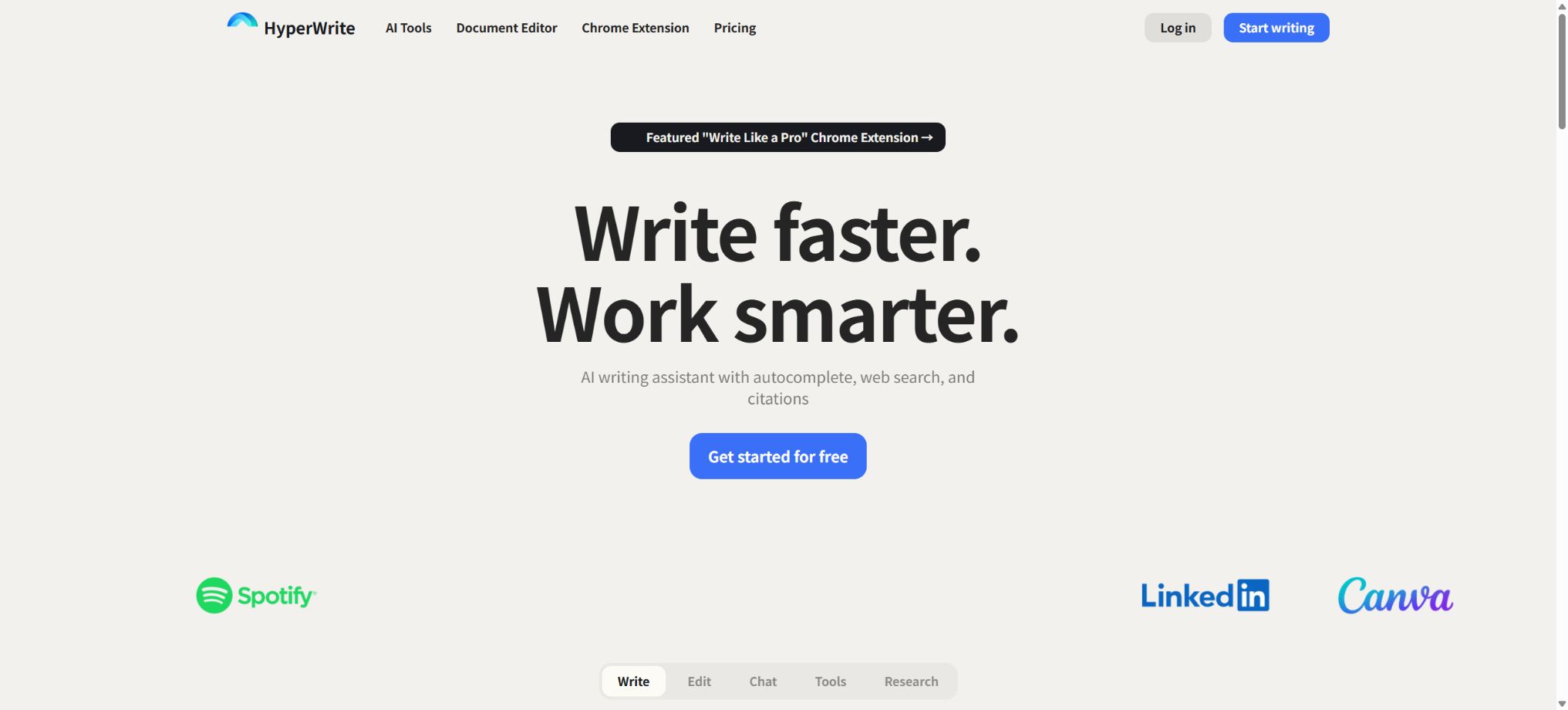
HyperWrite is an AI-powered writing, research, and web task assistant developed by OthersideAI. It allows users to create and edit content in a standalone editor, as well as to get real-time suggestions in Gmail, Google Docs, social media platforms, and other web text fields through a Chrome extension; it also provides a Personal Assistant that enables clicking, typing, and browsing on the web.
The difference between HyperWrite and ordinary text generation tools lies in its features of \"writing completion + research + browser proxy\". It can assist users in creating emails, articles, proposals, and learning materials; it can also help organize inboxes, find candidates, book trips, or make online purchases.
Proxy actions affect real accounts and transactions, so human oversight is necessary.
TypeAhead real-time completion
TypeAhead provides real-time suggestions for the next words based on the user’s current sentence, the context of the page, and the expression patterns it has learned over time; pressing Tab accepts the suggested text. It is ideal for writing short messages frequently, such as in email replies, messages, forms, and documents, eliminating the need to open the chat window each time.
Extensions may read the text on the current webpage to understand the context. Company backends, customer data, medical records, contracts, and password pages should not be enabled without the organization’s permission.
It is recommended to disable extensions for sensitive sites.
AI Writing Assistant
Users can converse with writing assistants on web pages or in the HyperWrite editor, asking them to draft text, rewrite it, expand it, summarize it, adjust its tone, or help with brainstorming. The content generated can be used for marketing materials, emails, blogs, technical documentation, stories, and everyday business communications.
Models may fabricate facts, quotes, and up-to-date information. Any material that is to be published officially, submitted for academic use, or delivered to clients must be verified and edited according to the target audience.
Hundreds of AI tools
The platform offers a large number of tools and templates for specific tasks, including email replies, article outlines, paragraphs, summaries, explanations, rewrites, social media posts, as well as research and creative ideas. The tool pages usually allow users with free accounts to try these tools to a limited extent.
Templates can simplify the design of prompts, but they cannot automatically provide information about the internal context of an organization. Users need to provide the objectives, relevant facts, as well as the content that must be included or avoided.
Real-time research and citation
HyperWrite can search web pages and academic resources, providing current information, relevant links, and citations; it helps in creating research outlines, finding materials, and drafting well-supported paragraphs. It is more suitable for dealing with time-sensitive issues than relying solely on model memories.
Citing sources carries the risk of page mismatches, outdated information, second-hand accounts, or misunderstandings of the underlying model. For academic, medical, legal, and journalistic purposes, it is necessary to access the original materials in order to verify the author, date, research methods, and context in which the text was written.
Personas and personalization
Persona allows users to provide their own writing samples and preferences, so that the suggestions better reflect their personal style. TypeAhead also adapts to the user’s wording and style over time, reducing the generic AI tone.
It is not allowed to upload works belonging to others without authorization in order to pretend to be their author. For a team’s brand, a personalized tone still needs to be combined with a glossary, legal reviews, and standardized templates.
Custom Tools
Users can create custom AI tools to save specific roles, steps, input fields, and output formats, which can then be used for repetitive tasks related to emails, content creation, and analysis. It is suitable for turning established prompt-based processes into scalable products.
The instructions and examples for custom tools may contain sensitive information. Before sharing them, keys, customer data, and personal information should be removed, and abnormal inputs should be tested.
Personal Assistant web proxy
The Personal Assistant opens a separate task window through a Chrome extension, allowing it to automatically browse pages, click buttons, and type text. Examples provided on the official website include organizing Gmail messages and drafting replies, booking flights, ordering food, searching for candidates on LinkedIn, and performing searches on Google.
Users can monitor the progress of the agent and provide feedback once it is completed. Agents may click on the wrong object, select the wrong date, send unconfirmed emails, or initiate payments; therefore, final actions such as sending, deleting, submitting, booking, purchasing, and making account adjustments must be confirmed manually.
Proxy security boundary
Web proxies operate based on the user’s current login permissions, and as a result they may have access to a wide range of content and capabilities. It is necessary to limit their scope of action before using them; passwords, payment card security codes, or one-time verification codes should not be provided to them, and it is important to prevent them from operating autonomously in systems related to production management, financial accounts, or healthcare.
The platform’s terms also state that third-party websites and applications are governed by their own policies. The fact that a proxy carries out certain operations does not mean that the third-party platform approves such automation; bulk searches, data scraping, or message sending may violate the service rules.
Chrome extensions
The Chrome extension includes TypeAhead, AI Writing Assistant, and Personal Assistant, and can be used on most websites. The official website indicates that there are around 90,000 users at present.
It primarily optimizes the browser experience; Windows, macOS, and Linux can use it as long as a supported Chrome environment is available.
On mobile devices, only some of the popular tools are accessible; a complete set of extensions and a web proxy experience are available primarily through desktop browsers. When issues arise with the extensions, it is necessary to check for Chrome updates, the version of the extensions, and the login status of the account.
Free account
HyperWrite offers a free Starter account that allows users to experience the basic functions as well as a limited amount of generation, completion, or proxy usage. The free quota may vary depending on the product; the specific remaining count can be checked on the account subscription and usage page.
Price and version comparison
| Package or version | Prices, quotas, and core benefits |
|---|---|
| Premium price | The premium version costs $19.99 per month; it provides an increased monthly generation limit, TypeAhead functionality, and additional writing resources, and is suitable for individuals who need to use these writing and research tools on a regular basis. The official website often offers discount codes for the first month, but such promotions should not be considered as the permanent price. |
| Ultra price | Ultra costs $44.99 per month and offers a higher monthly data limit, more powerful models, as well as additional advanced resources; it is suitable for users who engage in intensive writing, research, or proxy tasks. The specific limits for generation, completion, and Personal Assistant tasks can be found on the subscription page. The current public FAQ for HyperWrite does not list all these limits accurately, so the numbers mentioned in previous reviews should not be considered as current commitments. Before making a purchase, it is advisable to compare the models, speeds, number of tasks, and fair use restrictions. |
Premium price
The premium version costs $19.99 per month; it provides an increased monthly generation limit, TypeAhead functionality, and additional writing resources, and is suitable for individuals who need to use these writing and research tools on a regular basis. The official website often offers discount codes for the first month, but such promotions should not be considered as the permanent price.
Ultra price
Ultra costs $44.99 per month and offers a higher monthly data limit, more powerful models, as well as additional advanced resources; it is suitable for users who engage in intensive writing, research, or agency work. The specific limits for generation, completion, and Personal Assistant tasks can be found on the subscription page.
The current public FAQ for HyperWrite does not list all the quota figures accurately, so the numbers mentioned in previous evaluations cannot be considered as current commitments. Before making a purchase, it is necessary to compare the models, speeds, number of tasks, and fair usage limits.
Student discount
Students who register using a valid .edu email address can receive a 50% discount on their monthly subscription; if they do not have a .edu email address, they can contact support to have their eligibility verified.
Discount terms, regions, and whether they can be combined with other promotions are subject to the settlement rules.
Originality and plagiarism detection
The authorities state that the suggestions generated in the normal manner represent new content, and they recommend using external plagiarism checkers before publishing or submitting such suggestions. The outputs of the models may be similar to common expressions or content found on the Internet; the “original” label provided by the platform does not constitute a guarantee of copyright protection or academic integrity.
Data and Privacy
HyperWrite is a cloud-based service, not a local processing tool. Writing contexts, Persona samples, web content, and proxy operations involve user data;
Users should read the privacy policy to understand how data is stored, trained, handled by third-party models, and deleted.
The terms of service require users to be at least 18 years old in order to register. Minors, schools, and businesses need to have their eligibility for use, as well as their policies regarding education and data processing, assessed separately.
Company and open-source status
HyperWrite is operated by OthersideAI, Inc. It offers commercial cloud services by leveraging external technologies such as GPT as well as its own orchestration capabilities; it does not provide the complete source code for its editor, personalization features, agents, or backend models, and therefore it is not open-source software. Nor does it offer a fully self-hosted version.
HyperWrite usage tutorial
Complete a basic task.
- Identify the audience, purpose, tone, length, and the facts that must be included;
- Enter the topic and the verified reference materials in HyperWrite;
- Use TypeAhead for real-time autocomplete to create an outline, and then employ the AI Writing Assistant to draft the text in sections.
- Replace generic content with your own data, examples, and terminology;
- Verify facts, citations, keywords, repetitions, and brand tone;
- It is published only after manual editing, plagiarism checking, and approval have been completed.
Create reusable professional workflows
- Create a brand term list, prohibited expressions, and approved sample texts;
- Organize TypeAhead real-time completion, AI Writing Assistant, and hundreds of other AI tools into a structured workflow;
- Designate responsible persons for research, the first draft, editing, and fact-checking respectively;
- Randomly check whether the model fabricates numbers, sources, or examples;
- Compare readability, conversion rates, search performance, and rework time;
- The templates and rules are continuously updated based on actual outcomes;
Which users is it suitable for?
- Professional users who write frequently in emails and on web pages;
- Those who need real-time sentence completion rather than repeatedly opening the chat window;
- Students and content authors who wish to conduct research with links;
- Creators who need to maintain their own personal tone;
- Professionals who reuse the writing process with custom tools;
- Users who are willing to oversee AI in handling repetitive tasks on web pages.
Product advantages
- TypeAhead provides real-time completion directly on the web page;
- A combination of writing, research, citation, and personalization;
- Hundreds of tools cover common tasks;
- Persona enables the learning of personal expression;
- A Personal Assistant can operate a browser, rather than just providing steps;
- Free trials and student discounts are available.
Restrictions and Precautions
- HyperWrite is primarily designed for use in browsers, with limited capabilities for mobile devices and offline use;
- Cloud-based completion cannot meet strict local privacy requirements;
- PersonalAssistant may carry out actual sending, booking, or purchasing actions, and it is necessary to monitor these actions step by step as well as obtain manual confirmation before performing high-risk actions.
- It must not be used to bypass the rules of third-party platforms;
- External verification is required for research citations, factual content in writing, and originality.
- A personalized tone may also overimitate or reveal sensitive content in the sample.
Frequently Asked Questions
Is HyperWrite free?
There is a limited free Starter account; higher quotas for generation, completion, and proxying require Premium or Ultra.
How much is HyperWrite?
The Premium plan costs 19.99 dollars per month, while the Ultra plan costs 44.99 dollars per month; students can receive a 50% discount on their monthly subscriptions, with the specific promotional details available on the payment page.
What is TypeAhead?
It is a feature that provides real-time prediction of subsequent sentences in the text field of Chrome; the user can accept these predictions by using the Tab key, and over time the system adapts to the user’s personal style of writing.
What can a Personal Assistant do?
It allows for browsing, clicking, and typing, and it helps with organizing emails, conducting research, filling out web forms, making reservations, and shopping; however, sending messages, deleting items, and making payments require manual confirmation.
Can HyperWrite provide references?
Real-time web searches and academic research can be conducted, along with links, but users must access the original sources to verify the information.
Is HyperWrite open source?
It is not open source; it is a commercial cloud-based writing and web proxy platform operated by OthersideAI.
Tools similar to HyperWrite




 Guigong Network Security Registration No. 45132202000164