






Sudowrite
An AI-powered creative writing tool for novelists that helps with idea generation, continuing stories, rewriting, and story management.
Tags:AI writing toolsWhat is Sudowrite?
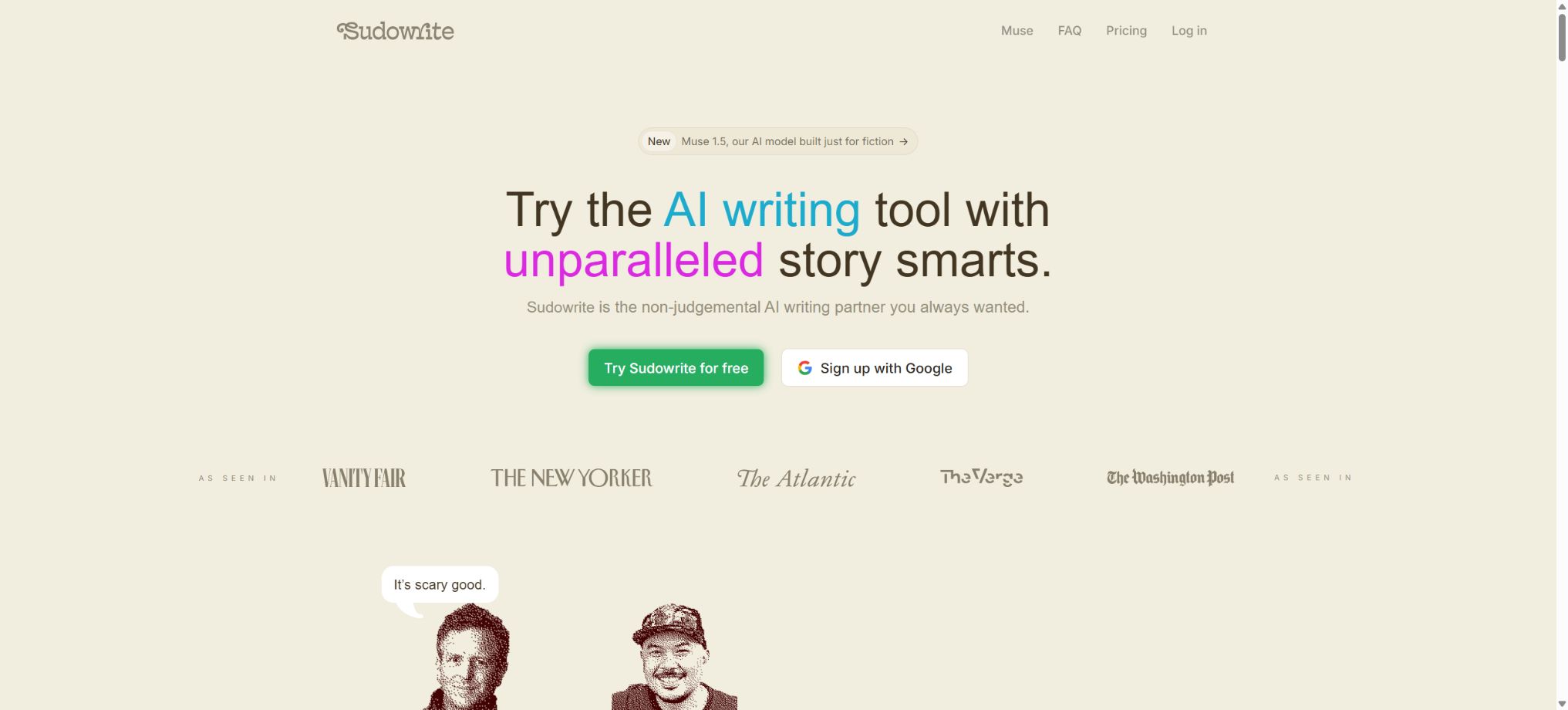
Sudowrite is an AI writing platform designed specifically for novelists, screenwriters, and creative writers. Unlike general chatbots, it provides a comprehensive workspace tailored for writing long-form stories: authors can manage characters, worlds, styles, plot points, and chapters, allowing the AI to use these elements when continuing, rewriting, describing content, or generating ideas.
As of this verification, the core components of Sudowrite include its proprietary novel creation model Muse, as well as the tools Story Bible, Write, Rewrite, Describe, Expand, Brainstorm, First Draft, Canvas, Visualize, Chat, Feedback, Plugins, Series Support, and the mobile application.
All paid plans offer all functions; the main differences lie in the monthly Credits and whether credits are carried over.
Core functions
1. Muse novel model
Muse is a proprietary model developed by Sudowrite for fictional writing, focusing on narrative rhythm, character voices, the progression of scenes, and the conventions of genre fiction. Users can adjust the Creativity Dial to choose between more conventional and more unexpected outcomes, and they can provide their own text samples through Style Examples to ensure that the output matches the desired rhythm and vocabulary patterns.
The platform also offers a variety of external models such as Claude, GPT, Gemini, and DeepSeek, along with over 20 Prose Modes; users can choose between literary, fantasy, mystery, non-fiction styles or adjust the settings accordingly. The list of available models may change as suppliers update their offerings, so it should not be considered a permanent list.
2. Story Bible
Each project has its own separate Story Bible, which includes sections such as Braindump, Genre, Style, Synopsis, Characters, Worldbuilding, Outline, Scenes, and Draft. It serves as both a repository of the author’s settings and a source of facts for use by AI in generating content.
The author can start with a series of random ideas and gradually develop an outline, character profiles, chapter summaries, scenes, and the actual text; or they can simply keep the existing settings and write everything by hand.
The characters and worlds created automatically by AI may include elements that were not intended by the author, and therefore cannot be considered part of the official narrative without verification. Character relationships, timelines, ages, locations, and key items should be edited and finalized by the author.
3. Write Auto and Guided
Write Auto automatically suggests several possible next directions based on the preceding text; Guided allows the author to specify exactly what will happen in the next paragraph.
Currently, a long-form workflow can read up to about 20,000 words of preceding text, and it can link to as many as 25 chapters through Chapter Continuity; meanwhile, Story Bible is used to maintain the context.
It is suitable for moving past Kavin and exploring different plotlines, but it does not mean truly remembering the entire novel of infinite length.
4. Rewrite and Tone Shift
Rewrite offers modes such as Rephrase, Longer, Shorter, Show Don’t Tell, More Inner Conflict, and custom commands.
Tone Shift can be adjusted to emotions such as Ominous, Sensual, Fantastical, Fast-Paced, Romantic, Authoritative, or Conflicted.
The author should retain their own voice and avoid constant revisions that lead to homogenization of the text.
5. Describe and Expand
Describe expands the scene from aspects such as vision, hearing, smell, taste, touch, and metaphor; Expand lengthens a weak section without rewriting it entirely.
It is suitable for adding a sense of presence on-site, but excessive use can lead to an overload of adjectives, a slower pace, and details that are unrelated to the character in the perspective.
6. Brainstorm, Chat, and Feedback
Brainstorm can generate character names, plot twists, dialogue, conflicts, and options for the world setting; Chat allows for discussing issues after reading the project settings and the selected text.
Feedback provides suggestions regarding rhythm, characters, tension, and clarity. These outcomes can serve as candidate options, but they should not replace feedback from editors, sensitivity readers, and actual readers.
7. First Draft and scene generation
First Draft can expand the scene outlines from the Story Bible into full chapters. The author first creates an outline and sets objectives for each scene, after which a model and style are chosen to generate a draft.
Creating an entire chapter requires more Credits than rewriting short sentences, and it is more likely that there will be repetitions, jumps in narrative, and deviations from the established settings; therefore, it is better to review the content scene by scene, rather than creating the whole book at once and then making corrections.
8. Canvas and Visualize
Canvas is a space for visualizing story planning, where characters, locations, plot points, and relationships can be organized using cards; Visualize, on the other hand, converts descriptions of scenes or characters into concept maps to help authors explore visual directions.
A generated image cannot be automatically considered a commercial cover asset; for official publication, it is necessary to check the terms of the model, the similarity to real people, and any copyright risks.
9. Plugins
Sudowrite allows the use of community plugins or the creation of custom writing tools via the Plugin Builder, enabling common tips and steps to be packaged as buttons. Plugins can process text in a project and consume Credits; it is necessary to review the author, instructions, and actual output before installing them, in order to avoid handing over unfinished drafts to unknown external processes.
10. Mobile apps
The official mobile app is synchronized with web projects in the cloud, offering features such as Write Auto/Guided, over 20 prose modes, Story Bible, Rewrite, Describe, Expand, Brainstorm, Chat, Tone Shift, and intelligent dictation. Features like Canvas and Plugin Builder, designed for large screens, are more suitable for use on computers or tablets.
Current mobile releases should be based on the availability of iOS and Android in app stores as well as the system requirements.
How are credits calculated?
Creating, rewriting, analyzing, and performing certain operations on the Story Bible consume Credits; the cost varies depending on the model used, the length of the context, and the length of the output. The interface displays the current balance as well as recent activities, and it is advisable to check the estimated cost before generating longer texts.
The monthly Credits for Hobby and Professional expire at the end of the billing period, while Max’s monthly quota can be carried over.
After they are used up, active subscription users can purchase additional Credits in one go. The additional Credits purchased do not expire; they remain in the account even if the subscription is suspended or canceled, but a valid subscription is required to use them again.
The system will first use up the monthly Credits that are about to expire, and only then will it draw on the balance purchased.
Prices and plans
All three options include all Sudowrite functions; the following are the prices in US dollars as shown in the official documentation for 2026:
| Package or version | Prices, quotas, and core benefits |
|---|---|
| Hobby & Student | 225,000 Credits per month; the annual rate is equivalent to $10 per month, while the monthly rate is $19; suitable for short articles, writing based on personal interests, and minor projects. |
| Professional | 1,000,000 Credits per month; 22 dollars per month for annual payment, or 29 dollars per month for monthly payment; suitable for full-length novels, scripts, and consistent creative work. |
| Max | 2,000,000 Credits can be carried over each month; the cost is 44 dollars per month for annual payment or 59 dollars per month for monthly payment; it is suitable for highly productive authors who work on multiple projects simultaneously. |
New users can obtain trial Credits without the need for a credit card; the official tutorial for 2026 indicates 5000 Credits. If you are not satisfied within the first week after purchasing a plan, you can contact them to request a refund.
Pauses, upgrades, downgrades, and cancellations of rules are subject to the account page.
Work ownership and training policies
The officials have made it clear that users retain ownership of the content they enter as well as of the works created thereby, and can use and distribute those works as they see fit; Sudowrite does not claim any rights to such works. The officials also stated that user-submitted material will not be used to train the models.
By default, the project is not public community content.
“Match My Style” or Style Examples analyzes the author’s samples within the current workflow in order to imitate that style; this is different from using those manuscripts as part of a general model training set. Nevertheless, Sudowrite remains a cloud-based service, and unpublished manuscripts, works covered by confidentiality agreements, and text protected by others’ copyrights require that the privacy policy and relevant authorization terms be checked before they are uploaded.
Even when AI generates text word by word, it cannot guarantee absolute originality or the ability to obtain copyright protection. The beginnings of famous books, song lyrics, character descriptions, and hints regarding an author’s style can all lead to content that is similar to existing works.
Before publication, it is necessary to run a plagiarism check, carry out manual editing, and assess the risks related to trademarks, characters, and derivative works.
GitHub and the open-source status
During this verification, no official GitHub open-source projects were found that are explicitly linked from the Sudowrite website and that include the complete application or the Muse model. The core editor, Story Bible, Muse, Credits, as well as the cloud services are all proprietary products; there is no official version that can be deployed locally.
Third-party plugins, prompts, or unofficial clients cannot be considered part of the Sudowrite open-source project.
Sudowrite usage guide
Complete a basic task.
- Identify the audience, purpose, tone, length, and the facts that must be included;
- Enter the topic and the verified reference materials in Sudowrite;
- Use the Muse novel model to create an outline, and then use Story Bible to draft the sections initially;
- Replace generic content with your own data, examples, and terminology;
- Verify facts, citations, keywords, repetitions, and brand tone;
- It is published only after manual editing, plagiarism checking, and approval have been completed.
Create reusable professional workflows
- Create a brand term list, prohibited expressions, and approved sample texts;
- Organize the Muse novel model, Story Bible, Write Auto, and Guided into a fixed workflow;
- Designate responsible persons for research, the first draft, editing, and fact-checking respectively;
- Randomly check whether the model fabricates numbers, sources, or examples;
- Compare readability, conversion rates, search performance, and rework time;
- The templates and rules are continuously updated based on actual outcomes;
Which users is it suitable for?
- Writers of novels who need extensive development of characters, worldviews, and narrative continuity;
- Creators seeking inspiration in the genres of fantasy, mystery, science fiction, romance, adult, or literature;
- Users who wish to quickly turn the outline and scene timing into an editable draft;
- Professional writers who need multiple models, style examples, and fine-grained rewriting options;
- A mobile writer who continues working on the same project between a smartphone and a computer;
- Teams or individuals who need Canvas, Story Bible, and Series Support to manage complex stories.
Product advantages
- Its functions are designed around the novel-writing workflow, rather than general business writing.
- Story Bible aggregates and contributes to the creation of narrative history.
- Muse can switch to various third-party models based on the theme.
- Write, Rewrite, Describe, Brainstorm, and Feedback cover different stages;
- Long-form context, chapter continuity, and series functionality are superior to one-off conversations;
- All packages have the same features; the difference lies only in the amount used.
- Users retain ownership of their works, and the authorities promise not to use those works to train models.
Restrictions and Precautions
- Long-term consistency is still not entirely reliable;
- AI may forget earlier events, swap characters’ attributes, repeat motifs, change perspectives, or create shortcuts in the plot;
- The clearer the StoryBible, the more stable the results are usually, but ultimate responsibility for the sequential editing still lies with the author.
- The amount of Credits consumed varies significantly depending on the model and context, so it cannot be simply converted into a fixed number of words.
- High-quality models and the generation of entire chapters can quickly consume the limited quota available; it is advisable to first use a trial version to determine one’s average cost before making a purchase.
- AI-generated novels tend to feature standardized language, formulaic conflicts, and excessive explanations.
- The author needs to rewrite the text, make cuts, verify the facts, and consider feedback from actual readers, while also complying with the regulations set by the publishing platform regarding AI-generated content, covers, and copyright registration.
Frequently Asked Questions
Is Sudowrite free?
There is no permanently free option, but new accounts are offered a trial period with credits that do not require a credit card; after that, a subscription is necessary.
How much is Sudowrite?
The annual fee is $10 per month for Hobby, $22 per month for Professional, and $44 per month for Max; the corresponding monthly fees are $19, $29, and $59 respectively.
What is Muse?
Muse is Sudowrite’s proprietary model designed for fictional writing; it focuses on the rhythm of the novel, the voice of the characters, creative control, and mature themes, and it works in conjunction with Story Bible.
Do unused Credits carry over?
The monthly limits for Hobby and Professional accounts are usually not carried over; however, the monthly Credits for Max can be carried over.
Extra Credits purchased separately do not expire, but a valid subscription is required to use them.
Will Sudowrite use my novel to train the model?
The official statement says that the user-generated content will not be used to train models, and the users retain ownership of all the input and output content.
Is Sudowrite open source?
It is not open source; Muse and the full platform do not come with official source code or self-hosted versions.
Tools similar to Sudowrite




 Guigong Network Security Registration No. 45132202000164