






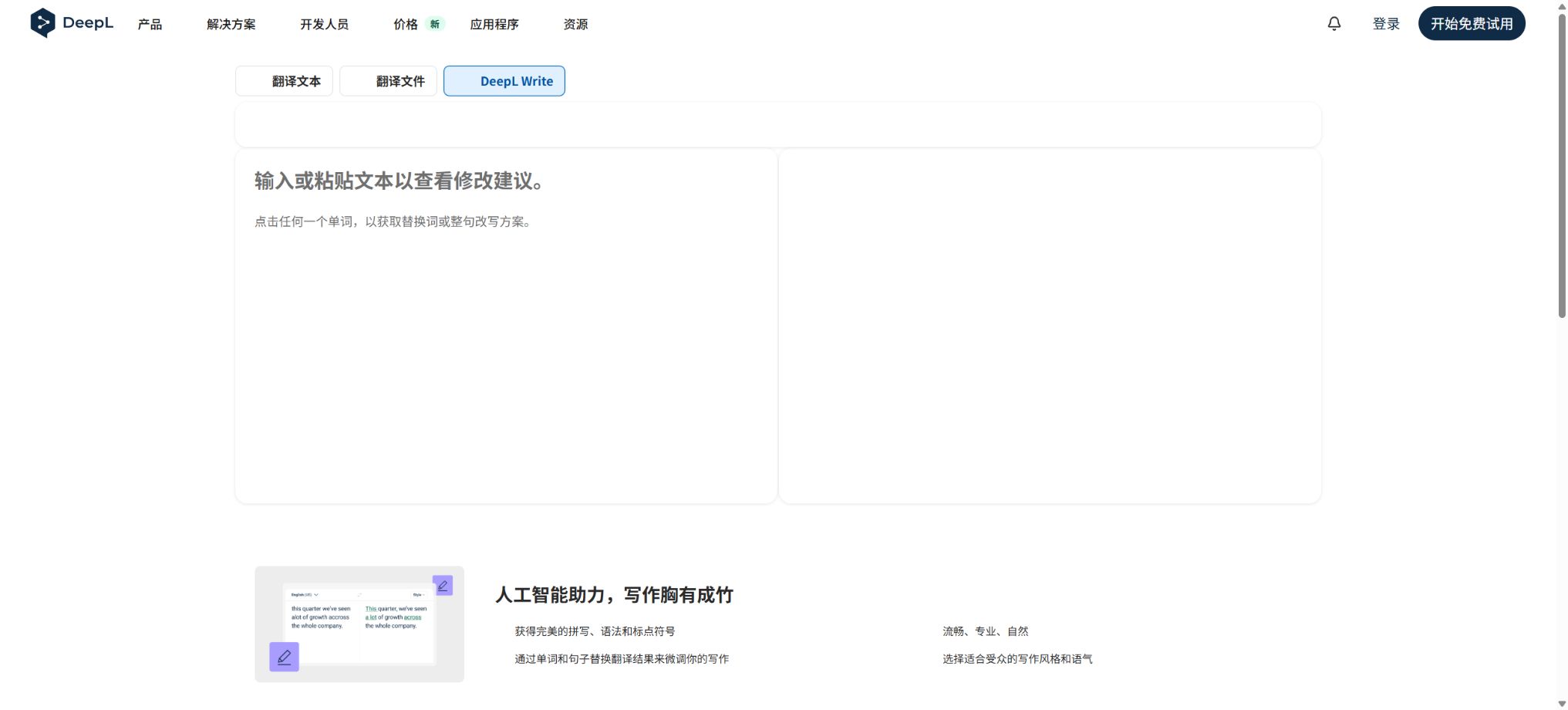
DeepL Write
A multilingual writing assistant that optimizes grammar, wording, style, and tone.
Tags:AI writing toolsWhat is DeepL Write?
DeepL Write is an AI-powered writing enhancement tool developed by DeepL; it corrects grammar, spelling, and punctuation while preserving the original meaning, and it helps to create clearer and more natural phrasings. It functions more like an editor and expression assistant, rather than a generic chatbot that generates articles from scratch.
The product is available in a free web version as well as the paid Write Pro version; it can also be purchased as an add-on for DeepL Pro. The regular DeepL translation subscription does not include Write Pro, and the DeepL API Free version does not allow access to the Write API. It is necessary to distinguish between these three product options when making a purchase.
Main functions of DeepL Write
- It automatically identifies the input language and generates an improved version in real time;
- Correct grammar, spelling, punctuation, and unnatural expressions;
- Provide multiple alternative expressions for words, phrases, or entire sentences;
- Show the differences between the original text and the rewritten version;
- Switch between American English and British English;
- Choose from the writing styles Simple, Business, Academic, and Casual;
- Choose the Enthusiastic, Friendly, Confident, and Diplomatic tones;
- Abbreviate the full text and choose different shortened versions;
- Create a list of terms that cannot be modified;
- Create or extract corporate Style Rules from sample texts or PDFs;
- Can be invoked in web pages, desktops, mobile devices, and office software;
- Use the Write API and official SDK to refine and rewrite text in bulk.
Real-time error correction and alternative expressions
The user pastes the text on the left side, and an improved version is displayed immediately on the right side, with the changes marked in color. By clicking on a word or sentence, other possible alternatives can be selected; alternatively, the option \"Show Changes\" can be used to examine each modification individually.
Alternative expressions are not available on mobile devices, and abbreviations for long texts are primarily intended for web and desktop use. Any rephrasing of a sentence can change its tone, the accuracy of the information presented, or its professional connotation; therefore it cannot be replaced without first reading the original text.
Style, tone, and formality
Write offers four styles: Simple, Business, Academic, and Casual, as well as four tones: enthusiastic, friendly, confident, and diplomatic. Chinese, Japanese, and Korean do not support these style and tone options at the moment; the German version of the website also allows for switching between formal and informal expressions.
Term protection and style rules
The Terms feature is used to protect brand names, product names, and technical terms; free users can add up to 10 of such terms, while Write Pro or the Write add-on allows for an unlimited number of additions. This feature is currently available primarily in the web version for British/American English and German.
The team can manually create Style Rules, or they can extract these rules from sample text consisting of up to 8,000 characters or from PDF files weighing no more than 20MB. Each rule should express only one specific requirement, and it must indicate the language and conditions under which it applies; after being reviewed by an administrator, such rules can be shared.
The differences between DeepL translation and Write
The Translate API is responsible for converting text between different languages, while the Write API is used to improve and rewrite the text within the same target language. The Write API does not perform translation on its own; if translation followed by refinement is required, developers must call the Translate API first and then the Write API.
Supported languages
| Language | Basic polishing | Style and tone | Additional explanation |
|---|---|---|---|
| English | Support | Support | Supports conversion between American and British variants. |
| German | Support | Support | The web version supports both formal and informal styles. |
| French, Spanish, Italian, Portuguese | Support | By platform and version | Portuguese has a Brazilian variant. |
| Chinese, Japanese, Korean | Support | Not supported | It can be refined, but there are fewer control elements in English. |
The list of supported options will continue to grow, and the availability of features for web, desktop, mobile devices, and APIs may vary. When dealing with content that is not in English, it is necessary to verify whether the current interface offers the desired style, tone, and terminology options.
Character limits and plan relationships
| Account or plan | Single-character limit | Data security | Write API |
|---|---|---|---|
| Unlogged in free users | 1500 characters | Free Service Standard Policy | Not available |
| DeepL Pro translation subscription | 2000 characters | It does not include the highest level of data security provided by Write Pro. | Not available |
| DeepL Write Pro or Write add-on | No character limit | After logging in, the text is not stored nor used for training. | It is not provided automatically as part of a Write subscription. |
| DeepL API Free | No Write API is provided. | Under API Free terms | Not supported |
| DeepL API Pro | Based on API request limits | API Pro data protection | Support |
DeepL Write price
DeepL displays different prices depending on the country, currency, and whether it is used by an individual or a team. On the current page for the United States, the cost of the Write Pro add-on is listed at $7.49 per user per month.
The prices for monthly billing, Independent Write Pro, and large teams are based on the real-time pricing page available after logging in.
| Plan | Reference price | Primary interests | Suitable for users |
|---|---|---|---|
| DeepL Write Free | $ | 1500 characters per time, basic error correction and candidate expressions | Short emails and light polishing |
| Free Write access for DeepL Pro users | With translation scheme | 2000 characters per time, without the highest level of security provided by Write Pro. | Translation has been purchased; occasional polishing done. |
| Write Pro add-on annual plan | $ | No character limits, no limit on the number of terms, Style Rules, and the highest level of data security. | Professional writing for individuals and teams |
| Write Pro: monthly subscription or standalone plan | Refer to the regional settlement page. | Core Pro writing features | Users who need flexible time periods |
| DeepL for Enterprise | Contact sales | SSO, roles, auditing, BYOK, network restrictions, and centralized management | Large or regulated organizations |
| DeepL API Pro | Basic API fee plus usage fee | Translate and Write APIs, charged per character | Applications and automated workflows |
DeepL Pro translation plan, Write Pro, and API Pro are offered under different licensing models; purchasing one of them does not imply ownership of the other two. When making a purchase, it is necessary to list in detail the required licenses, the amount of translation needed, the number of characters that can be processed via Write, the number of API calls, as well as any enterprise-level controls required.
Platform support and integration
| Platform | Write capability | Precautions |
|---|---|---|
| Web | Comprehensive polishing, alternative phrasings, style, tone, and terminology | Most comprehensive in functionality |
| Windows, Mac | Desktop Write and cross-application assistance | Pro security requires login to access. |
| iOS, Android | Improved text for mobile devices | Does not include all substitutions, abbreviations, and control elements. |
| Chrome, Edge, Firefox | Browser extensions and web form input fields | There are differences in website compatibility. |
| Microsoft Word, Outlook, PowerPoint | Polishing of documents, emails, and slides | The corresponding add-on needs to be installed. |
| Google Docs, Gmail, Slides | Google Workspace integration | Enterprise deployment can be managed by administrators. |
| REST API | Programmatic rephrase | Only API Pro |
DeepL Write Tutorial
Polish a business email
- Remove passwords, keys, and unnecessary personal information from emails;
- Paste the text into Write or open it in the email add-in;
- Confirm the language recognized by the system and the variants of English;
- Choose the Business style along with a Friendly or Diplomatic tone;
- Enable Show Changes to view the modifications sentence by sentence;
- Retain accurate names, numbers, dates, and terms of the commitment;
- Read the final version aloud, check the recipient and attachments, and then send it.
Establish team Style Rules
- Collect approved samples of brand and business text;
- Create a rule list in the target language;
- Extract candidate rules from sample text or PDFs;
- Break down the composite requirement into individual positive instructions;
- Add supplementary glossaries and product names that cannot be modified;
- Test with real emails, reports, and presentations;
- Reviewed by the administrator and released to the team;
- It is updated regularly based on cases of incorrect or missing modifications.
Translate first via API and then refine.
- Purchase API Pro and create an Authentication Key;
- Place the key in the server’s environment variables or a key manager;
- First, use the Translate API to convert it into the target language;
- Save the translation result and the target language code;
- Call the Write API again to execute rephrase;
- Use safe retries for errors, rate limiting, and timeouts;
- Record the character usage and check terms and format;
- The final output is confirmed by a reviewer in the target language.
Who is DeepL Write suitable for?
- English and multilingual learners: improving grammar, vocabulary, and natural expression;
- Working professionals: polishing emails, reports, proposals, and presentations;
- Academic authors: improving the language and academic style of papers;
- Marketing team: Unifies brand communication through consistent style, tone, and guidelines;
- Multinational teams: Translate the content first and then refine it for different markets;
- Regulated enterprises: Use solutions that do not involve data storage and enterprise security controls;
- Developer: Use the Write API to improve text in applications in bulk.
Advantages of DeepL Write
- It focuses on polishing and rewriting, and its interface is more straightforward than that of regular chat tools;
- The modification differences and multiple candidate expressions facilitate manual selection;
- Supports Chinese, Japanese, Korean, and major European languages;
- Style, tone, abbreviations, and terminology guidance cover common writing tasks;
- Style Rules can incorporate the company’s writing guidelines into suggestions;
- Integration with Translator, Microsoft 365, and Google Workspace;
- It provides a Write API and official SDKs in multiple languages.
Usage restrictions and precautions
- Write is primarily used to improve existing text; it is not a platform for generating complete, long-form content.
- Style and tone control is not available for Chinese, Japanese, and Korean at the moment.
- The mobile version does not provide all candidates, abbreviations, and advanced settings;
- Rewriting can change qualifiers, the strength of the facts, and the legal implications;
- A DeepL Pro translation subscription does not automatically unlock Write Pro;
- API Free does not allow the use of the Write API; API Pro must be used instead.
- Translating first and then polishing requires two API calls, which results in two usage amounts.
- Medical, legal, financial, and academic texts still require professional editing.
Data security and privacy
DeepL states that the text submitted by Write Pro users after logging in is not stored, shared with third parties, or used for model training; it employs TLS encryption as well as data centers that comply with ISO 27001 standards. The enterprise version also offers various controls such as SSO, multi-factor authentication, role-based access, auditing, BYOK, and network restrictions.
The writing capabilities available to free users and to regular DeepL Pro users do not offer the same level of data security as those provided by Write Pro. When dealing with client confidential information, unpublished contracts, or regulated data, it is necessary to ensure that the appropriate paid subscription is active for the account, rather than merely checking whether the user is logged in.
API, GitHub, and open-source information
The Write API offers text improvement and rephrasing capabilities, and it is currently available only for DeepL API Pro. Official SDKs for Python, Node.js, .NET, Java, PHP, and Ruby gradually support Write, though their versions may be behind those of the new server-side features.
DeepL makes development tools such as SDKs, CLI tools, examples, and MCP servers available on GitHub, but it does not make its core translation and writing models, training data, and production services available under an open-source license. The open-source license for these SDKs does not include any free API credits nor the right to deploy the models privately.
Frequently Asked Questions
Is DeepL Write free?
It can be used for free; unlogged-in users can process up to 1,500 characters per request. Write Pro removes this character limit and offers more comprehensive terminology, rules, and data security features.
How much does DeepL Write Pro cost?
The current annual billing page for the United States shows that the Write Pro add-on costs 7.49 dollars per user per month. The prices for individual plans, monthly subscriptions, team plans, and regional plans are indicated on the account billing page.
Does DeepL Write support Chinese?
Basic polishing of Chinese text is supported, but four different writing styles and four tone controls are not available for Chinese at the moment. Important Chinese documents should still be reviewed manually.
Can DeepL Write be used for translation?
Write is responsible for improving the language quality, but not for translation. When a cross-lingual conversion is needed, DeepL Translator should be used first, followed by Write to refine the target text.
Is DeepL Write open source?
The core products and models are not open source; the official SDKs and certain integration tools are available under an open source license, and they are used to call the commercial APIs.
Tools similar to DeepL Write




 Guigong Network Security Registration No. 45132202000164