






Copy.ai
Create GTM content and automated workflows for sales and marketing teams
Tags:AI writing toolsWhat is Copy.ai?
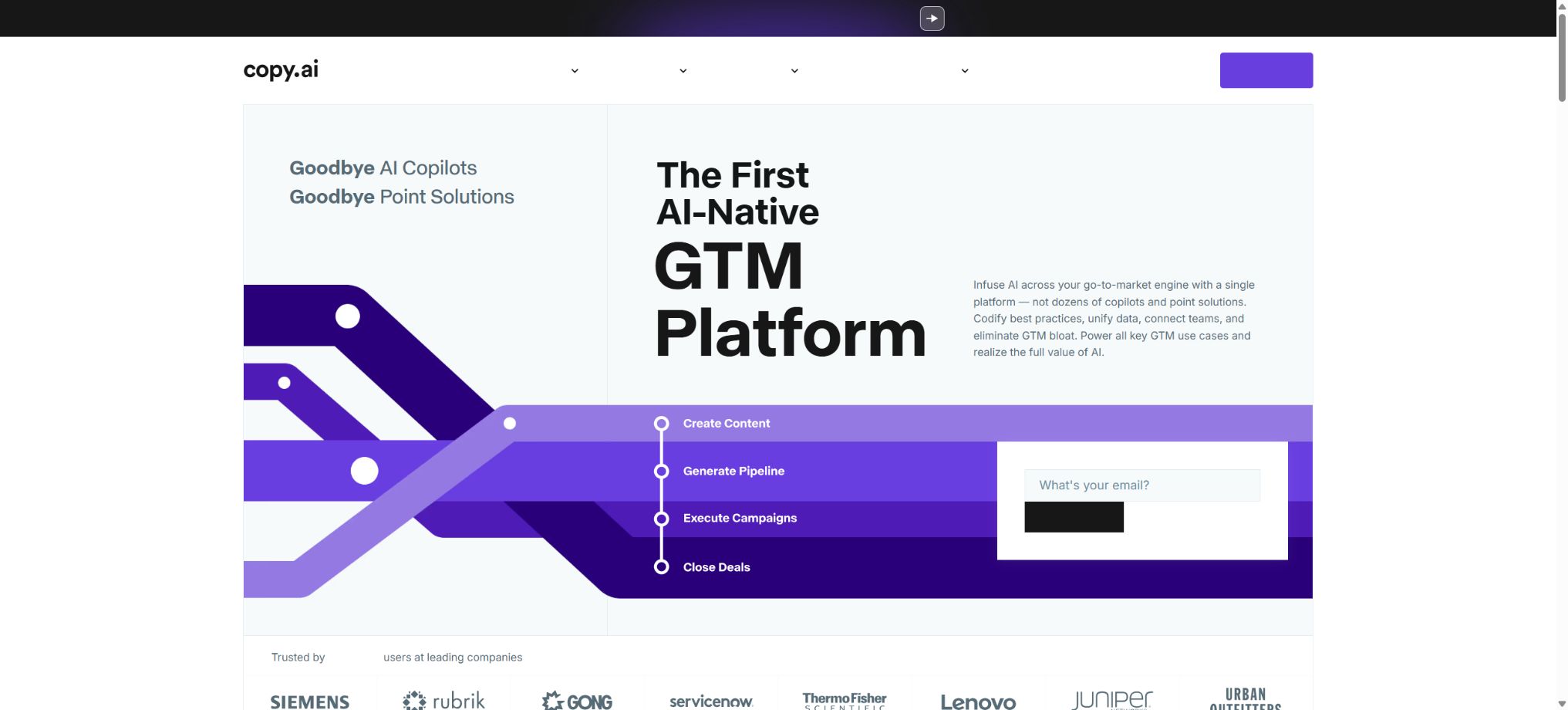
Originally known as an AI-powered copywriting tool, Copy.ai is now positioned as an AI-native platform designed for Go-to-Market teams. It combines Chat, Brand Voice, Infobase, Tables, Actions, Agents, and Workflows to support the creation of marketing content, sales research, lead development, and the automation of revenue-related processes.
The platform is not tied to any single underlying model; Chat has access to OpenAI, Anthropic, and Gemini models. Copy.ai has been acquired by Fullcast, a platform for GTM planning and execution, and some of the assistance materials and development documentation are being transferred. Existing users should check the current entry point before integrating with the new system.
Main functions of Copy.ai
- Use various mainstream models in Chat to carry out writing, research, and analysis;
- Learn the tone and style of brand messaging through Brand Voice;
- Store product, company, customer, and process knowledge in Infobase;
- Tables are used to consolidate data from multiple sources and to enable batch AI processing;
- Use Actions to assemble research, generation, transformation, and data manipulation steps;
- Repetitively executable multi-step business processes can be orchestrated through Workflows;
- Embed constrained Agents within processes to carry out goal-oriented micro-decisions;
- Conduct account research, personalized outreach, and handling of incoming leads;
- Generate SEO content, thought leadership articles, and multilingual versions in bulk;
- Connects CRM, sales engagement, automation, and content systems;
- Start workflows via API, check status, and receive Webhooks.
Chat and multi-model writing
Chat is suitable for brainstorming, rewriting, summarizing, and conducting individual studies; users can refine their prompts and results within the dialogue before turning these established methods into Workflows. The official Chat solution offers unlimited character count and a limit of no fixed number of tasks, but it is still subject to constraints related to fair use, model context, and request frequency.
Brand Voice and Infobase
Brand Voice can be used to analyze existing text, or it can be defined manually by the team and then applied in Chat and Workflows. Teams can create multiple tones for different brands, authors, or target audiences, but it is necessary to ensure that the relevant resources are located in the Workspace or Teamspace being used.
Infobase is used to store product facts, customer profiles, and policies, which can then be referenced via tags in prompts. It helps to avoid the need to repeat background information, but clear responsibilities still need to be assigned for updating knowledge, managing permissions, and resolving conflicts.
Workflows, Actions, and Agents
Workflow organizes inputs, actions, data, conditions, and outputs into reusable processes, making it suitable for handling tasks related to accounts, products, or content on a bulk basis. Complex processes can be broken down into multiple smaller workflows to facilitate debugging, reuse, and better control.
Agentic Actions enable AI to make small-scale decisions within configurable boundaries, making it easier to oversee than fully autonomous agents. Before deployment, it is necessary to specify the allowed data, actions, failure scenarios, and points for human approval.
Tables and the foundation of GTM data
Tables represent a queryable data layer that is used to combine multiple GTM data sources and to provide structured input for AI-based automation. Typical use cases include lead cleaning, account research, product content generation, and batch processing of multiple records.
Sales, marketing, and revenue scenarios
Copy.ai covers lead generation, inbound lead management, ABM, content creation, translation and localization, as well as guidance on closing deals. The platform emphasizes integrating sales, marketing, and operations into a single process, rather than merely generating text content.
Integration and automatic triggering
The official platform page states that it can be connected to more than 2,000 different tools; the Enterprise version includes over 20 types of technical integrations, API access, and capabilities for running batch workflows. The actual native connectors, third-party automation solutions, and permission settings vary depending on the package and contract chosen, so it is necessary to verify each of these aspects before making a purchase.
Comparison of core components of Copy.ai
| Components | Primary uses | Suitable scenarios | Key points of control |
|---|---|---|---|
| Chat | One-time conversations and writing | Brainstorming, rewriting, summarizing | Results of manual verification |
| Brand Voice | Uniform expression style | Multi-channel brand content | Review samples and periodic updates |
| Infobase | Provide company context | Products, customers, and policies | Permission and expiration management |
| Tables | Unified structured data | Batch GTM tasks | Field mapping and data quality |
| Workflows | Orchestrate multi-step processes | Large-scale automation | Testing, versions, and points |
| Agents | Constrained micro-decisions | Research, classification, personalization | Guard rails and manual approval |
| API | External system calls | Triggering and batch execution | Keys, Webhooks, and Idempotency |
Copy.ai prices
Copy.ai currently offers the Chat, Growth, Expansion, Scale, and Enterprise versions. Chat can be subscribed to on a monthly or annual basis, while the other versions are available primarily through annual billing.
The dollar price, taxes, and additional points are subject to the settlement terms and the contract.
| Package | Price | Seats | Workflow quota | Suitable for users |
|---|---|---|---|---|
| Chat Monthly Plan | $ | 5 | The Workflow points are not displayed publicly. | Small teams, multiple model chats |
| Chat annual plan | $ | 5 | The Workflow points are not displayed publicly. | Teams that use Chat consistently |
| Growth | $ | 75 | 20,000 points per month | Start scaling up AI processes |
| Expansion | $ | 150 | 45,000 points per month | Expanding AI automation |
| Scale | $ | 200 | 75,000 points per month | Large-scale deployment of GTM AI |
| Enterprise | Custom quote | In accordance with the contract | In accordance with the contract | Implementation required, API and enterprise security |
Comparison of package benefits
| Project | Chat | Growth | Expansion | Scale | Enterprise |
|---|---|---|---|---|---|
| Number of characters in Chat | Infinity | Infinity | Infinity | Infinity | In accordance with the contract |
| Seats | 5 | 75 | 150 | 200 | Customization |
| Workflow points | Not publicly labeled | 20,000 per month | 45,000 per month | 75,000 per month | Customization |
| API and batch execution | Not available | Based on the account. | Based on the account. | Based on the account. | Clearly included |
| Implementation and dedicated support | Not available | Standard | Standard | Standard | Guide implementation and dedicated team |
The Workflow score is not equal to a fixed number of executions; different Actions, models, and volumes of data result in varying consumption levels. It is advisable to test it with actual samples before making a purchase, and to estimate the costs based on the number of successful executions rather than the total number of steps taken.
Copy.ai usage guide
Use Chat to create brand copy.
- Create a Workspace and select the correct Teamspace;
- Create a Brand Voice using the approved copy;
- Store the product facts, target audience, and prohibited statements in Infobase;
- Specify the channel, objectives, format, and word count in the Chat;
- Cite the relevant Infobase materials and Brand Voice;
- Compare the initial draft of the model and conduct manual verification;
- Save the stabilization prompt to a project or upgrade it to a Workflow.
Build a batch content Workflow
- Select repetitive tasks for which the input and acceptance criteria are clearly defined;
- Define input fields such as product name, target audience, and keywords;
- Break down research, extraction, generation, rewriting, and output into Actions;
- Cite the appropriate brand and knowledge resources within Teamspace;
- Use a small amount of real data to debug each step;
- Record the per-line score, failure rate, and time of manual modification;
- After passing, expand the batch size and set up exception branches.
Trigger a Workflow via API
- Confirm that the account has API and batch execution permissions enabled;
- Create an API Key and store it only on the server side;
- Read the ID of the target Workflow and the required input variables;
- Initiate a run request and save the run ID;
- The completion status is obtained through polling or Webhooks;
- Verify the output, limit retries, and implement idempotent control;
- Monitoring request failed, points were consumed, and there were issues with the keys.
Who is Copy.ai suitable for?
- Small marketing team: Uses various models to handle copywriting and research;
- Content Operations Team: Generates SEO content, social media content, and event-related content in bulk;
- Sales Development Team: Analyzes accounts and tailors outreach efforts;
- ABM team: Creates assets by combining account, industry, and individual data;
- Revenue Operations Team: Uses Tables and Workflows to connect GTM data;
- Globalization team: Batch translation and localization of marketing content;
- Large enterprises: Scale-up deployment with implementation, security, and dedicated support.
The advantages of Copy.ai
- The path from individual chats to batch workflows is clear;
- The multi-model approach reduces dependence on a single supplier;
- Brand Voice and Infobase can reuse styles and facts;
- Tables provide a structured data foundation for batch AI processing;
- Agentic Actions emphasizes decision-making with boundaries;
- Sales, marketing, and operations can share processes and data;
- The enterprise solution includes APIs, implementation capabilities, and security features.
Usage restrictions and precautions
- The product has evolved from a simple writing tool to a GTM platform, and the information related to the earlier packages should no longer be applied.
- Growth has a higher public pricing and is more suitable for teams rather than individuals;
- The Workflow score varies depending on the steps and the model, so it is necessary to run tests using actual data.
- The older version of the help center and the API documentation section are being migrated to Fullcast;
- The output format and quality of multiple models may vary;
- An incorrect Infobase background will be amplified on a large scale;
- For external actions, minimum permissions, failure handling, and manual approval must be configured.
- The content sold must still comply with privacy, advertising, and anti-spam regulations.
Privacy and security
Copy.ai states that it does not use customers’ personal data to train models, does not share prompts with other customers, and does not sell user data. The official security page outlines corporate measures such as encryption, access control, security audits, and SOC 2 compliance.
The team should still differentiate customer projects based on Workspace and Teamspace, and restrict access to Infobase, API Keys, and external integrations. When handling personal information, customer lists, or recorded text, it is necessary to first conduct an assessment of their legality and the retention period required for them.
API, GitHub, and open-source information
The Workflow API allows for the initiation of workflows, checking their status, and receiving notifications of completion via Webhooks. The public pricing model lists API access and batch processing as part of the Enterprise benefits; the availability of other options depends on the specifics of the account and any confirmations from sales.
The Copy.ai platform, its workflow engine, and the model scheduling layer are not open source; moreover, no official GitHub repository representing a complete product has been found. The SDKs with the same name are usually third-party projects, and it is necessary to check their maintainers, permissions, and security before using them.
Frequently Asked Questions
Does Copy.ai offer a free plan as well?
The entry-level option on the current public pricing page is a paid Chat service, rather than the free character limit option that was common in earlier versions. New users should refer to the trial options and benefits displayed on the settlement page.
How much does Copy.ai Chat cost?
Chat costs $29 per month; the annual plan amounts to $24 per month, with a one-time payment of $288. It includes 5 chat sessions, unlimited character count for chats, and access to multiple models.
How are Workflow points calculated?
Points are used to measure the consumption of AI and data processing in a workflow, with different steps potentially having varying costs. Complex processes should first be tested using small sample sizes, after which the monthly requirements can be estimated.
Does Copy.ai offer an API?
Workflow API and Webhooks are provided. As the documentation is being integrated with the Fullcast system, it is necessary to verify the package permissions, endpoints, and key management methods before making a purchase.
Is Copy.ai open source?
No. The open-source license of third-party GitHub clients does not mean that the Copy.ai platform or its underlying models are open source.
Tools similar to Copy.ai




 Guigong Network Security Registration No. 45132202000164