






Perplexity
An AI answer engine that provides real-time searches and source citations.
Tags:AI search engineWhat is perplexity?
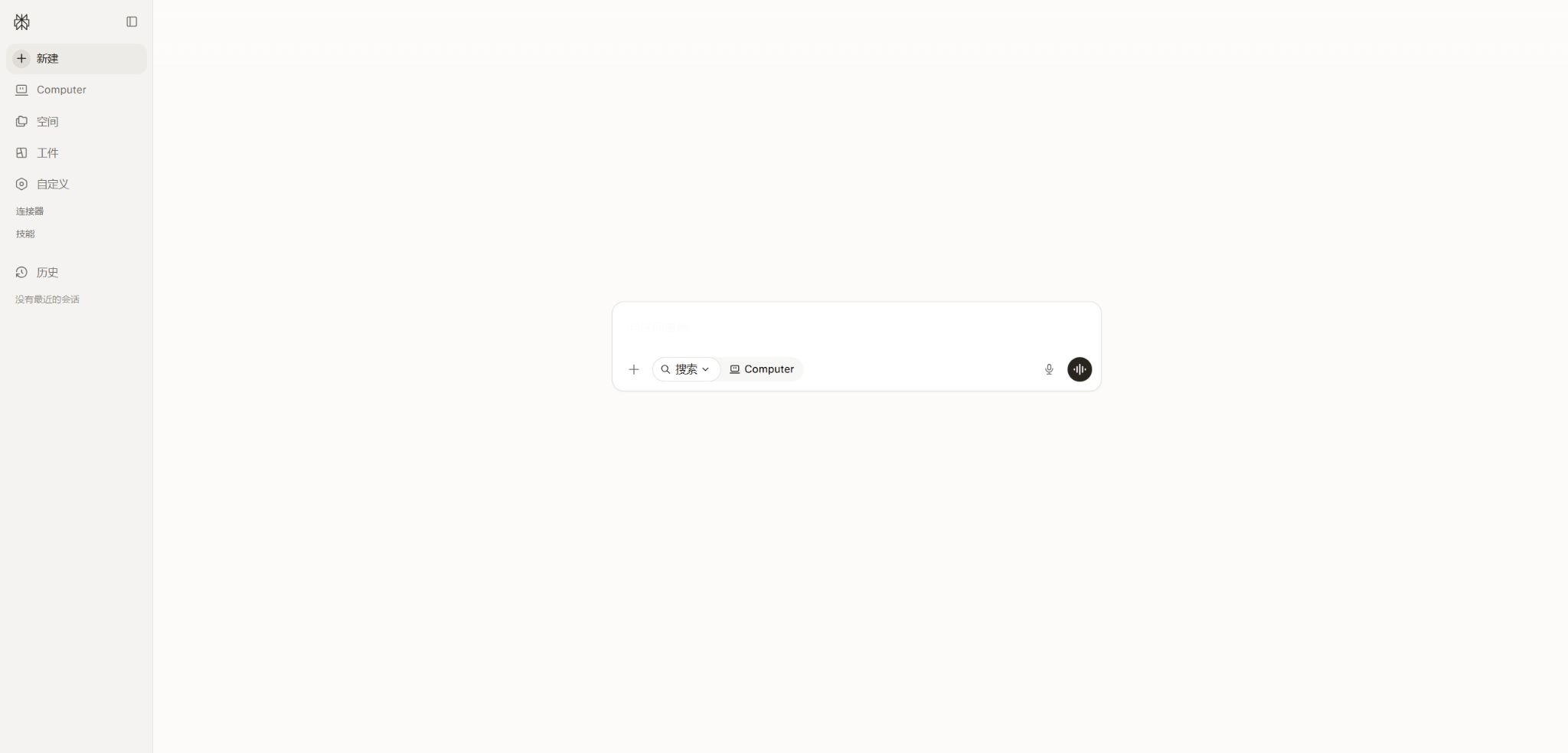
Perplexity is an AI-based search and research platform that focuses on real-time retrieval and citation of sources. It searches for web pages and relevant materials in response to a query, generates direct answers, and includes the sources of the relevant passages so that users can go back to the original texts to verify them.
In addition to regular searches, the platform offers Pro Search, Reasoning, Research, file analysis, Projects, the ability to create files and apps, as well as the Computer and Comet browsers. Paid users can choose from Perplexity’s own models as well as various advanced third-party models, depending on their specific tasks.
Main functions of Perplexity
- Search real-time web pages and generate answers with citations to the sources;
- The appropriate search model for the problem is automatically selected through the Best mode;
- Use Pro Search to carry out multi-step searches and in-depth inquiries;
- Solve complex analysis and reasoning problems using the Reasoning mode;
- Use Research to automatically generate a comprehensive research report;
- Upload PDF, CSV, images, audio, and video files for analysis;
- Sessions, files, and custom commands are managed centrally in Projects;
- Use Create files and apps to generate reports, tables, dashboards, and simple applications;
- Execute browser and cross-application tasks via Computer and Comet;
- Access the development system through Search, Sonar, Agent, and Embeddings APIs.
Best and Pro Search
Best is the default search method; it automatically selects the appropriate handling strategy based on the question. According to the official guidelines, no quota limits are set. Pro Search is more suitable for questions that require multiple search steps, comparison of various sources, and detailed references, and it is used more frequently by users at the Pro level and above.
Free accounts allow 5 uses of Pro Search per day and the uploading of 3 files; these rules may change depending on demand and product strategies. For simple tasks, it’s best to use Best first, and switch to Pro Search for more complex investigations in order to save on costs.
Reasoning and Research
The Reasoning mode makes use of more powerful reasoning models to break down complex problems into multiple steps of analysis. Research automatically plans searches, consults various sources, and generates detailed reports; it is thus better suited for market, academic, product, and policy research.
Research reports may still contain incorrect citations, omit relevant counterexamples, or misinterpret the content available behind paywalls. When dealing with legal, medical, investment, or academic references, it is necessary to consult the original sources and verify the date of publication, the authors, as well as the context in which the text was written.
File analysis and Projects
Users can upload attachments such as PDFs, CSV files, images, audio files, and videos to a session, so that the model can extract information, summarize it, or compare it. Larger files may have only some of their relevant content processed; it should not be assumed that the system reads every page in its entirety.
Projects is a workspace that provides centralized management of discussions, documents, custom commands, and computer tasks; it is private by default, but viewers or contributors can be invited to access it. The enterprise version also allows integration of cloud-based files with internal knowledge search through connectors.
Create files and apps
Create files and apps enables the generation of reports, spreadsheets, dashboards, presentations, and simple web applications. It is useful for transforming research results into deliverable products, but the formulas, code, and data contained in the generated files still need to be manually tested.
Comet, Computer and Brain
Comet is an AI browser developed by Perplexity; it enables summarizing content, posing questions, and carrying out certain multi-step tasks within web environments. Max offers a larger amount of browser proxy credits as well as Max Assistant, though its automation capabilities are influenced by the permissions of the websites and the availability in different regions.
Computer is designed for tasks that require continuous execution, while the new points system is intended for functions that demand high computing power. Max currently includes 10,000 points per month; the Brain research preview creates a working context for projects, characters, and files, and its features may change rapidly.
Comparison of search modes
| Pattern | Suitable for tasks | Handling method | Precautions |
|---|---|---|---|
| Best | Daily Q&A and quick search | Automatic selection of models and strategies | Key references still need to be checked. |
| Pro Search | Multi-source comparison and complex queries | Multi-step search and synthesis | The paid plan offers a higher limit. |
| Reasoning | Mathematics, logic, and complex analysis | Advanced reasoning models | The reasoning process does not guarantee that the conclusion will be correct. |
| Research | Industry, academic, and policy reports | Automatic planning, retrieval, and long reports | It takes longer and requires manual review. |
| Create files and apps | Reports, tables, and simple applications | Research and addition execution | Files and code need to be tested. |
| Computer | Proxy tasks across web pages and applications | Use integrals to perform operations. | Sensitive operations require manual confirmation. |
Perplexity price
Perplexity offers free, Pro, and Max individual plans, while organizations can choose between Enterprise Pro and Enterprise Max. Prices may vary in mobile app stores, through regional partnerships, and on the website; the pricing displayed on the payment page should be used as a reference before renewing.
| Package | Monthly payment | Annual payment | Primary interests |
|---|---|---|---|
| Free | $ | $ | Core search, 5 Pro Searches per day, 3 file uploads, Projects, and basic functions |
| Perplexity Pro | 20 dollars | 200 dollars | More citations, extensive Pro Search, advanced research tools, file analysis, sophisticated models, and limited video generation |
| Perplexity Max | 200 dollars | 2,000 dollars | Top-tier model and agent quota, 10,000 monthly points, Max Assistant, Brain, and priority access to new features |
| Enterprise Pro | $ | $ | Enterprise search, security, connectors, management capabilities, and 500 monthly points per seat |
| Enterprise Max | $ | $ | Enterprise features include the highest limits for Research, Create, files, videos, and computing resources; 15,000 points per seat. |
The Personal Pro plan does not have a fixed starting amount of monthly Computer points; the Personal Max plan starts with 10,000 points per month. These points are used for functions related to advanced computing, and they are not part of the same billing system as the limits associated with regular search modes or the API balance.
Differences between individual and corporate plans
| Project | Free | Pro | Max | Enterprise |
|---|---|---|---|---|
| Advanced search | Finite | High quantity | Maximum individual limit | By seat and organizational strategy |
| Advanced models | Limited or automatic | Multiple models | Maximum access and exclusive model | Suppliers are controlled by the administrator. |
| Internal knowledge connector | Not included | Some individual connectors | Expansion | Organizing files and cloud application connectors |
| Data training | You can exit through the settings. | It is possible to exit. | It is possible to exit. | It is not used for model training by default. |
| SSO and management | Not included | Not included | Not included | Includes |
| API usage | Buy separately | Buy separately | Buy separately | Buy separately |
Perplexity usage tutorial
Complete a verifiable in-depth study
- Limit the topic to time, location, subject, and a specific question;
- First, use Best to search for relevant background information and gather key terms;
- Switch to Pro Search or Research to specify the comparison criteria;
- It is necessary to distinguish between facts, opinions, estimates, and unknown information.
- Open the key reference to check the publication date, author, and original text;
- Search again using the opposite perspective and the second set of keywords;
- Only the conclusions that have been verified are included in the final report.
Create a project knowledge workspace
- Create a new project and specify the research objectives and the output format;
- Set terms, tone, and custom instructions that must be followed;
- Upload authorized files and verify the parsing quality;
- Create sessions based on topics and assign the key results to projects;
- Invite viewers or contributors and set minimum permissions;
- Use a combination of file and web searches to draw conclusions at the generation stage;
- Regularly delete expired files and shared links that are no longer needed.
Access the application via the Search or Sonar API.
- Create separate projects and keys on the API platform;
- Choose between the native Search, Sonar, or Agent API based on your needs;
- Set filters for domain, date, language, and number of results;
- Store the API Key in server-side environment variables;
- Log requests, tokens, tool calls, and actual costs;
- Handle throttling, retries, timeouts, and cases with no results;
- Display the citation to end-users and provide a means for making corrections.
Which users are it suitable for
- Students and researchers: searching for information, understanding papers, and compiling reviews;
- Content creators: select research topics, verify data, and find original sources;
- Market and consulting: Conduct research on industries, companies, and competitors;
- Product team: Monitoring technologies, user needs, and market changes;
- Finance and professional services: Compile publicly available information while retaining citation links;
- Corporate knowledge team: searches internal documents, cloud applications, and the public internet;
- Developer: Build search capabilities using Search, Sonar, and Agent APIs.
The advantages of Perplexity
- The references in the answers can be used to go directly to the original web pages for verification;
- Real-time web search is more suitable for the latest issues than static model knowledge;
- Best, Pro, Reasoning, and Research cover different levels of depth;
- For the same subscription, multiple advanced models can be selected;
- Projects link sessions, files, commands, and proxy tasks;
- Create and Computer extend research to files and actions;
- The API offers capabilities for searching, generating, proxying, and vectors.
Usage restrictions and precautions
- The presence of citations does not necessarily mean that the answer is accurate or complete;
- Quotations may only cover a part of a sentence or not correspond to the conclusion;
- Search results are subject to constraints such as indexing, region, language, and paywalls.
- Advanced models and Research may impose limits on usage under high load;
- File analysis may truncate, omit tables, or misidentify scanned documents;
- The formulas, data, code, and applications generated by Create need to be tested;
- Computers and browser proxies should not carry out high-risk operations without supervision;
- Consumer subscriptions do not include API call quotas.
Privacy, security, and file handling
Individual users can choose in their account settings not to have their data used for improving models; data from corporate searches, files, and connectors is not utilized for training or fine-tuning models. Enterprise Pro offers SSO and organization management capabilities, and it has obtained SOC 2 Type II certification.
For the files uploaded by enterprises, the temporary retention period for certain processed data can be set to 7 days; however, files in organizational warehouses, personal warehouses, or Projects will remain there as long as the user continues to use them. Before uploading sensitive files, it is necessary to check the specific storage location, the scope of sharing, and the procedures for deleting them.
- Only the necessary portions of medical, legal, and financial information should be uploaded;
- By default, a Project remains private and access is restricted to those who have a link to it;
- Enterprise administrators should enable only the necessary models and connectors.
- When a session is deleted, the file repository and shared projects are checked synchronously;
- The Computer requires confirmation before performing tasks related to emails, purchases, and accounts.
API, GitHub, and open-source information
The Perplexity API platform currently offers Search, Sonar, Agent, Router, and Embeddings. The Search API charges $5 for every 1,000 successful requests; Sonar is priced based on the input/output tokens and search context requests, while calls to the Agent tool incur additional fees.
The official providers offer Python and TypeScript SDKs, which are made available on GitHub; the TypeScript library is licensed under the Apache-2.0 license. The Perplexity search product, its indexing system, Comet, and Computer are not fully open source – the open-source SDK is only used to make calls to the hosted APIs.
Frequently Asked Questions
Is Perplexity free?
Core search can be used for free. The free account currently offers 5 Pro Searches per day, the ability to upload 3 files, as well as features such as Project management and session saving.
How much is Perplexity Pro?
Pro costs $20 per month or $200 per year, and it offers more citations, advanced Pro Search capabilities, expanded research tools, file analysis, as well as various sophisticated models.
How much is Perplexity Max?
Max costs $200 per month or $2,000 per year; it includes a maximum personal credit limit, 10,000 monthly points, Max Assistant, Brain preview, and access to new features ahead of others.
Does Perplexity have an API?
Yes, the API platform offers basic search functions, answers with references, in-depth research tools, proxy tools, and embedding capabilities. The API requires a separate payment; it is not included in the Pro, Max, or enterprise plans.
Is Perplexity open source?
The core products are not open-source software. The official Python, TypeScript, and Vercel AI SDK tools are available under an open-source license, but search indexing, web applications, and browser proxies remain as hosted services.
Tools similar to Perplexity



 Guigong Network Security Registration No. 45132202000164