






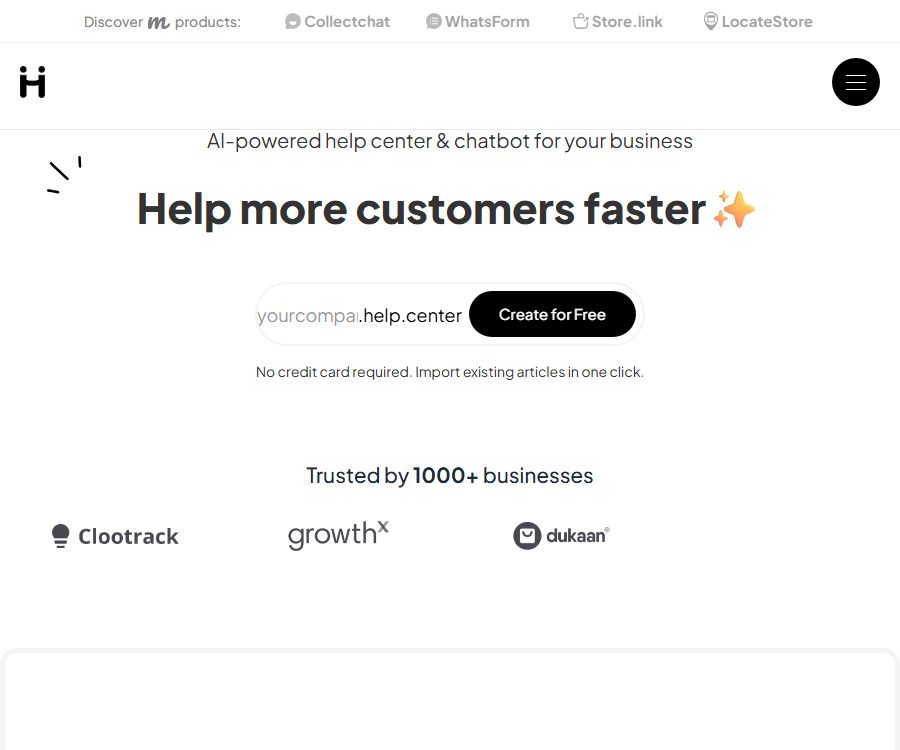
AI-first customer support software
AI-first customer support software that makes AI-driven conversations more efficient and simpler.
Tags:AI dialogue chatWhat is Help.center?
Help.center is an AI-driven customer support software that integrates a public knowledge base, AI chatbots, and a team-shared inbox into one platform. Companies allow customers to find answers on their own first; issues that the AI cannot resolve are then forwarded to human customer service agents.
The platform is provided by Micro.company and is suitable for SaaS solutions, online services, as well as small and medium-sized enterprises that need to create brand help centers. Its AI generates responses based on published articles, common questions and answers, and linked websites; therefore, the quality of the knowledge base directly influences the effectiveness of customer service.
Main functions
AI knowledge base
Companies can create their own dedicated brand help centers, and use visual editors to create categories and articles. Each time content is published or updated, the AI learns automatically, without the need for additional model training.
AI search and chatbots
Customers can ask questions in natural language, and the system will generate summary-based responses based on the available knowledge, rather than just providing links to articles. The chat feature can be integrated into product websites or backends, allowing users to ask further questions.
Shared inbox
When the AI is unable to provide an answer, customers can submit a request via email; such requests end up in the team’s inbox. Customer service staff can respond to these requests, assign them to appropriate team members, discuss them, and keep track of them. The records of interactions between the AI and human agents are stored in the same place.
Content gap analysis
The platform analyzes customer conversations to identify recurring issues that are not covered in the knowledge base, and suggests creating or updating articles. The team can use this information to determine the priority of content, rather than relying on intuition when maintaining the help documents.
Multilingual support
Companies can maintain only one set of articles in the primary language, with AI providing interactive responses for customers in different languages. Automatic translation may still misinterpret technical terms, so content in key markets should be reviewed by native speakers.
Import and Migration
Help.center allows for the import of existing articles from Intercom, Zendesk, Freshdesk, and Crisp. After the migration, it is necessary to check the categories, images, internal links, and old content, to prevent outdated information from being included in the new knowledge base.
Custom domain names and search optimization
The help center can use brand subdomains or website subdirectories to create files that make it easier for AI agents to locate relevant content. Placing articles under one’s own domain structure helps to consolidate brand and search-related assets.
Which teams are suitable?
- SaaS teams that hope to reduce repetitive customer service issues through self-service
- Startups that need to maintain product documentation and customer FAQs in a unified manner
- A customer service department that integrates AI chat with human-assisted ticket handling in the same system
- Companies that need to transfer knowledge articles quickly from other customer service platforms
- Teams that place importance on ensuring the visibility of helpful content in search engines and AI assistants
Help.center Usage Guide
- Register an account and create a brand help center, setting the name, colors, and logo.
- Import existing articles, or first create content on common questions, accounts, bills, and troubleshooting.
- Establish clear categories for the articles, and ensure that each one addresses only one main issue.
- Enable the AI search and chat features, and use actual customer queries to test the quality of the responses.
- Add common FAQs and content from reliable websites to correct the parts that AI cannot answer accurately.
- Invite customer service members and set up inbox assignments as well as internal discussion processes.
- Connect to Slack or other workflow tools to continuously monitor for content gaps and update articles accordingly.
How to improve the accuracy of AI customer service
- Indicate the applicable version and update date for policies, prices, and operational procedures.
- Write the title in language that customers commonly use, avoiding the use of only internal terms.
- Break down complex processes into short steps and specify the abnormal situations.
- Establish clear standard answers or FAQs for frequently asked questions.
- Regularly check the AI responses that have been reported by users or forwarded to human agents.
- Remove conflicting, duplicate, and expired articles to prevent the model from reading multiple sets of rules at the same time.
Prices and packages
The prices listed below were verified on August 25, 2026, based on the official price page and documentation. Fees are expressed in US dollars; taxes, discounts, and settlement rules may vary, so it is necessary to refer to the subscription page before making a purchase.
| Package | Price | AI response quota | Team billing | Main positioning |
|---|---|---|---|---|
| Free | $ | 50 times per month | Free | Public knowledge base and basic self-service |
| Business | $ | 500 times per month | By number of customer service staff | Small customer service teams that require advanced features |
| Unlimited | $ | 2,500 times per month | Fixed team price | Teams with a large number of members or a high volume of customer service requests |
Beyond the number of AI responses included in the package, the official pricing page indicates a fee of $0.01 per additional response. In the Business plan, the cost is $19 per month for 1 member, $95 for 5 members, and $190 for 10 members; when there are many members, the Unlimited plan with a fixed price is usually a better option for budget control.
According to the official details, the pricing is based on each help center; multiple help centers can be created under the same account, but each instance may be charged separately. The Slack integration is included in the Business and Unlimited plans, with no additional charge for the number of notifications sent.
Suggestions for package selection
- For projects that have just been created or have low traffic, it is possible to use Free to test the article structure and AI responses first.
- For a small number of customer service staff who need a custom domain name, integration, and a higher AI quota, Business is an option.
- When the number of team members increases, it is necessary to compare the total cost of the seats with the fixed monthly fee for Unlimited.
- When the volume of AI queries fluctuates significantly, the additional costs associated with those queries should be included in the monthly budget.
- When separate help centers are created for multiple products, the costs should be recalculated based on the number of instances.
Integration and development capabilities
The Slack integration sends new tickets, customer replies, and internal mentions to designated channels or members. It currently provides only notifications and links; customer service staff still need to go back to the Help.center dashboard to respond.
The platform also provides APIs and management tools for AI agents, enabling Claude, ChatGPT, or other compatible assistants to create, update, and publish articles. Automated writing processes should include permission settings and review procedures to prevent AI from modifying official documents without approval.
Product advantages
- Integrate the knowledge base, AI Q&A, and human customer service inbox into one.
- AI learns new articles automatically, and the deployment process is relatively simple.
- It supports detection of content gaps, and real-world issues can be used to guide the creation of documentation.
- Brand domain names can be used, taking into account both search functionality and AI-driven content discovery.
- Supports one-click import of articles from common customer service platforms.
- Fixed team packages make it easier for organizations with a large number of members to manage their budgets.
Usage restrictions and precautions
- AI responses are based on the content of the knowledge base, and outdated articles can directly affect the accuracy of customer service.
- Multilingual responses are generated automatically, while contracts, refunds, and security-related content require manual review.
- Exceeding the AI response quota will incur additional charges, so it is necessary to implement usage monitoring.
- Different help centers charge on a per-instance basis, and companies with multiple brands need to conduct separate accounting.
- Slack is currently used primarily for notifications; it is not possible to respond to work orders directly within Slack.
- The availability of custom domain names and certain advanced features depends on the package chosen.
Data privacy and security
According to the privacy policy, the platform stores account information, corporate content, customer service tickets, and session histories. The servers and databases are hosted on AWS in the European Union, and the relevant data may also be processed by necessary service providers.
After an account is deleted, the account-related data and ticket information are typically removed or anonymized within 30 days, with the exception of billing records that are required to be retained by law. Once the Slack integration is disconnected, workspace information, user mappings, and authorization tokens are also deleted within 30 days.
- Internal accounts, keys, or information about unreleased products should not be made public in the knowledge base.
- Work orders may contain customer personal data, and team access should be restricted based on roles.
- When connecting to Slack, only the necessary workspaces are authorized, and the integration is checked regularly.
- Before going live, confirm the data processing protocol, retention period, and compliance requirements of the relevant region.
Open-source status
As of the time of verification, no official documentation for the Help.center core customer service platform available under an open-source license was found. It offers APIs and integration capabilities, but the fact that content can be managed through interfaces does not mean that the entire commercial service can be deployed using an open-source approach.
Frequently Asked Questions
Can Help.center be used for free?
Yes. The Free plan costs $0 per month and includes an open knowledge base as well as 50 AI responses per month; it is suitable for setting up a small help center initially.
What to do when AI cannot answer?
Customers can request email support; their inquiries are sent to a shared inbox where customer service staff take care of them, assign them to appropriate handlers, and provide responses. The team can also turn unresolved issues into new articles.
Can I bind my own domain name?
Yes. The platform allows the use of brand subdomains or subdirectories; the specific setup steps and permission settings are to be determined according to the console instructions.
What migration sources are supported?
The official website lists one-click import options for Intercom, Zendesk, Freshdesk, and Crisp. Even after the migration is complete, it is still necessary to check the format, images, and the timeliness of the articles.
Which AI model to use
The official price FAQ mentions OpenAI’s GPT-4 series, but the models may change as the platform is upgraded. The actual performance of these models should be tested using one’s own knowledge, rather than relying solely on the name of the model.
Summary
Help.center is suitable for modern teams that wish to establish a self-service knowledge base, AI-based customer service, and a manual ticketing system all at once. Small projects can start with the free version; thereafter, depending on the number of customer service agents and the volume of AI-driven queries, teams can choose between a pay-per-agent pricing model in the Business version or a fixed price option for Unlimited plans.
Tools similar to AI-first customer support software




 Guigong Network Security Registration No. 45132202000164