






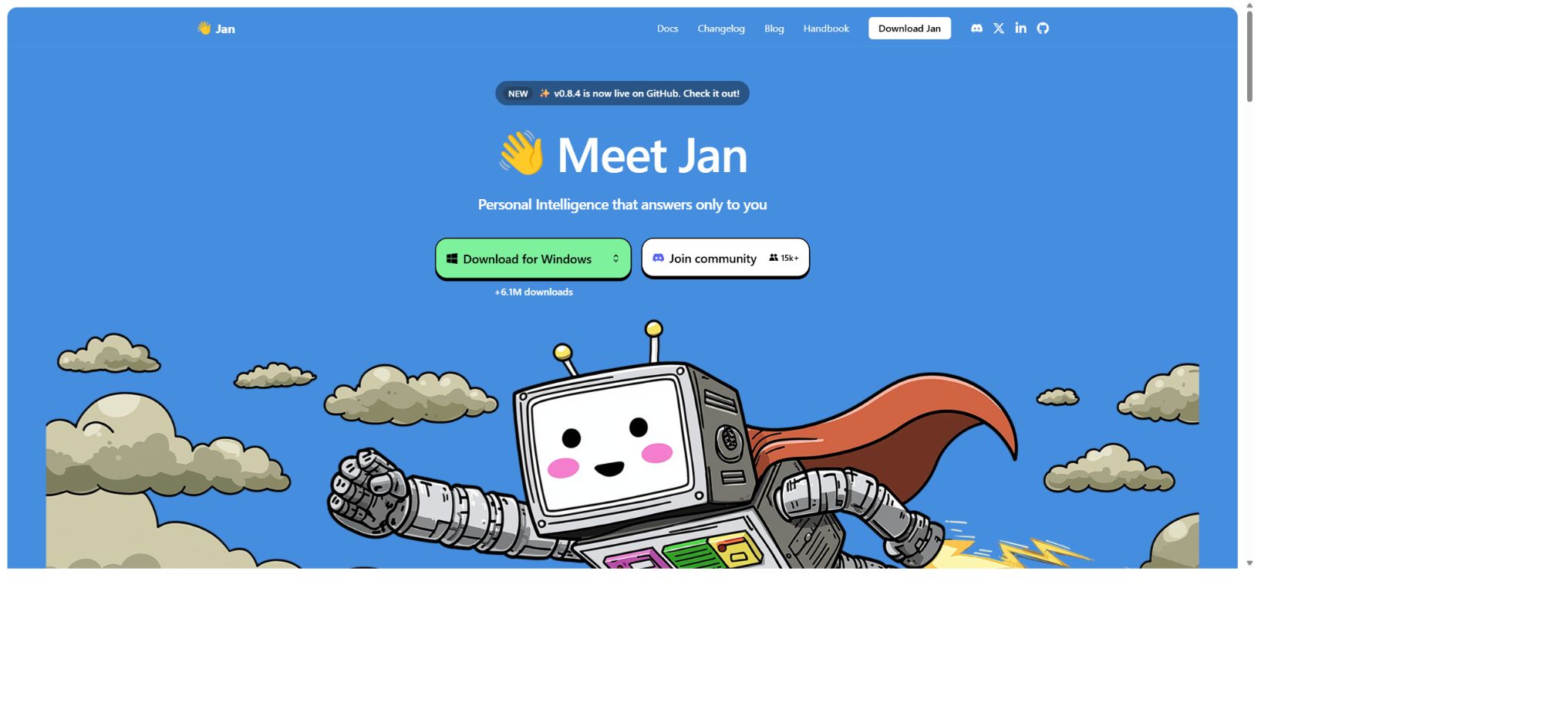
Jan
An open-source desktop AI assistant that supports offline local models as well as cloud-based APIs.
Tags:AI dialogue chatWhat is Jan?
Jan is a free, open-source tool for running local AI chat and large language models, intended as an alternative to ChatGPT that can be used offline. Users can download the models on Windows, macOS, or Linux, enabling conversations and reasoning to take place directly on their own computers.
It is also possible to configure remote model APIs such as those from OpenAI, Anthropic, Google, Groq, and OpenRouter, allowing switching between local and cloud-based models from the same interface.
Jan does not provide a true “offline ChatGPT model”; instead, it runs Qwen, Llama, Jan’s own developed models, or other compatible open-source weights. The specific capabilities depend on the model downloaded, its quantization version, as well as the computer’s memory and graphics card.
It is suitable for users who value privacy, offline work, model freedom, and local APIs.
Jan’s core functions
Running large models locally in offline mode
Jan runs local models using backends such as llama.cpp and Apple MLX. Users can download versions suitable for their hardware from the model center, or they can import compatible models.
The model files are saved on the local device; once downloaded, chatting is possible without an internet connection, and no API fees are charged for each inference.
Being local does not necessarily mean faster performance. Factors such as the size of the model, quantization, context length, CPU and GPU capabilities, memory bandwidth, and background processes all affect speed.
Choosing an overly large model may result in failed loading, slow responses, or compressed context.
Unified interface for cloud models
If local hardware is insufficient, it is possible to add the API keys of services such as OpenAI, Anthropic, Gemini, Mistral, Groq, or those that are compatible with OpenAI to Jan. Cloud-based models run on the servers of their respective providers; they require an internet connection and are billed according to the rates set by those providers.
Jan itself will not make these commercial APIs available for free.
Projects and Assistants
Projects are used for centrally managing relevant conversations, files, and shared instructions, while Assistants store roles, behaviors, and preferences. Users can create different assistants for tasks such as writing, coding, learning, or answering internal questions, thereby avoiding the need to re-enter background information each time.
When it comes to long-term memory and file uploading, attention must still be paid to sensitive data and the length of the context.
Agents and Jan CLI
Jan CLI allows for loading models from the terminal, starting local OpenAI-compatible services, viewing models and conversation threads, as well as connecting local models to compatible coding or automation agents. `jan serve` provides an interface on the local port by default, while `jan launch` enables selecting a model and starting the corresponding Agent workflow.
CLI shares models and data directories with desktop applications.
OpenAI is compatible with local APIs
Jan can expose local models as OpenAI-compatible APIs; applications only need to modify the Base URL and model ID in order to use them. The service allows for setting of the port, API Prefix, API Key, Trusted Hosts, request timeout values, and CORS settings.
It is safer to bind it only to the local machine by default; if it is to be bound to all network cards, strong keys, a firewall, and trusted hosts must be set up.
MCP tool invocation
Jan can act as an MCP Host to connect to local files, browsers, databases, or custom API tools. Before a tool is called, the parameters that the model is about to send are displayed for the user’s approval or rejection.
Although it is possible to enable \"Allow all tools,\" this does increase significantly the risk of prompt injection and accidental actions, especially when the tools have access to the logged-in browser, files, or command line.
Not all local models are good at tool calling. Before using MCP, it is necessary to select a model that explicitly supports tool calls, and then test the tool parameters and return formats one by one.
Privacy and local data
When using a local model, the prompts and responses are primarily stored on the local device; users can start using it without needing to create a cloud account.
After connecting to remote models, external MCPs, or online search functions, the relevant data is sent to those third parties; therefore, “Jan’s focus on privacy” does not mean that all usage methods are completely offline.
Before installing extensions and MCP services, it is also necessary to check the source and permissions.
Comparison of Jan prices and operation modes
The Jan desktop application and CLI are available for free, and the official repository is licensed under Apache License 2.0. Local models can usually be run without cost, but the user is responsible for covering the costs related to hardware, electricity, and storage.
Cloud models are billed separately by each API provider.
| Method | Software cost | Data location | Main costs and features |
|---|---|---|---|
| Jan local model | Free | The model and dialogue are on the local device. | No per-use reasoning fee; it uses disk space, memory, a graphics card, and power, and can operate offline. |
| Jan CLI / Local API | Free | Local machine or self-built network | Provide OpenAI-compatible interfaces for applications and agents; it is necessary to ensure network security on one’s own. |
| Cloud model API | Jan is free of charge. | Third-party model service providers | Charging is based on the supplier’s token, requests, or packages; a network connection and API key are required. |
| Aggregation services such as OpenRouter | Jan is free of charge. | Aggregation platforms and model providers | Multiple models can be invoked using the balance on the account; pricing and privacy policies apply as per the respective platform. |
Hardware requirements and model selection
| Hardware status | Suggestions | Precautions |
|---|---|---|
| Mac with 8GB of RAM | Usually, it starts with 3B-level models. | A small number of 7B low-bit versions may operate, but the context and multitasking capacity are limited. |
| Mac with 16GB of memory | A 7B-level model can usually operate comfortably. | The 13B model with lower quantization depends on the context and usage. |
| Mac with 32GB of memory | Models of the 13B scale can generally be run. | Larger contexts and higher quantization still require reserved system memory. |
| Windows | Windows 10 or later; 8GB as a minimum, 16GB recommended | The CPU must support AVX2; for GPUs, it is recommended to have at least 6 GB of video memory and to use updated drivers. |
| Only CPU computers | Choose small, low-quantization GGUF. | It can run, but at a slower speed; the larger the model, the slower both the generation of the first token and the overall response time. |
Official experience suggests reserving around 5GB or more of disk space for each model, as well as having enough available memory equal to roughly twice the size of the model files. The actual requirements depend on factors such as quantization, context, KV cache, and the backend; it’s not sufficient to consider only the number of parameters.
Jan’s download and installation guide
- Download the app:Select the Windows, macOS, or Linux installation package from Jan’s official website.
- Complete the first startup:The application will download the default base model; you can also go to the Hub to select other models.
- Quantization by hardware:First, use a smaller model to test speed and memory usage, then gradually increase the number of parameters or the level of precision.
- Create a conversation:Select a local model from the model selector, enter the problem, and observe the memory usage, speed, and performance in terms of context.
- Configure cloud model:For greater capabilities, enter your own API Key in Model Providers.
- Enable local API:Set the listening address, port, and API Key; enable the local network only when it is truly necessary.
- Connect to MCP:Install a trusted server, select a model that supports Tool Calling, and maintain step-by-step approval.
Jan AI Usage Tutorial
Create reusable professional workflows
- Different keys and quotas are used for development, testing, and production environments;
- Run large models offline locally, use a unified interface for cloud-based models, and create representative evaluation sets for Projects and Assistants;
- Set timeout, concurrency, retry, throttling, and budget limits;
- Perform checks on the output regarding facts, security, format, and sensitive information;
- Monitor changes in model version, price, latency, and failure rate;
- Prepare plans for downgrading the model, implementing circuit breaking, and taking manual control;
Which users are it suitable for
- Individual users who wish to conduct offline chats and keep their data on their computers;
- AI enthusiasts who need to compare multiple local and cloud-based models;
- Developers who wish to provide local, OpenAI-compatible interfaces for their own applications;
- A team that handles internal documents, code, and sensitive data, and is capable of managing its own device security;
- We hope to use MCP to provide advanced users with file, browser, and data tools for local assistants.
Advantages and precautions
- Jan’s advantages include being free and open-source, cross-platform, requiring no account setup, giving priority to local use, and integrating model management, chat, CLI, API, and MCP within a single application.
- Users can operate entirely offline, or switch to a more powerful cloud-based model as needed for specific tasks;
- Local models can still generate error messages, so they cannot be considered reliable just because they are offline.
- The model license is also separate from the Jan software license, and it is necessary to examine the specific terms related to licensing before using it for commercial purposes.
- MCP and LAN APIs expand the attack surface; unknown tools or services with exposed passwords should not be approved in advance.
- When dealing with important documents, it is necessary to back up the Jan data directory, as well as to ensure secure device login and disk encryption.
Frequently Asked Questions
Is Jan AI free?
Jan’s applications, CLI, and local inference are available free of charge. When connecting to cloud-based models such as OpenAI and OpenRouter, the costs are charged by the respective API providers.
Can Jan be completely offline?
Yes. You can download the local model in advance to enable offline chatting.
Downloading models, calling cloud APIs, performing web searches, and using external MCPs all require an internet connection.
Does Jan support Chinese models?
It supports importing or downloading compatible models with strong Chinese processing capabilities such as Qwen. The quality of Chinese text translation depends on the specific model, quantization settings, and contextual factors.
Can Jan serve as a local API?
Yes, it provides OpenAI-compatible interfaces that can be used by scripts, applications, and Agents. When accessing it over a local network, it is necessary to set an API Key as well as implement network restrictions.
Is Jan open source?
It is open source; the official GitHub repository is licensed under the Apache License 2.0. The third-party models downloaded are subject to their respective licenses.
Tools similar to Jan




 Guigong Network Security Registration No. 45132202000164