






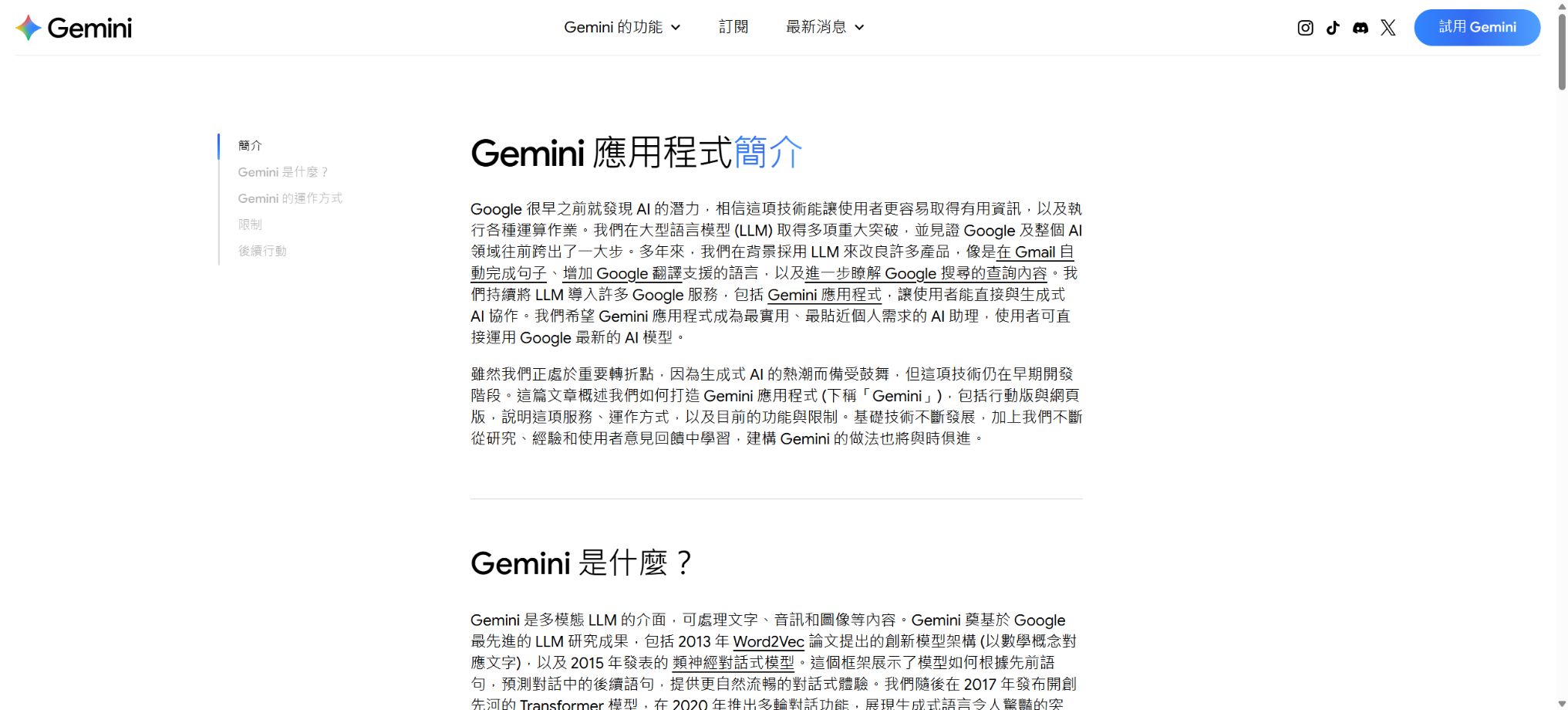
Google Gemini
Connects to Google services and supports research, creation, and multimodal interaction.
Tags:AI dialogue chatWhat is Google Gemini?
Google Gemini is a multimodal AI assistant developed by Google, capable of understanding and generating text, images, audio, video, and code. It offers experiences for web, Android, iOS, and macOS, and it integrates with Google Search, Gmail, Docs, Drive, Maps, YouTube, and Workspace.
Currently, the Gemini application offers models such as Gemini 3.6 Flash and 3.1 Pro; the development platform also provides Flash-Lite, Live, as well as models for images, video, and voice. The names of the models, the regions in which they are available, and the usage limits can change frequently, so it is necessary to refer to the information displayed in the account.
Main features of Google Gemini
- Natural language question answering, writing, translation, reasoning, and programming;
- Understanding images, files, videos, and long texts;
- Perform online searches and make use of Google services to answer real-time questions;
- Deep Research analyzes a large number of sources to produce research reports;
- Gemini Live enables real-time voice, camera, and screen conversations;
- Nano Banana is used for creating and editing images;
- Veo and Flow are used for AI video and creative workflows;
- Use Canvas to create documents, code, and interactive content;
- Gems creates dedicated assistants with instructions and information.
- Connects to Gmail, Docs, Drive, Calendar, Maps, and YouTube;
- Gemini Notebook provides an overview of sources, research, and audio;
- Development is supported via the Gemini API, Google Gen AI SDK, and CLI.
Gemini 3.1 Pro and Flash
Flash is designed for speed and everyday tasks, while Pro is better suited for complex reasoning, long documents, programming, and Agent tasks. Google AI Pro offers 1 million tokens of context and can handle files of up to about 1,500 pages.
Advanced models have a limit on the amount of computation they can handle; complex prompts, long conversations, files, reasoning tasks, and tool calls all require different amounts of resources. A simple question-and-answer session cannot be considered to have the same resource consumption as an in-depth research task.
In-depth research and searching
Deep Research helps to outline issues, browse a large number of web pages, and compile the information into reports with citations; it is suitable for industry analysis, learning, and summarizing information. The AI Mode in Google Search and the Gemini application are related but distinct tools, and their quotas and regional features may vary.
Search results may come from page summaries or automatically selected sources; key figures, regulations, as well as medical and business-related conclusions still need to be verified by accessing the original pages.
Gemini Live
Gemini Live supports continuous voice conversations, and it can offer assistance by leveraging the camera and screen content on compatible devices. Users can interrupt the conversation, ask follow-up questions, or change the topic; it is suitable for brainstorming, explanations, and providing on-the-spot support.
Real-time recognition can be affected by accents, noise, and network issues; cameras may also misidentify objects. In driving, medical, and safety scenarios, it is not possible to rely solely on Live responses.
Images, videos, and Flow
The Nano Banana series is used for image generation and editing; it helps to maintain consistency in the appearance of people or objects and allows for text processing. Veo is responsible for video creation, while Flow organizes prompts, materials, shots, and models into a coherent creative workflow.
Different packages include varying amounts of Flow AI credits; failures in generation, the need to recreate content, or the creation of high-quality models may require different quantities of these credits. Before releasing content commercially, it is necessary to check for watermarks, copyright issues, portrait rights, trademarks, and platform policies.
Canvas and Gems
Canvas provides a separate workspace where it is possible to continue editing documents, code, and web pages, as well as to view the resulting outputs. Gems allows users to set specific instructions, goals, and parameters, thereby creating specialized assistants for use in writing, tutoring, or business processes.
Before sharing Gem or Canvas, sensitive files, keys, and internal documentation should be removed. The code and formulas generated by the model still need to be tested.
Google Apps and Gemini Notebook
Gemini can be connected to services such as Gmail, Docs, Drive, Calendar, Keep, Tasks, Maps, YouTube, and Photos, helping to locate emails, summarize documents, or plan itineraries. The actions that can be performed depend on the region, device, and account type.
Gemini Notebook is used for researching, writing, and creating audio summaries based on sources specified by the user. Google AI’s paid plans offer a larger amount of notebook space, but it may still misinterpret the sources or omit certain constraints.
Gemini CLI and development platform
The Gemini API can be tested in Google AI Studio, and it can be integrated into applications via the unified Google Gen AI SDK. The open-source Gemini CLI brings agents to the terminal, enabling the reading and writing of projects, the execution of commands, as well as the use of MCP extension tools.
Comparison of Gemini individual plans
| Ability | Free | AI Plus | AI Pro | AI Ultra |
|---|---|---|---|---|
| Gemini app usage | Foundation | Approximately 2 times free | Approximately 4 times free | About 5 times or 20 times Pro |
| Advanced models | Limited 3.1 Pro | Expansion | Higher: 3.1 Pro and around 1 million contexts | Give top priority to Deep Think and similar tools. |
| Flow credits | Finite | 200 | 1000 | 10000 or 25000 |
| Gemini Notebook | Foundation | Expansion | About 5 times more | Highest |
| Gemini within Google apps | Finite | Gmail, Vids, etc. | Gmail, Docs, Vids, etc. | Maximum amount |
| Cloud storage | 15GB | 400GB | 5TB | Starting from 20TB |
Google AI individual pricing
The following are the typical dollar reference prices in the U.S. market; Google adjusts these values according to the country, taxes, and local regulations, and the website may display different currencies depending on the region from which it is accessed.
Before making the purchase, check the final price on the Google One billing page.
| Plan | U.S. reference price | Dosage level | Primary interests |
|---|---|---|---|
| Free | $ | Foundation | Flash, Limited Pro, Images, Research, Live, Canvas, and Gems |
| Google AI Plus | About $5 per month | Approximately 2 times free | Video generation, 200 Flow credits, 400GB, and Gemini within the app |
| Google AI Pro | About $20 per month | Approximately 4 times free | Higher Pro, 1000 credits, 5TB, Notebook and Google apps |
| Google AI Ultra 5x | About $100 per month | About 5 times Pro | Advanced Agents, Flows, Notebooks, and additional features |
| Google AI Ultra 20x | About $200 per month | About 20 times Pro | Maximum limit: 25,000 credits, Deep Think, and starting from 20TB. |
The Gemini quota is updated every 5 hours based on the amount of usage, until the weekly limit is reached; users can purchase AI credits to expand certain functions.
The fixed numbers of messages, videos, and images may vary depending on the load, the model used, and the region.
Prices for Workspace and Gemini API
| Products | Price | Main content | Data description |
|---|---|---|---|
| Google Workspace Business Starter | In the United States, it’s around $7 per person per month. | Corporate email, 30GB storage, Gmail, and Gemini – basic AI applications | Enterprise-level privacy |
| Workspace Standard or Plus | Settlement by region and on an annual/monthly basis | More AI, storage, and meeting capabilities such as Docs and Meet. | Administrator control |
| Workspace Enterprise | Contact sales | Large organizations, security, compliance, and enhanced management capabilities | There is no fixed upper limit on the number of people. |
| Gemini 3.1 Pro Preview API | $ | Complex multimodal, Agent, and programming | Long prompts come at a higher price. |
| Gemini 3.1 Flash-Lite API | Enter 0.25; the output is 1.50 dollars per million tokens. | Batch agents, translation, and lightweight processing | Audio input is charged separately. |
| Gemini 3.1 Flash Image API | A 1K image costs around 0.067 dollars. | Nano Banana 2: Image creation and editing | The higher the resolution, the greater the cost. |
| Google Search Grounding | 5,000 free shares per month; thereafter, 14 dollars per thousand queries. | Provides real-time search for Gemini 3.x | A single request can trigger multiple queries. |
Data from the free API tier can be used to improve products, whereas the paid tiers are not intended for this purpose. There are separate pricing rates for Batch, Flex, Priority, caching, maps, voice, video, as well as for messages of different lengths.
Guide to Using Google Gemini
Use Deep Research to conduct data analysis.
- Clarify the research question, date, location, and delivery format;
- Select Deep Research and review the proposed plan;
- Connect to Drive or other Google services as needed;
- Include the official sources that need to be covered as well as the opposing viewpoints;
- Wait for the report to be completed and check the references;
- Verify prices, dates, regulations, and key figures;
- Save the final conclusion and the records of manual modifications in the project.
Create workflows using Canvas and Gems
- First, determine the repetitive tasks, as well as the input and acceptance criteria.
- In Gem, define roles, steps, restrictions, and output formats;
- Only reference documents for which use is permitted should be added;
- Test using real but anonymized cases;
- Edit documents or run code in Canvas;
- Check facts, formulas, dependencies, and external requests;
- Remove sensitive content and restrict access before sharing.
Develop applications using the Gemini API
- In AI Studio, select either the current stable model or a preview model;
- Create an API Key and set restrictions on sources and quotas;
- Install the unified Google Gen AI SDK;
- Use short inputs to test structured outputs and tool calls;
- Choose Pro, Flash, or Flash-Lite based on cost;
- Enforce rate limiting, retry mechanisms, security filtering, and log data anonymization;
- Before going live, verify the purpose of the data, the budget, and the date by which the model will be discontinued.
Who is Google Gemini suitable for?
- Regular users: Q&A, writing, planning, and multimodal assistants;
- Students and teachers: learning support, data analysis, and Notebooks;
- Researchers: Deep Research and long-document processing;
- Content creators: creation of images, videos, Flow content, and scripts;
- Google Ecosystem users: Integration with Gmail, Docs, and Drive;
- Developers: Use APIs, AI Studio, CLI, and SDKs;
- Enterprises: Deploy AI with management controls through Workspace.
The advantages of Google Gemini
- Text, images, audio, video, and code are all native multimodal elements;
- It is closely integrated with Google Search, Workspace, and mobile systems;
- A context of 1 million Tokens is suitable for large files and code;
- Deep Research and Notebook cover the research process;
- Nano Banana, Veo, and Flow support visual creation;
- Live allows for real-time communication via voice, camera, and screen;
- APIs, a unified SDK, and the open-source Gemini CLI facilitate development.
Usage restrictions and precautions
- Gemini may generate incorrect facts, citations, code, and images;
- The computational quota is not based on a fixed number of messages; complex tasks consume more resources.
- Package prices, models, and features are subject to regional and age restrictions.
- The benefits included with Ultra are not available in all countries;
- Google Apps Connect expands the possibilities for accessing emails and files;
- Image and video generation is subject to copyright, privacy, and security policies.
- The preview API may change and have stricter rate limits;
- High-risk decisions cannot rely solely on AI responses.
Privacy, security, and data control
Individual Gemini activities can be manually reviewed to help improve the product, depending on settings such as Keep Activity. Even after an activity is disabled, some conversations may still be retained for a short period to ensure services are provided and security is maintained.
Eligible Workspace business accounts offer enterprise-level data protection; the organization’s data is not used to train basic models. Administrators can control applications, extensions, retention, and access.
- Do not enter passwords, keys, or sensitive identity information in the personal Gemini account;
- Check the Keep Activity, app connection, and location permissions;
- For enterprise data, managed Workspace accounts should be used preferentially;
- Only connect Gmail, Drive, and Calendar that are necessary to complete the task;
- Clean up the internal content before making the Gem, Canvas, and Flow projects public;
- Regularly revoke API keys, shared links, and expired members.
API, GitHub, and open-source information
The Gemini Developer API supports text, multimodal data, live content, images, videos, voice input, search functions, and tool calls. The older Generative AI Python and JavaScript SDKs have been discontinued; it is necessary to switch to the unified Google Gen AI SDK.
The Gemini model and Gemini applications are not open-source projects. Gemini CLI is available under the Apache 2.0 license; the cookbooks and examples are also made public, but they do not include the complete model weights or any hosting services.
Frequently Asked Questions
Is Google Gemini free?
The free version allows the use of Flash, Limited Pro, images, Deep Research, Live, Canvas, and Gems; however, it offers limited access to advanced models, videos, and generation quotas.
How much is Google AI Pro?
In the United States, the typical price is around 20 dollars per month; this includes a higher Gemini credit limit, 5TB of storage, 1000 Flow credits, as well as AI capabilities within Notebook and Google apps.
How is the credit limit for Gemini calculated?
Currently, it is calculated based on the complexity of the prompts, the functions involved, and the length of the conversations; updates are made every 5 hours, with a weekly limit applied, rather than a fixed number of messages per day.
Does the Gemini subscription include an API?
Individual Google AI subscriptions are billed separately from the Gemini Developer API; the free tier of AI Studio and the paid API come with separate quotas.
Is Gemini open source?
The model and the Gemini applications are not open source; the official Gemini CLI, along with some SDKs and examples, are available under an open source license, but they cannot be used to recreate the complete model.
Tools similar to Google Gemini




 Guigong Network Security Registration No. 45132202000164