






Claude
An AI assistant skilled in analyzing long texts, writing, research, and programming.
Tags:AI dialogue chatWhat is Claude?
Claude is a general-purpose AI assistant developed by Anthropic, capable of handling tasks such as answering questions, writing, research, document analysis, data visualization, programming, and multi-step operations. It is available as web applications as well as for iOS, Android, Windows, and macOS, and it also includes versions named Claude Code, Claude Cowork, Design, and Science.
The current product models include Fable 5, Opus 5, Sonnet 5, and Haiku 4.5; each of these models offers a different balance between complex reasoning capabilities, Agent tasks, speed, and cost. The models and available options will be continuously updated, with the actual choices available in the account taking precedence over older tutorials.
Main functions of Claude
- Long-context dialogue, writing, summarization, translation, and reasoning;
- Web Search retrieves up-to-date information and provides citations;
- Research generates in-depth reports across web pages and connectors;
- Upload PDFs, documents, images, and tables for analysis;
- Create files, execute code, and generate data visualizations;
- Artifacts generate documents, code, web pages, charts, and interactive applications;
- Projects provides centralized management for chats, knowledge, and project descriptions;
- Memory and historical chat searches maintain continuity across sessions;
- Connectors and remote MCPs are used to link external data and tools;
- Claude Code understands and modifies code repositories in terminals and IDEs;
- Claude Cowork accesses authorized documents and carries out knowledge-related tasks;
- Use cases for Microsoft 365, Chrome, and enterprise search extensions.
Models and Extended Thinking
Haiku is suitable for tasks that require low latency and low costs, while Sonnet offers a good balance between encoding capabilities, Agent functionality, and overall quality. Opus and Fable are designed for more complex tasks or those that need to run for extended periods of time. The specific models available depend on the package chosen, the region, and the administrator’s settings.
Extended Thinking is suitable for complex reasoning that does not rely on real-time data, such as in mathematics, planning, and debugging. It consumes more resources, so it is necessary to determine first whether true deep thinking is required before activating it.
Web Search and Research
Web Search is suitable for conducting one or two searches in order to find information on news, companies, and current facts, with direct quotes included in the results. Research, on the other hand, involves using multiple tools; it combines data from web pages and authorized connectors within a few minutes to produce more detailed reports.
Research can be combined with Extended Thinking for competitive analysis, updating internal information, and conducting research from multiple sources. Citing sources does not mean that the information is accurate; users still need to consult the original sources to verify it.
Files, code execution, and Artifacts
Claude can read documents, PDFs, images, and data files, and it can create or modify files, analyze data, and generate visualizations through code. Scanned documents, complex tables, formulas, and images with small text may still be recognized incorrectly.
Artifacts places complete documents, code, SVG files, flowcharts, web pages, and React components in separate panels, making it easier to continue editing, previewing, and publishing them. To use Artifacts, it is necessary to enable code execution and file creation capabilities.
Projects, Memory, and Incognito
Projects organize chats, files, and instructions within specific task spaces; versions Pro and above allow for an unlimited number of projects. Memory and search functions for past chats help maintain context, and users can turn these features off or manage them through the settings.
Incognito chats are not saved in the regular history or memory, nor are they used for training purposes; however, they are retained for 30 days by default for security reasons. Incognito chats in Team and Enterprise are also subject to the organization’s export and retention policies.
Connectors, MCP, and enterprise search
Claude can be connected to Slack, Google Workspace, Microsoft 365, and other services, and it allows access to custom contexts or tools via remote MCP. Team and Enterprise versions offer administrator controls as well as the ability to search across multiple organizations.
Connectors may read sensitive data or perform external operations; therefore, administrators should restrict the sources, permissions, and tools that can be used. Users should also distinguish between read-only queries and actions that result in external changes.
Claude Code
Claude Code is an agent-based programming tool that can be used in terminals, desktop environments, web interfaces, as well as within VS Code, JetBrains, GitHub, and GitLab. It is capable of reading code repositories, modifying multiple files, running tests, debugging, refactoring code, and assisting with the submission of changes.
All paid Claude plans include Claude Code, and its usage is shared within the chat plan package. For intensive development work, it is possible to switch to the Console and be billed based on API usage.
Claude Cowork
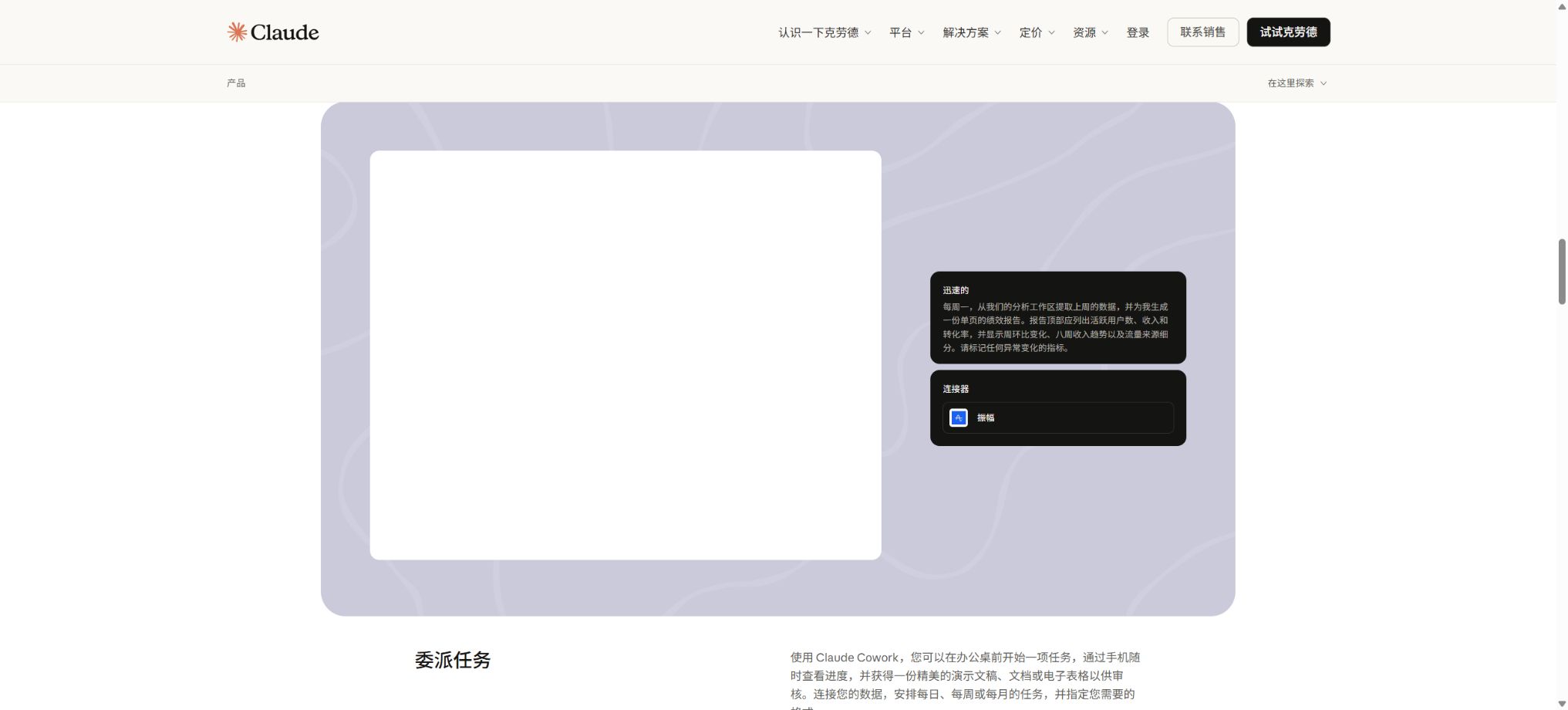
Claude Cowork utilizes the Agent architecture of Claude Code for tasks that involve non-programming knowledge. Once users grant permissions to specific folders and applications, it can read, edit, and create files, while also showing the files that are currently open, the tools being used, and each decision made.
The desktop version allows access to local files and applications, while some functions for the web and mobile versions are still under testing. Agent tasks coordinate multiple sub-Agents and tools, which means they consume more resources than regular chat.
Comparison of Claude’s individual plans
| Ability | Free | Pro | Max 5x | Max 20x |
|---|---|---|---|---|
| Web, mobile, and desktop chatting | Yes | Yes | Yes | Yes |
| Context window | 200,000 | 200,000 | 200,000 | 200,000 |
| Projects | Foundation | No restrictions on projects | No restrictions on projects | No restrictions on projects |
| Research and more models | Limited or absent | Yes | Yes | Yes |
| Claude Code and Cowork | None | Yes | Yes | Yes |
| Amount used | Foundation | At least 5 times that of Free | 5 times that of Pro | 20 times that of Pro |
| Peak priority and higher throughput | None | Finite | Yes | Highest |
Claude’s individual price
The following are the current prices on the official website in US dollars, exclusive of taxes. Pro offers monthly payment or a one-time annual payment option;
Max is available in dosage levels of 5 times and 20 times; the specific annual pricing and prices by region can be found on the account settlement page.
| Plan | Monthly payment | Annual payment | Primary interests |
|---|---|---|---|
| Free | $ | $ | Chat, Search, Memory, Files, Artifacts, Connectors, and Extended Thinking |
| Pro | $ | $ | More usage, Claude Code, Cowork, Design, Science, unlimited Projects and Research |
| Max 5x | 100 dollars per month | Subject to the purchase page. | All Pro functions; approximately 5 times the Pro usage per 5-hour window; higher output. |
| Max 20x | $ | Subject to the purchase page. | All Pro functions, approximately 20 times the Pro usage per 5-hour window, and highest priority. |
Claude does not have a fixed limit on the number of messages; the length of the conversation, attachments, the model used, Research features, code, and Cowork all influence the amount of data used. The quota is reset on a 5-hour rolling basis, and paid plans may also include weekly limits as well as restrictions on certain models or functions.
Prices for Team, Enterprise, and API
| Plan | Price | Scale and billing | Key capabilities |
|---|---|---|---|
| Standard Team Seat | $ | 2 to 150 people | Above the Pro tier usage, SSO, enterprise search, centralized management |
| Team Premium membership | $ | Can be mixed with standard seats | About 5 times the amount required for a standard seat |
| Enterprise | $ | Annual payment; can be done self-service or by contacting sales. | 500K default model context, SCIM, RBAC, auditing, retention, and compliance APIs |
| Education | Contact sales | University-wide implementation | Student and faculty visits, API points, learning features, and training |
| Fable 5 API | Enter 10; the output is 50 dollars per million tokens. | Pay-as-you-go | Agent that runs for a long time |
| Opus 5 API | Enter 5; the output is 25 dollars per million tokens. | Pay-as-you-go | Complex Agent coding and enterprise work |
| Sonnet 5 API | Input: 2; Output: 10 dollars per million tokens | Pay-as-you-go | High-performance encoding and Agents |
| Haiku 4.5 API | Input: 1; Output: 5 dollars per million tokens | Pay-as-you-go | Fast and cost-effective tasks |
API batch processing can save 50% costs; there are separate charges for prompt caching, Web Search, code execution, quick mode, and regional inference. The usage in Enterprise mode increases directly with the number of models and tasks, so it is necessary to set limits on the expenses incurred by users and organizations.
Claude usage tutorial
Create reliable reports using Research.
- Specify the research objectives, time frame, location, and output structure;
- Connect the necessary working materials and restrict unrelated data sources;
- Select Research, and enable Extended Thinking only when complex reasoning is required.
- Have Claude distinguish between facts, inferences, and uncertain information;
- Check whether the citation supports the corresponding sentence;
- Open the key web pages and internal documents to verify the numbers;
- Retain the research date, source, and records of manual modifications.
Create interactive content using Artifacts
- Enable code execution and file creation in the settings;
- Describe the target users, features, content, and visual requirements;
- Claude is required to first provide the structure before generating the Artifact.
- Test each button, input field, calculation function, and layout response individually;
- Inspect third-party code, dependencies, and external requests;
- Remove keys, personal information, and unauthorized materials;
- Conduct browser and accessibility testing before exporting or publishing.
Use Claude Code or Cowork safely.
- Start with version control or a complete backup copy;
- Only the directories, applications, and connectors required for the task are granted;
- First, let Claude explain the plan and the expected changes.
- Confirm settings for commands, writing, deletion, and sending.
- View differences, logs, and tool calls step by step;
- Run tests and conduct manual inspections of key outputs;
- Once completed, revoke the temporary permissions and submit a rollback version.
Who is Claude suitable for?
- Writers and editors: drafting long texts, summarizing content, and polishing the language;
- Research and consulting personnel: Networked research and integration of multiple sources;
- Data analyst: Handles files, code, and visualizations;
- Design and Product Team: Creating documents, prototypes, and artifacts;
- Developer: Use Claude Code to carry out tasks on the code repository;
- Knowledge workers: Process local files and applications using Cowork;
- Enterprises and universities: Deploy connectors, enterprise search, and governance.
Claude’s advantages
- 200,000 context units are suitable for long documents and ongoing conversations;
- Search, Research, and connectors take into account both public and internal information;
- Artifacts can be used to create interactive web pages and visualizations directly;
- Claude Code covers terminals, IDEs, GitHub, and GitLab;
- Cowork extends Agent capabilities to non-programming desktop tasks;
- Pro, Max, and Team offer distinct tiers for high usage levels;
- Enterprise offers fine-grained permissions, as well as audit and retention controls.
Usage restrictions and precautions
- Claude may generate incorrect facts, citations, code, and analyses;
- The amount of messages is not fixed; longer contexts consume more quota more quickly.
- Usage of Claude Code, Cowork, and chat sharing packages;
- Research and Agent tasks consume more resources than regular conversations;
- The code and dependencies in Artifacts require security review;
- Connectors and MCPs expand the boundaries of data and operations;
- By default, Incognito still retains data for 30 days for security reasons;
- Medical, legal, financial, and HR decisions must be reviewed manually.
Privacy, security, and data control
Free, Pro, and Max users can choose whether to allow their content to be used for model improvement; this setting should be checked regularly. Incognito chats are not used for training, nor are they included in the regular history or Memory.
Team, Enterprise, and API content are not used for training by default. Enterprise also offers SCIM, RBAC, audit logs, Compliance API, custom retention, IP whitelisting, and HIPAA-ready options.
- For sensitive tasks, use Incognito or a managed business workspace;
- Remove passwords, keys, and unnecessary personal information before uploading;
- Adhere to the principle of minimum permissions when connecting MCP to cloud services;
- Do not grant Cowork access to the entire disk or unrelated folders;
- Manual confirmation is required for external write, delete, and publish operations;
- Regularly audit members, connectors, shared projects, and data retention.
API, GitHub, and open-source information
Anthropic offers the Messages API, Batch, Prompt Caching, Web Search, Code Execution, and Agent SDK. Claude Code CLI, Agent SDK, plugins, and some examples are available on the official GitHub repository, which facilitates the creation of Agents and automation tasks.
The weights of the Claude model, the hosting services provided by Claude.ai, and the Cowork core platform are not open-source projects. The availability of a CLI or SDK under a MIT license does not mean that the full Claude system can be deployed privately.
Frequently Asked Questions
Is Claude free?
Free offers features such as chatting, searching, Memory, files, Artifacts, Connectors, and extended thinking, but the usage quota is limited; it also does not include Claude Code and Cowork.
How much is Claude Pro?
The cost is $20 per month or $200 per year, which is equivalent to about $17 per month. It includes more usage rights, research tools, unlimited projects, Claude Code, Cowork, Design, and Science features.
What is the difference between Claude Max?
Max 5x and 20x cost $100 and $200 per month respectively; their core functions are similar, with the main differences lying in the amount available per 5-hour interval and the maximum output volume.
Is Claude Code included in the subscription?
All paid Claude plans include Claude Code, and they share the same chat quota with Claude; it is also possible to use the Console and pay based on API usage.
Is Claude open source?
No, the Claude model and the hosted services are not open source. The official Claude Code, Agent SDK, and some plugin codes are available publicly, but they do not allow for the creation of a complete service.
Tools similar to Claude




 Guigong Network Security Registration No. 45132202000164