






Read AI
Convert meetings, emails, and messages into searchable work knowledge
Tags:AI conference toolsWhat is Read AI?
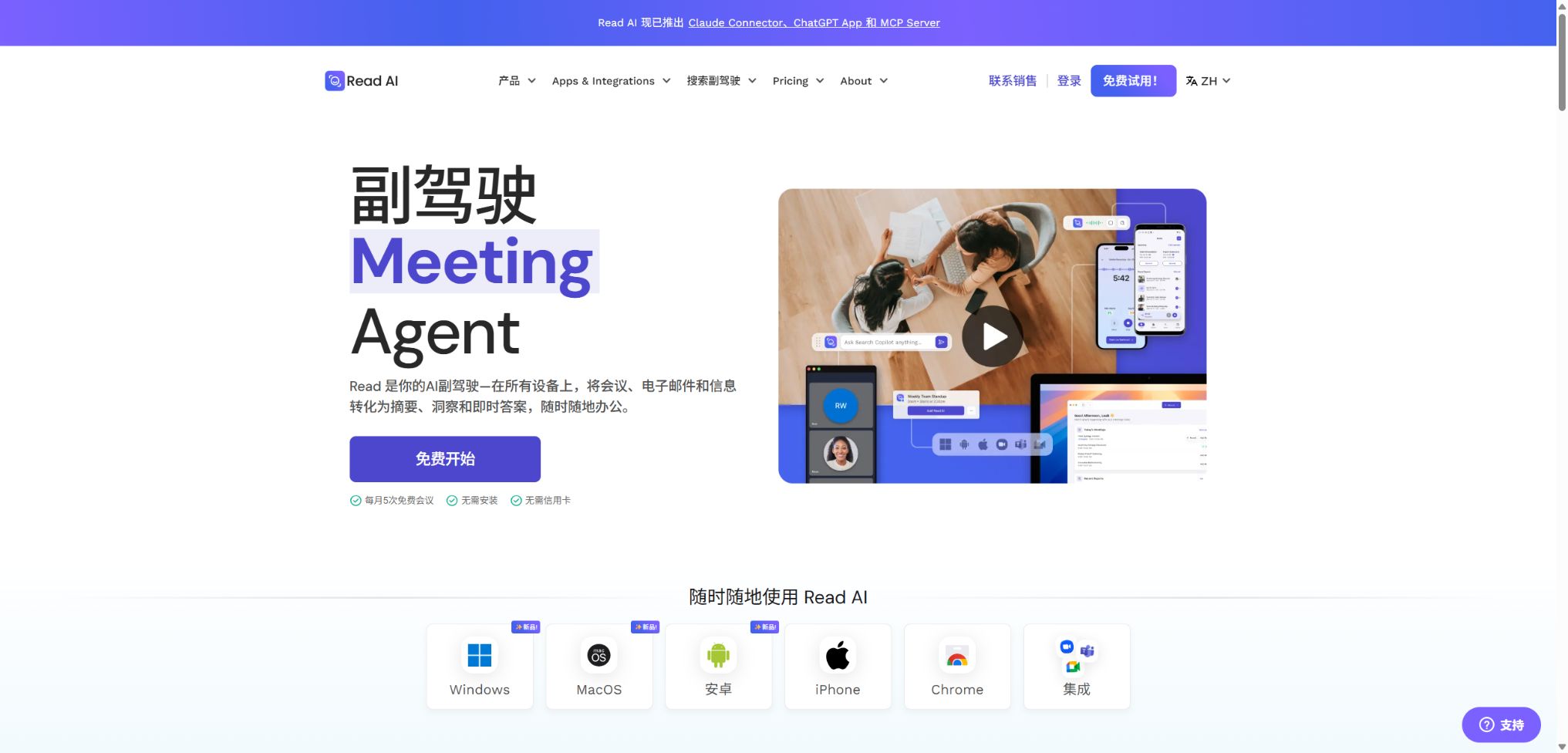
Read AI is an AI-powered meeting assistant and work knowledge search platform that can record meetings held via Zoom, Google Meet, and Microsoft Teams. It generates real-time notes, transcripts, summaries, key topics, action items, important questions, as well as metrics related to communication skills.
Ask Read, part of Read, can also connect to email, calendars, chat services, cloud storage, documents, and CRM systems, allowing questions across different tools to be answered from a single search box. The current version of this product is available for web browsers, desktop devices, iOS and Android platforms, browser extensions, the ChatGPT App, Claude Connector, as well as through APIs and MCP.
Main functions of Read AI
- The meeting assistant automatically joins Zoom, Meet, and Teams and generates reports;
- Real-time display of transcription, summary, engagement, and meeting metrics;
- The report includes the topic, action items, key issues, and speaker transcripts;
- Enterprise offers full audio and video playback as well as video highlights;
- Ask Read offers free access to searching for meetings as well as connected work-related knowledge;
- Connect to Gmail, Outlook, Slack, Teams, Drive, OneDrive, and more;
- Meeting Coach analyzes speech speed, filler words, interruptions, and interaction patterns;
- Existing audio or video files can be uploaded to generate similar meeting reports;
- Mobile and desktop apps can capture in-person meetings and other calls;
- REST API, MCP, ChatGPT, and Claude connectors support automation.
Meeting Assistant and real-time notes
After the user connects to the calendar and selects the relevant rules, Read Assistant will enter the platform as a participant. The person who organized the meeting must be logged in; the system will send a notification during the meeting, and participants can also use the chat function to type “opt out” in order to request that the meeting be stopped and its data deleted.
The real-time panel shows transcription, summaries, and engagement levels, but the scores should not be used as a determination of employees’ performance during meetings. Network latency, closed cameras, and multiple people speaking at once can all affect the accuracy of the analysis.
Meeting reports, replays, and highlights
After the meeting, Read generates summaries, sections, transcripts, action items, key questions, and coach feedback. Enterprise and Enterprise+ offer audio and video replays as well as Highlight clips, while Free and Pro primarily provide text-based reports.
Rules for accessing and distributing the report can be set; by default, access should be restricted to only those who truly need it. The amounts, dates, commitments, and responsible persons mentioned in the summary should be verified against the corresponding time points.
Ask Read enterprise search
Ask Read allows you to pose questions related to meetings, emails, calendars, Slack, Teams, cloud storage, Notion, Confluence, and CRM, and it provides answers along with links to the original records. Access to meetings, emails, and basic connections is available free of charge; however, certain document integrations and CRM functions require a paid subscription.
There is no fixed limit on the number of queries that can be made; filtering is possible by date, source, record, and creator. Search links that are shared publicly can only be viewed by the person who shared them, and it is necessary to remove such links regularly after they have been shared.
Ada Digital Assistant
Ada assists with preparing meetings, reviewing decisions, identifying action items, and scheduling through emails, and it can make use of the Ask Read knowledge sources to which the user has granted access. Replies that involve confidential information are first displayed in the private sidebar and are sent only after the user gives approval.
Meeting Coach and Team Insights
Meeting Coach analyzes speech rate, filler words, interruptions, questions, the use of inclusive language, and visual interactions, while also providing individual trends. Some indicators such as \"bias\" and \"charisma\" are derived from observations of facial expressions and reactions, and they may suffer from cultural, accessibility, and contextual biases.
These scores are suitable for individual reflection and should not be used alone for recruitment, evaluation, promotion, or disciplinary decisions. Before an organization uses them, it must conduct assessments regarding their legality, potential biases, and notification to employees.
File upload and multi-device capture
With the paid plans, it is possible to upload existing audio or video files to have summaries, key topics, action items, questions, and transcripts generated. The Pro, Enterprise, and Enterprise+ plans offer 100, 200, and 300 minutes of upload quota per month, respectively.
Applications for Windows, macOS, iOS, and Android can record computer-based or in-person meetings, thus expanding the range of use cases beyond traditional bots. It is still necessary to obtain the appropriate consent before recording people who are near the recording device.
API, MCP, and AI connectors
Read offers a public REST API that enables programmatic access to meetings, live sessions, transcripts, summaries, and action items. The official MCP connectors for ChatGPT and Claude allow AI assistants to retrieve meeting-related information within the scope of their existing permissions.
Comparison of Read AI features
| Ability | Free | Pro | Enterprise and above |
|---|---|---|---|
| Meeting report | 5 sessions per month | Infinity | Infinity |
| Longest duration in a single match | 1 hour | 4 hours | Enterprise: 4 hours; Enterprise+: 8 hours |
| Audio and video playback | None | None | Yes |
| File upload | None | 100 minutes/month | 200 or 300 minutes per month |
| Ask Read | Unlimited searching, basic integration | Advanced models and advanced integration | Advanced integration and organizational control |
| SSO, SCIM, and retention | None | None | Enterprise+ is available. |
Read AI price
Read charges based on the number of user seats; the annual payment plan offers a discount of about 25% compared to the monthly payment plan. The prices listed below are in US dollars as shown on the official website. Enterprise+ requires at least 5 licenses.
| Package | Monthly payment | Annual equivalent | Primary interests |
|---|---|---|---|
| Free | $ | $ | 5 reports per month, 1-hour limit, unlimited Ask Reads and basic integration |
| Pro | $ | $ | Unlimited reports, 4 hours, 100 minutes for uploads, advanced integration and workspace |
| Enterprise | $ | $ | Video and audio playback, Highlights, 200 minutes of upload time, and priority support |
| Enterprise+ | $ | $ | 8 hours, 300 minutes for uploading, HIPAA, SAML, SCIM, and retention controls |
Seats, discounts, and upload limits
| Project | Rules | Precautions |
|---|---|---|
| Work area seats | Every member must have a plan license. | No free seats available solely for administrators. |
| Mixed package | Pro and Enterprise cannot be used together in the same workspace. | A unified selection must be made based on the highest governance requirements. |
| Bulk annual payment | 10%/15%/20% discount for 100/500/1000 seats | It must meet the official annual quantity requirements. |
| Upload quota | Pro 100, Enterprise 200, Enterprise+ 300 minutes/month | Unlike the unlimited reports for live meetings |
| Refund | Refunds are generally not provided, but cancellation is possible before renewal. | Use until the end of the cycle after cancellation. |
Read AI usage guide
The first meeting was completed safely.
- Register an account and connect to the work calendar;
- It will automatically be set to a range that meets the requirements, instead of all meetings by default.
- Set automatic email delivery of reports to only yourself or specifically authorized individuals.
- Before the meeting, participants are informed about recording, analysis, purposes, and retention period;
- Confirm the host’s access rights, read the meeting notification;
- After the meeting, verify the summary, action items, and key deadlines;
- Delete unnecessary recordings, public links, and sensitive reports.
Create a team Ask Read knowledge base
- First, list the email, chat, document, and CRM applications that are allowed to be connected;
- Grant authorization for each integration on a minimum-privilege basis;
- Set policies for workspace sharing, search history, and public links;
- Filter test queries by date, source, and creator;
- Check whether the answer references come from records to which the user has access;
- Establish approval processes for sharing results and procedures for deleting them upon expiration;
- Conduct regular audits of employees who have left the company, as well as of OAuth, MCP, and external AI connections.
Process meeting reports through API
- Create development credentials and verify the plan and API permissions;
- Store the key in the server’s Secrets;
- Read meetings and the required additional fields using the pagination interface;
- Verify the user’s and workspace’s record access permissions;
- Safe retrying for rate limiting, timeouts, and duplicate events;
- The summary is saved, and the original retention rules are applied during transcription;
- Enables deletion, auditing, and key rotation.
Who is Read AI suitable for?
- Individual professionals: Automatic generation of summaries and action items;
- Sales and Customer Success: Reviewing customer conversations and CRM context;
- Product team: Conducting searches, interviews, identifying requirements and making decisions;
- Project Manager: Generate status updates and track tasks across meetings;
- Manager: Analyze meeting burdens, participation levels, and team topics;
- Regulated organizations: Use Enterprise+ identity and retention controls;
- Developer: Access meeting knowledge through REST APIs, MCP, and external AI connections.
The advantages of Read AI
- Expanding from meeting transcripts to emails, chats, documents, and CRM searches;
- Ask Read is free and there is no limit on the number of queries that can be made;
- Real-time notes, reports, action items, and coach metrics are fairly comprehensive;
- It supports desktop, mobile, browser, and the three major conferencing platforms;
- The paid plan offers unlimited meeting reports and storage space;
- Enterprise+ covers SSO, SCIM, HIPAA, and retention policies;
- It features official REST APIs, MCP, as well as connectors for ChatGPT and Claude.
Usage restrictions and precautions
- Free offers only 5 reports per month, with each report lasting up to 1 hour;
- Full audio and video playback requires Enterprise or Enterprise+.
- The default settings for automatic joining and sharing may exceed users’ expectations;
- Public search links do not require login, but should be created with caution;
- The AI-generated summaries, action items, and speaker assignments may be incorrect;
- Inferences regarding emotions, biases, and charm suffer from cultural and accessibility biases;
- External AI, MCP, and integration will expand the boundaries for processing meeting data;
- Recording and employee analysis must comply with local consent and labor laws.
Privacy, security, and consent for recording
Read has achieved SOC 2 Type II certification, complies with GDPR, and can provide HIPAA and BAA support for eligible Enterprise+ workspaces. Data is encrypted both during transmission and at rest; organizations can restrict or disable transcription storage and set retention periods.
By default, Read does not use customer meetings to train models; such use only occurs when users explicitly join the Customer Experience Improvement Program. The content of these meetings is not sold, and personalized information remains within the user’s account.
- Set automatic joining and automatic email configurations to the minimum necessary level.
- Obtain consent for applicable recording and analysis prior to the meeting;
- When participants request to opt out, the process must be stopped immediately and the deletion confirmed;
- Restrict public links, video replays, and the download of sensitive reports;
- Do not make personnel or high-risk decisions based solely on a coach’s score;
- Regularly clean up historical data, connectors, API keys, and accounts of employees who have left the company.
API, GitHub, and open-source information
By 2026, Read will make its REST API and MCP available, enabling programmed access to meetings, live sessions, transcripts, summaries, and action items; it will also allow meeting-related data to be integrated into AI-compatible clients. The specific fields, rates, and permissions are subject to the current API documentation.
The core services of Read AI – namely capture, transcription, search, and model services – are not open-source projects. The integration codes or example scripts made available on the official GitHub repository cannot be used for a complete private deployment of the Read platform.
Frequently Asked Questions
Is Read AI free?
Free is permanently available at no cost; it includes 5 meeting reports per month, unlimited Ask Read searches, and basic integration, with each session lasting up to 1 hour.
How much does Read AI Pro cost?
The Pro plan costs $19.75 per person per month; when paid annually, the cost is $15 per person per month. It includes unlimited meeting recordings, a limit of 4 hours per meeting, and 100 minutes for file uploads.
Does Read AI support Chinese?
It supports more than 20 languages, including Mandarin and Cantonese; the official report menu lists at least 16 full languages for generating reports. Proofreading is still required for dialects and multiple simultaneous voices.
Does Read AI provide an API?
Official REST APIs and MCP provide access to meetings, transcripts, summaries, and action items; there are also the ChatGPT App and Claude Connector.
Is Read AI open source?
No, the core meeting tools, as well as the search and AI platforms, are not open source. Projects available on GitHub do not mean that a complete product can be hosted on one’s own server.
Tools similar to Read AI



 Guigong Network Security Registration No. 45132202000164